User Manual BDL4251V
31
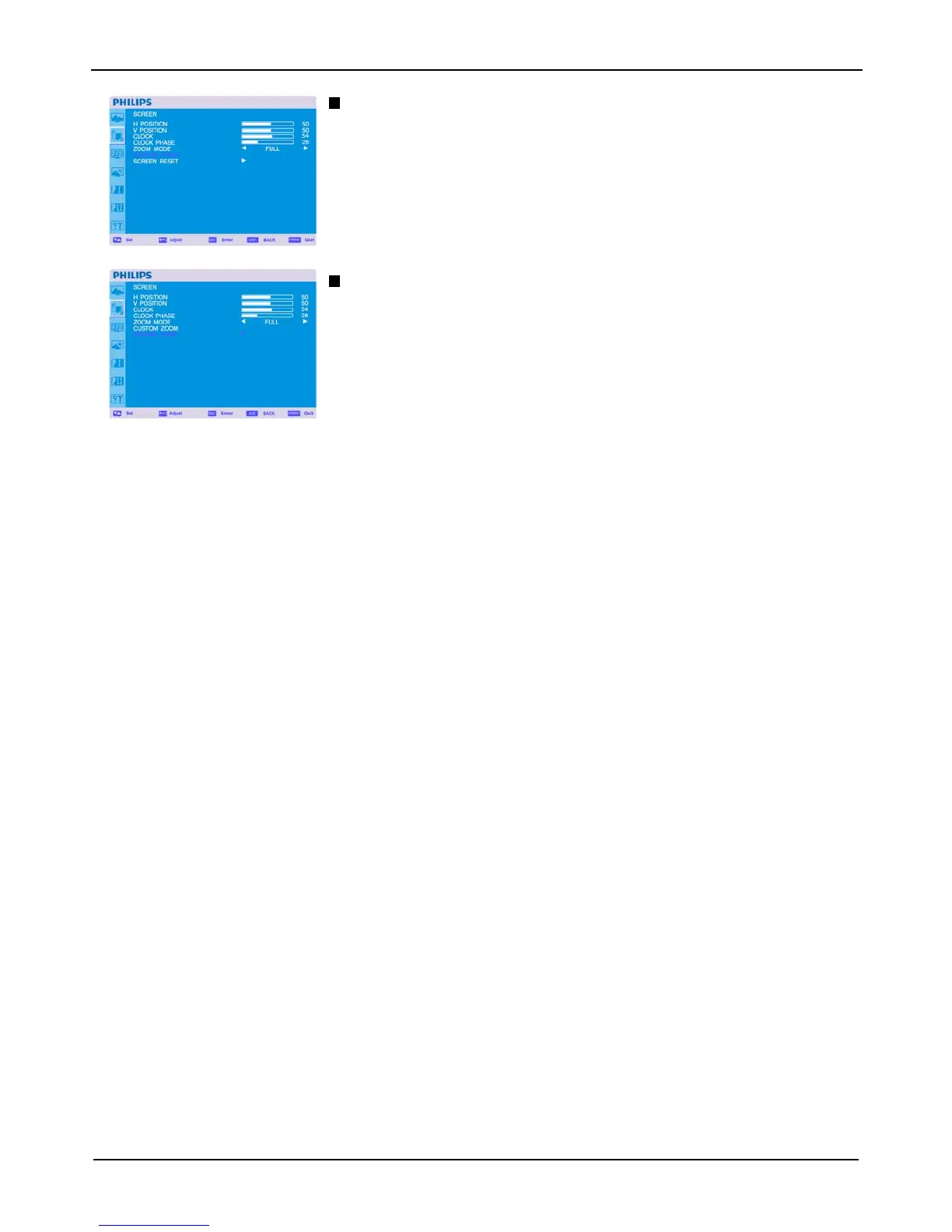
CUSTOM ZOOM
“CUSTOM ZOOM” will be selected when you select “CUSTOM” on the screen “ZOOM” mode.
ZOOM: expands the horizontal and the vertical size simultaneously.
HZOOM: expands the horizontal size only.
VZOOM: expands the vertical size only.
H POSITION: moves to the right with + button. moves to the left with – button.
V POSITION: moves up with + button. moves down with – button.
SCREEN RESET
Selecting Screen reset allows you to reset all OSD settings from PICTURE setting.
Select “Yes” and press “SET” button to restore the factory preset data.
Press “EXIT” button to cancel and then return to the previous menu.












 To Next Page