19
English
EN
Navigate the menu
1 When a menu is displayed, press the buttons on the remote control
to navigate.
Button Action
Move up or down.
Move left or right.
OK Confirm a selection.
Enter numbers.
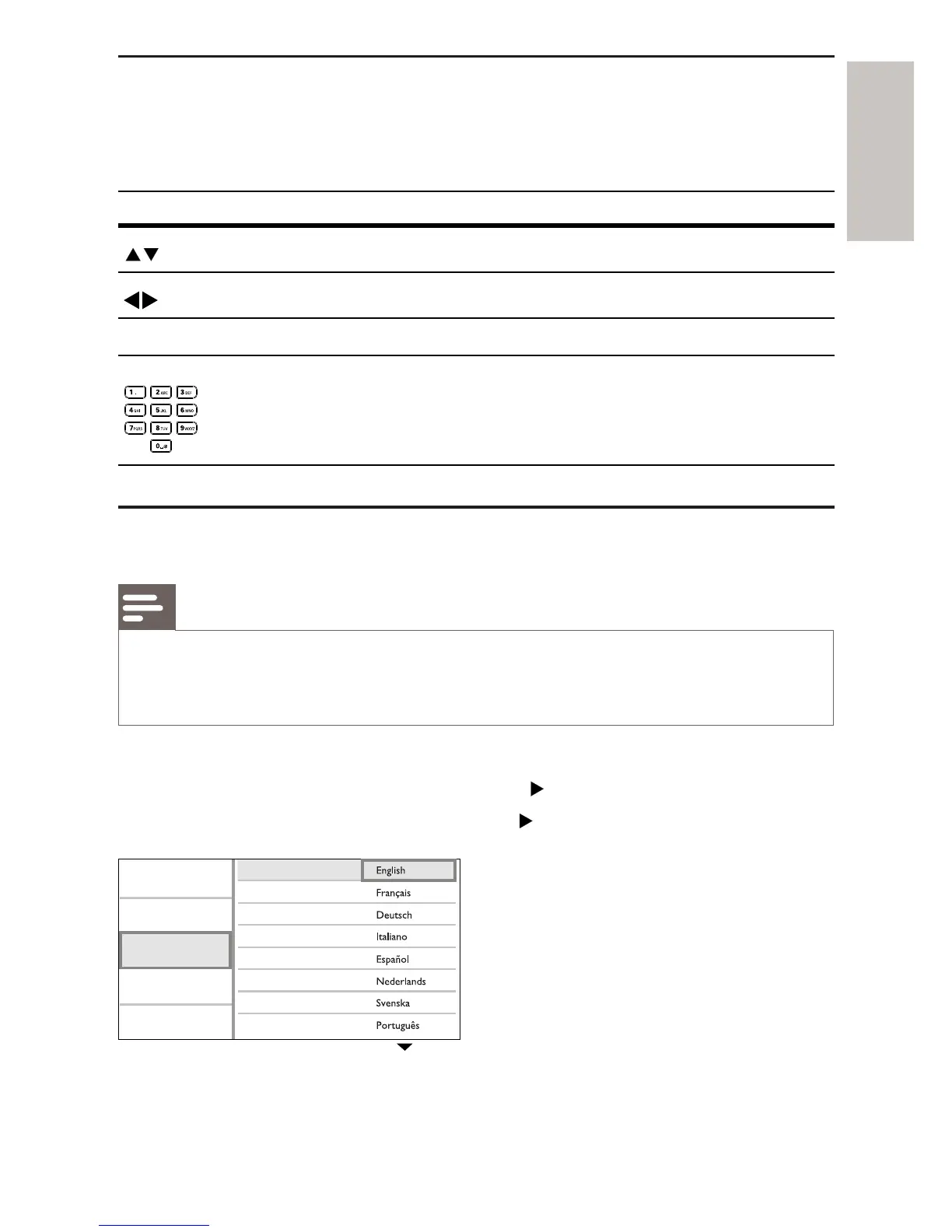
Select menu display language
Note
If this product is connected to a HDMI CEC compliant TV, skip this setting. It switches •
automatically to the same OSD menu language as per your TV setting (if the language
set on TV is supported by this product).
1 In the Home menu, select [Settings] and press OK.
2 Select [Preference Setup], then press .
3 Select [Menu Language], then press .
The language options may vary from different regions.•
Video Setup
Advanced Setup
Audio Setup
Preference Setup
EasyLink Setup
Menu Language
Parental Control
Screen Saver
Display Panel
Auto Standby
VCD PBC
Change Password



 To Next Page