38
EN
• [Off] - Disable one-touch play feature.
[One Touch Standby]
When you press and hold the STANDBY
button on the remote control,
all the connected HDMI CEC devices (if the device supports one-touch
standby) switch to standby mode simultaneously.
• [On] - Turn on one-touch standby feature.
• [Off] - Disable one-touch standby feature.
Note
You must turn on the HDMI CEC operations on the TV/devices before you can enjoy •
the EasyLink controls. See the TV/devices manual for details.
Philips does not guarantee 100% interoperability with all HDMI CEC compliant
•
devices.
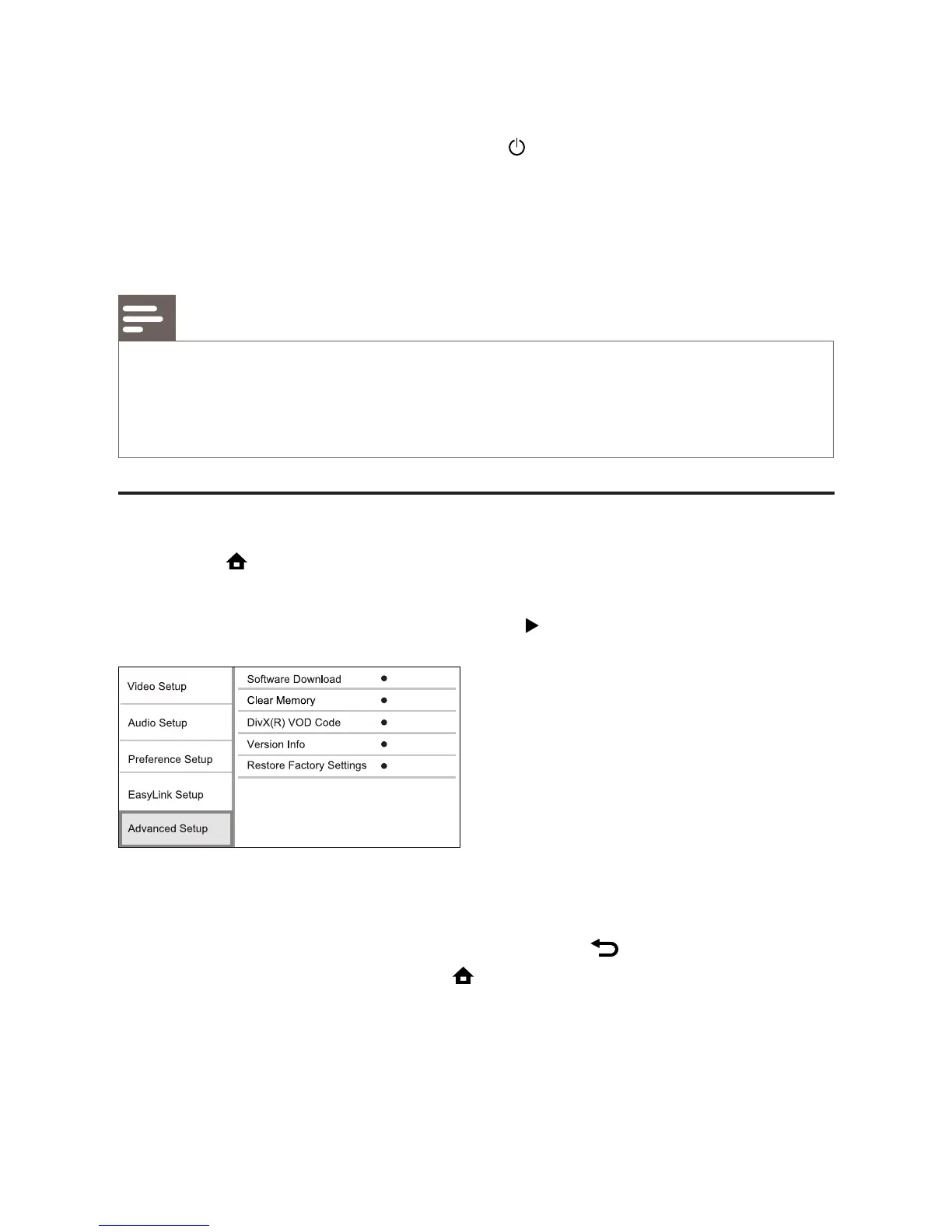
Advanced Setup
1 Press .
2 Select [Settings], then press OK.
3 Select [Advanced Setup], then press .
4 Select an option, then press OK.
5 Select a setting, then press OK.
To return to the previous menu, press •
BACK.
To exit the menu, press •
.
[Software Download]
Update the software of this product (if a latest version is available on
Philips website) to enhance the playability of this product.
• [USB] - Download software from the USB device which is connected
to this product.



 To Next Page