33
English
EN
• [Native] - Set to original video resolution.
• [480i/576i], [480p/576p], [720p], [1080i], [1080p], [1080p/24Hz]
- Select a video resolution setting that is best supported by the TV.
See the TV manual for details.
Note
If the setting is not compatible with your TV, a blank screen appears. Wait for 10 •
seconds for auto recovery, or press repeatedly the HDMI button until the picture
appears.
[HDMI Deep Color]
This feature is available only when the display device is connected by a
HDMI cable, and when it supports deep color feature.
• [Auto] - Enjoy vivid images in over a billion colors on Deep Color
enabled TV.
• [Off] - Output standard 8 bit color.
[Picture Settings]
Select a predefined set of picture color settings.
• [Standard] – Original color setting.
• [Vivid] – Vibrant color setting.
• [Cool] - Soft color setting.
• [Action] – Sharp color setting. It enhances the details in the dark
area. Ideal for action movies.
• [Animation] – Contrast color setting. Ideal for animated pictures.
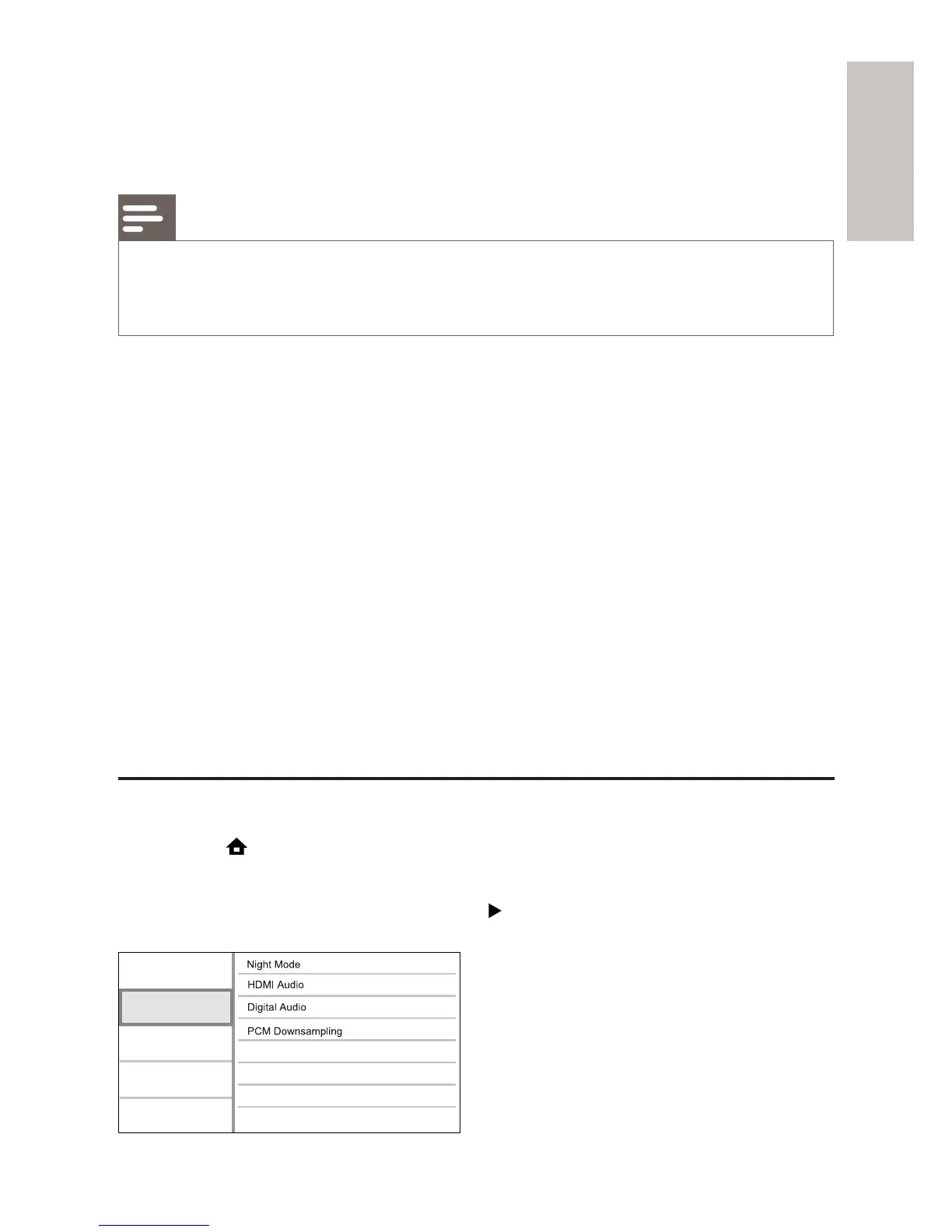
Audio Setup
1 Press .
2 Select [Settings], then press OK.
3 Select [Audio Setup], then press .
Video Setup
Advanced Setup
Audio Setup
Preference Setup
EasyLink Setup



 To Next Page