37
English
EN
• [Off] - Disable auto standby mode.
[VCD PBC]
Turn on or off the content menu of VCDs/SVCDs with PBC (playback
control) feature.
• [On] - Display the index menu when you load a disc for play.
• [Off] - Skip the menu and start play from the first title.
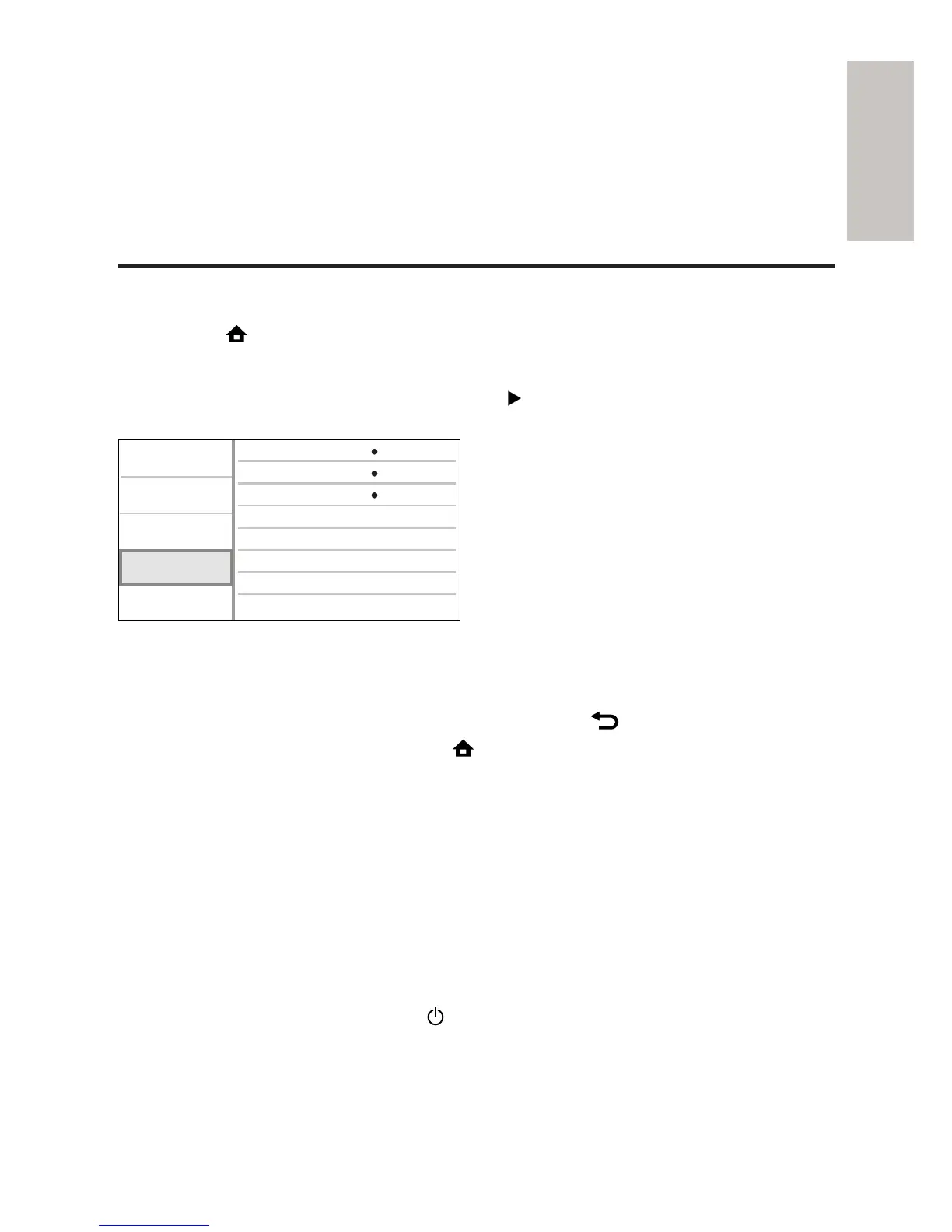
EasyLink Setup
1 Press .
2 Select [Settings], then press OK.
3 Select [EasyLink Setup], then press .
4 Select an option, then press OK.
5 Select a setting, then press OK.
To return to the previous menu, press •
BACK.
To exit the menu, press •
.
[EasyLink]
This product supports Philips Easylink which uses the HDMI CEC
(Consumer Electronics Control) protocol. You can use one single remote
control to control all EasyLink-compliant devices that are connected
through HDMI connectors.
• [On] - Turn on EasyLink features.
• [Off] - Disable EasyLink features.
[One Touch Play]
When you press the STANDBY
button to turn on this product, the TV
(if the TV supports one-touch play) automatically turns on and switches to
the video-in channel. Disc play starts if there is a disc in this product.
• [On] - Turn on one-touch play feature.
Video Setup
Advanced Setup
Audio Setup
Preference Setup
EasyLink Setup
One Touch Play
EasyLink
One Touch Standby
On
On
On



 To Next Page