22
EN
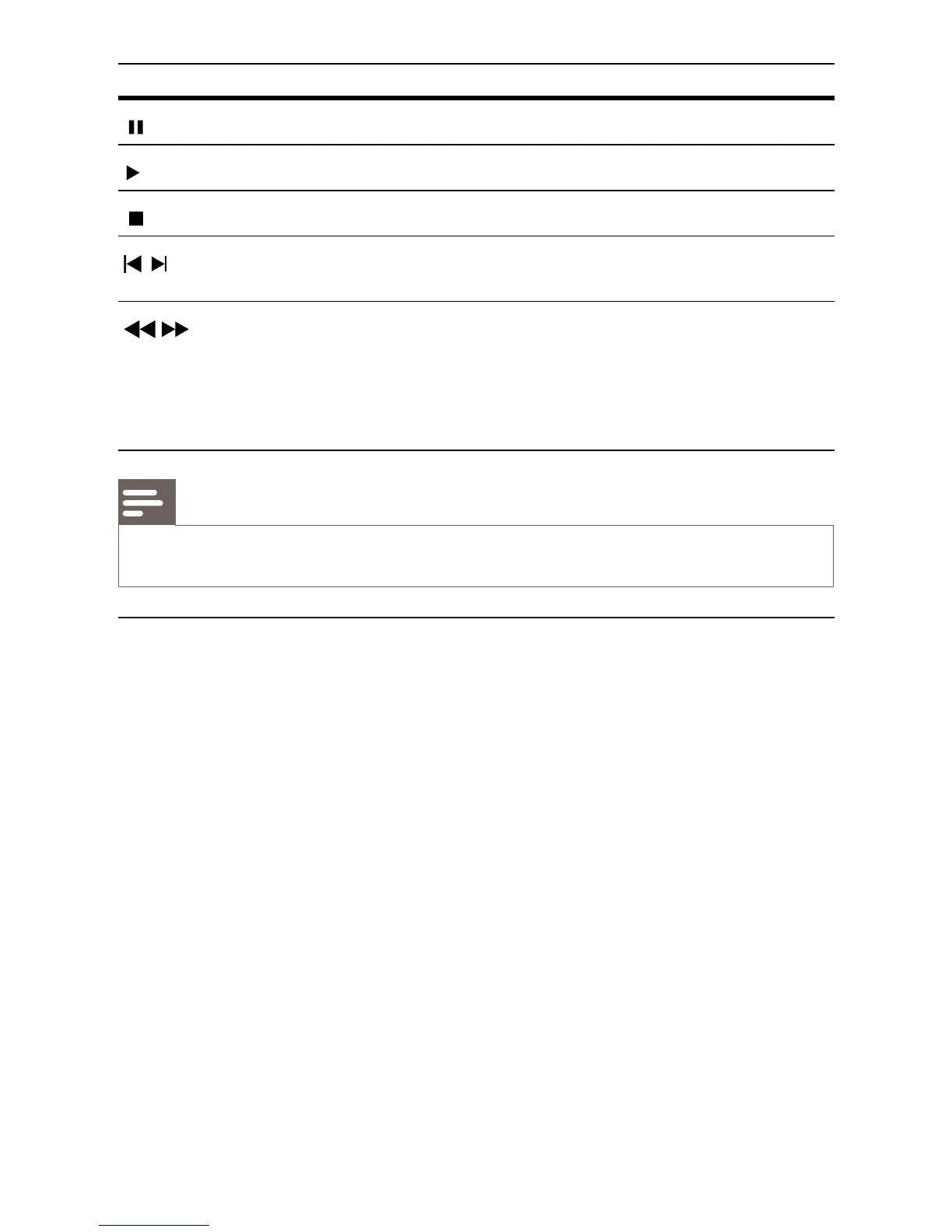
Button Action
Pause play.
Start or resume play.
Stop play.
/
Skip to a previous/next title or
chapter.
/
Search fast-backward or fast-forward.
Press repeatedly to change the search
speed.
In pause mode, slow a play •
backward or forward.
Note
For BD disc with Java application, the resume function is not available. •
Change video play
1
Play a title.
2 Use the remote control to change the play.



 To Next Page