28
EN
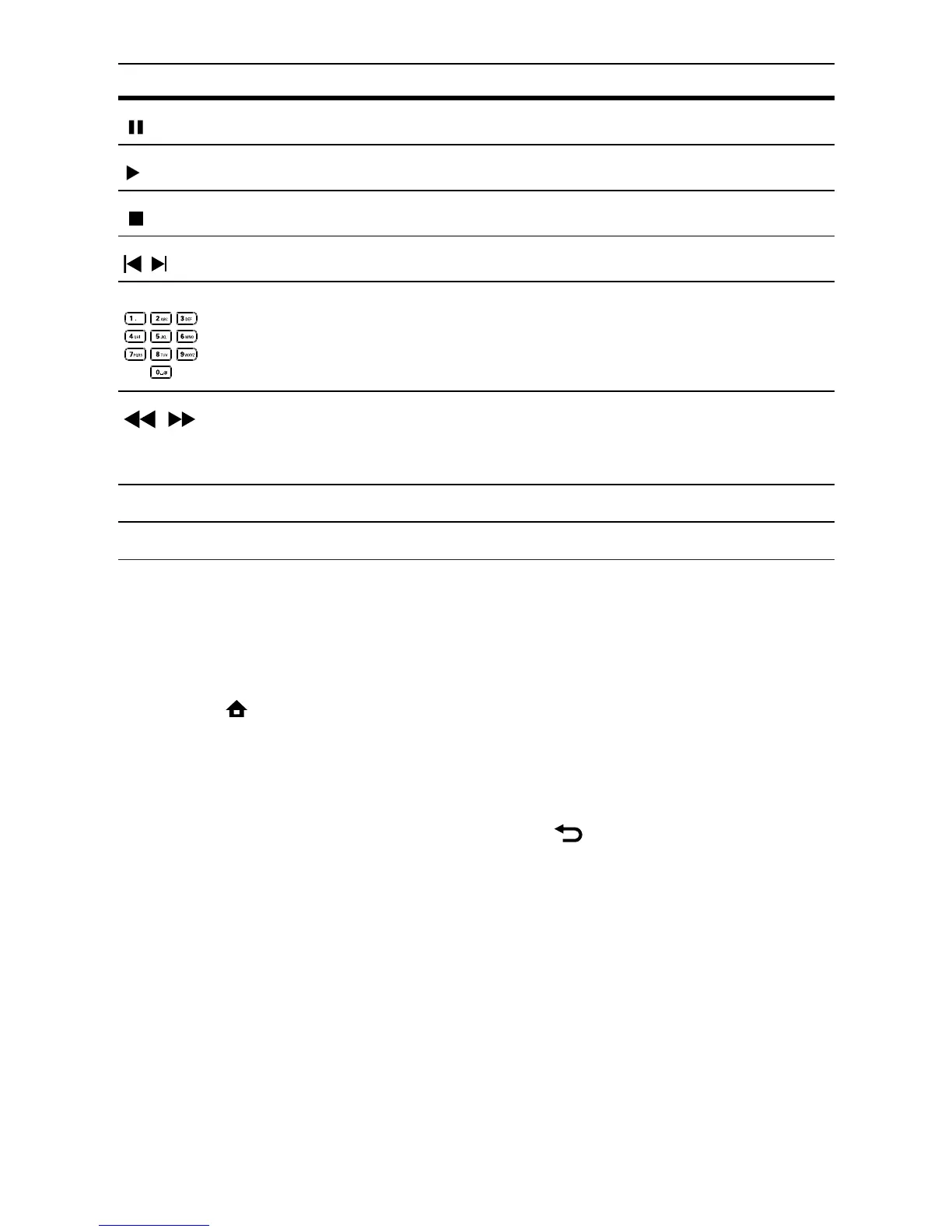
Button Action
Pause play.
Start or resume play.
Stop play.
/
Skip to a previous/next track.
Select an item to play.
/
Search fast-backward or fast-forward.
Press repeatedly to change the search
speed.
REPEAT Select or turn off repeat or shuffle mode.
Play MP3/WMA music
MP3/WMA is a type of highly compressed audio file (files with .mp3, .wma
extensions).
1 Insert a disc that contains the MP3/WMA music.
2 Press , select [Play Disc], then press OK.
A contents menu is displayed. »
3 Select a music folder, then press OK.
4 Select a file to play, then press OK.
To return to the main menu, press •
BACK.



 To Next Page