9EN
5 Radio
Press to enter the Home screen. Tap
.
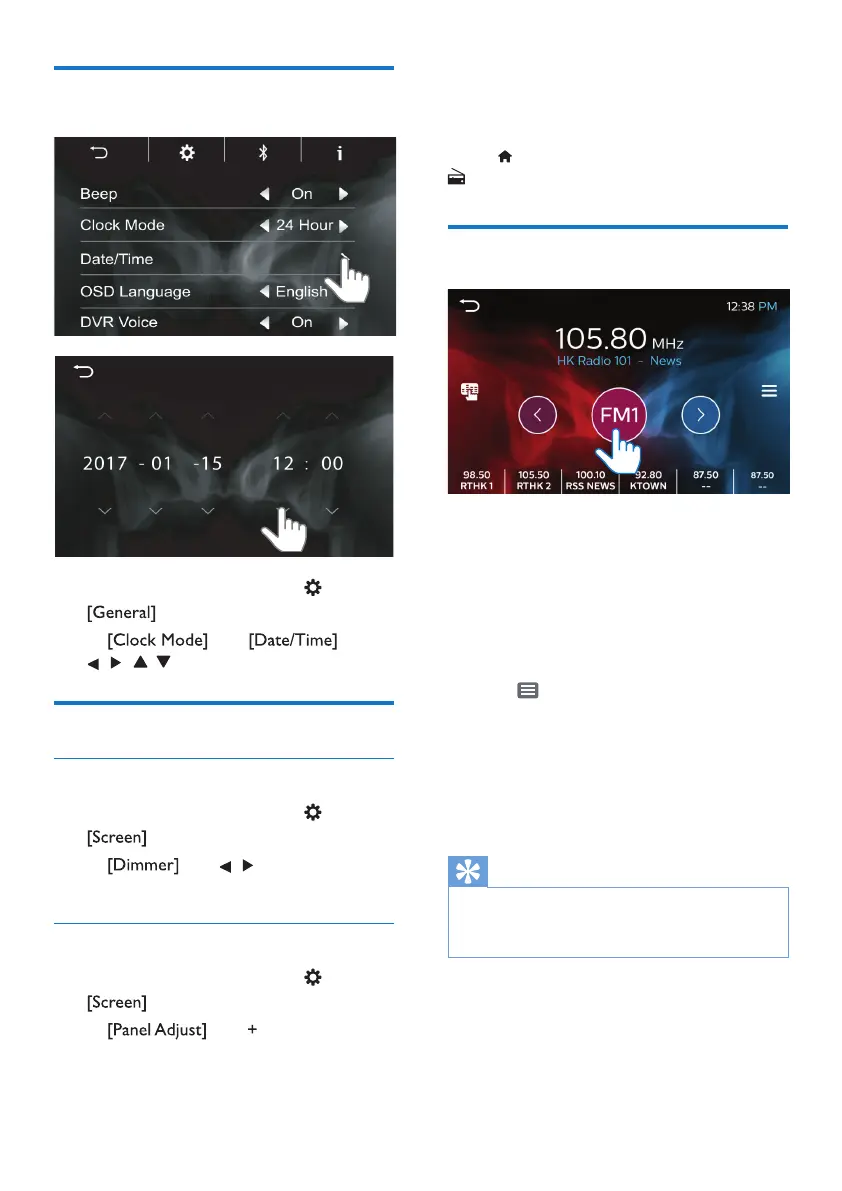
Tune in to radio stations
Auto tune
The rst time you tune in to the radio,
start
Auto tune to search for stations.
1 Tap FM or AM to select a band.
FM bands: FM1, FM2, FM3
AM band: AM
2 Tap to start Auto Store.
» For each band, up to 6 stations
are stored as presets.
» The preset stations are listed at
the bottom of the screen.
3 Tap to select a preset station.
Tip
•
When you move to a new place (such as a
new city or country), restart auto tune for
better reception.
Manual tune
Use Manual tune to search for a
frequency or station.
Set the date and time
1 On the Home screen, tap >
.
2 In and , tap
, , , to select your options.
Adjust the screen
Adjust the screen brightness
1 On the Home screen, tap >
.
2 In , tap , to select your
options.
Calibrate the touch panel
1 On the Home screen, tap >
.
2 In , tap to calibrate
the positioning of your taps on the
screen.



 To Next Page