19EN
Select the Bass settings
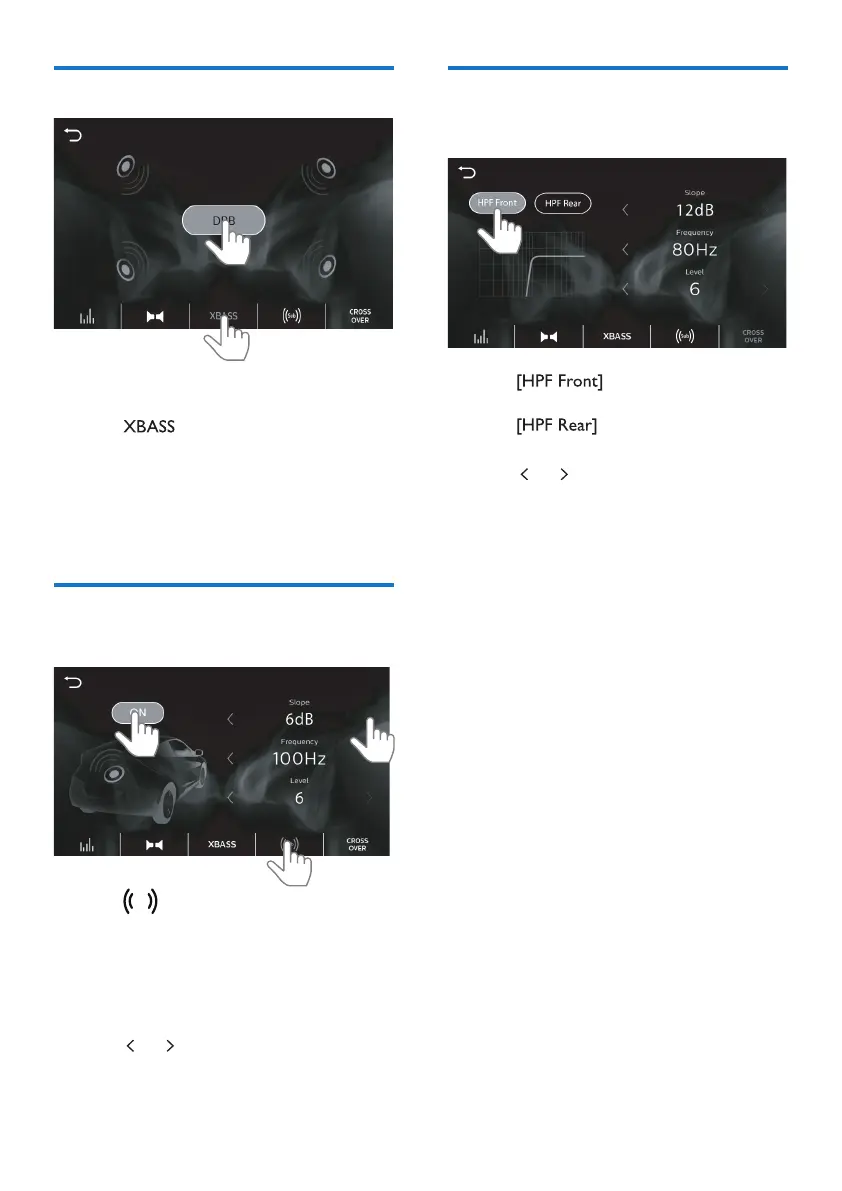
You can enable DBB (Dynamic Bass
Boost) to enhance bass level.
1 Tap to enter the option list of
Dynamic Bass Boost settings.
• [DBB] (highlighted): DBB sound
eect is enabled.
• [DBB] (in black): DBB sound
eect is disabled.
Select the Subwoofer
settings
1 Tap
Sub
to enter the option list of
Subwoofer settings.
• [ON] (highlighted):Tap to turn on
the Subwoofer.
• [OFF] (in black): Tap to turn o
the Subwoofer.
2 Tap or to select an option.
Select the crossover
settings
1 Tap to switch on or o
the high pass lter of front speakers.
Tap
to switch on or o the
high pass lter of rear speakers.
2 Tap or to select an option.



 To Next Page