16 EN
To dial the last called numer
• Tap
.
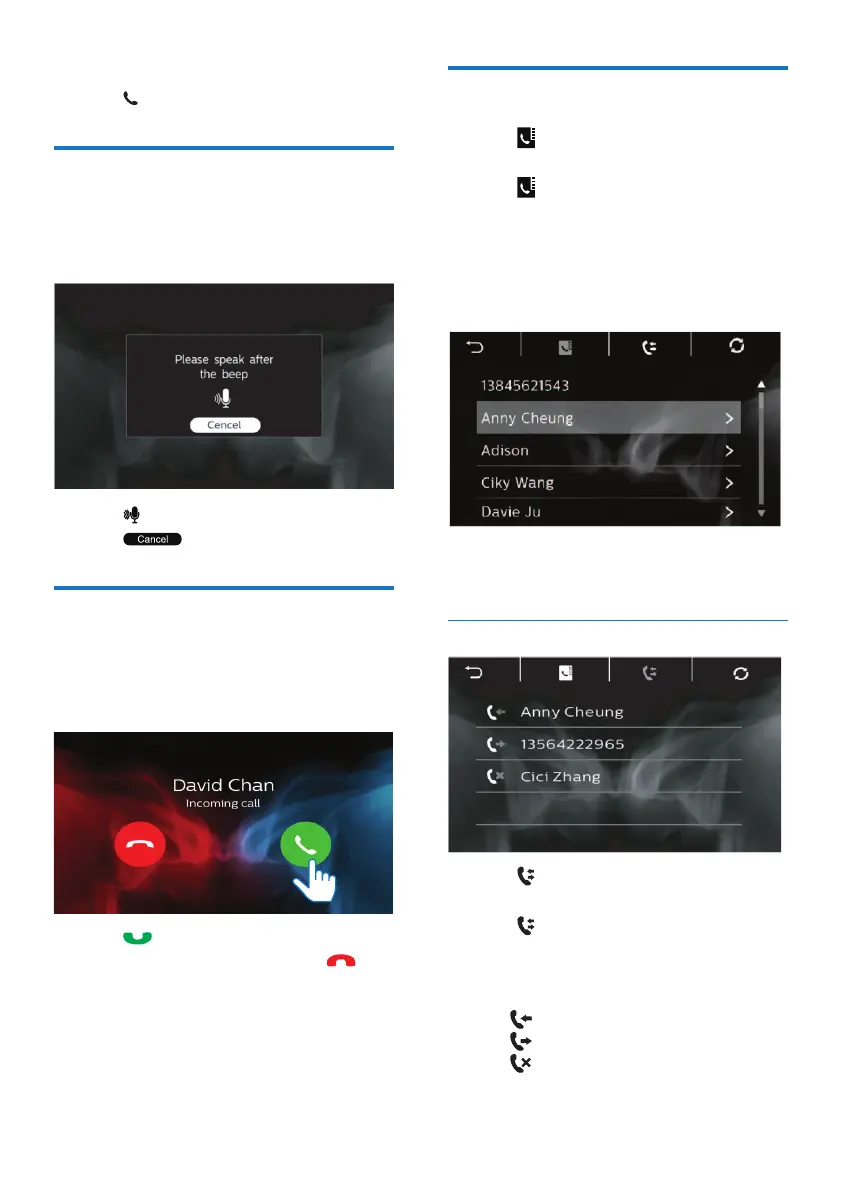
Voice Control
Once the smartphone and the device
are paired, you can use the voice
control function through the device.
• Tap to start voice control.
• Tap
to exit voice control.
Answer phone calls
The incoming call can get through
automatically when it is received on the
connected mobile phone.
• Tap to answer the call.
• To reject or end the call, tap
.
Use the Phonebook
1
Tap to display the phone book
interface.
2 Tap to start synchronizing the
phone book with your mobile
phone.
» After the synchronization is
complete, the contact list is
displayed.
3 Tap the name of a contact from the
list, and then send a call.
Call List
1 Tap to display the call list
interface.
2 Tap to start synchronizing the call
list with your mobile phone.
» The following options are
displayed.
•
: Incoming call
•
: Outgoing Call
•
: Missing Call
3 Tap one of the options and conrm.



 To Next Page