13EN
Select play options
•
/ : Tap to start, pause, or resume
play.
•
/ / : Tap to select a repeat
mode:
•
: Repeats all songs.
•
: Repeats current song.
•
: Repeats all songs in current
folder.
•
: Tap to play all songs in random
order (
highlighted) or in
sequence (
in gray).
Search for les
•
/ :
• Tap to skip to the next/previous
le.
• Tap and hold to fast forward or
rewind within current le.
• Tap
to go to the song list. Tap
to return to the previous level in the
le directory.
Select sound settings
: Tap to select sound settings.
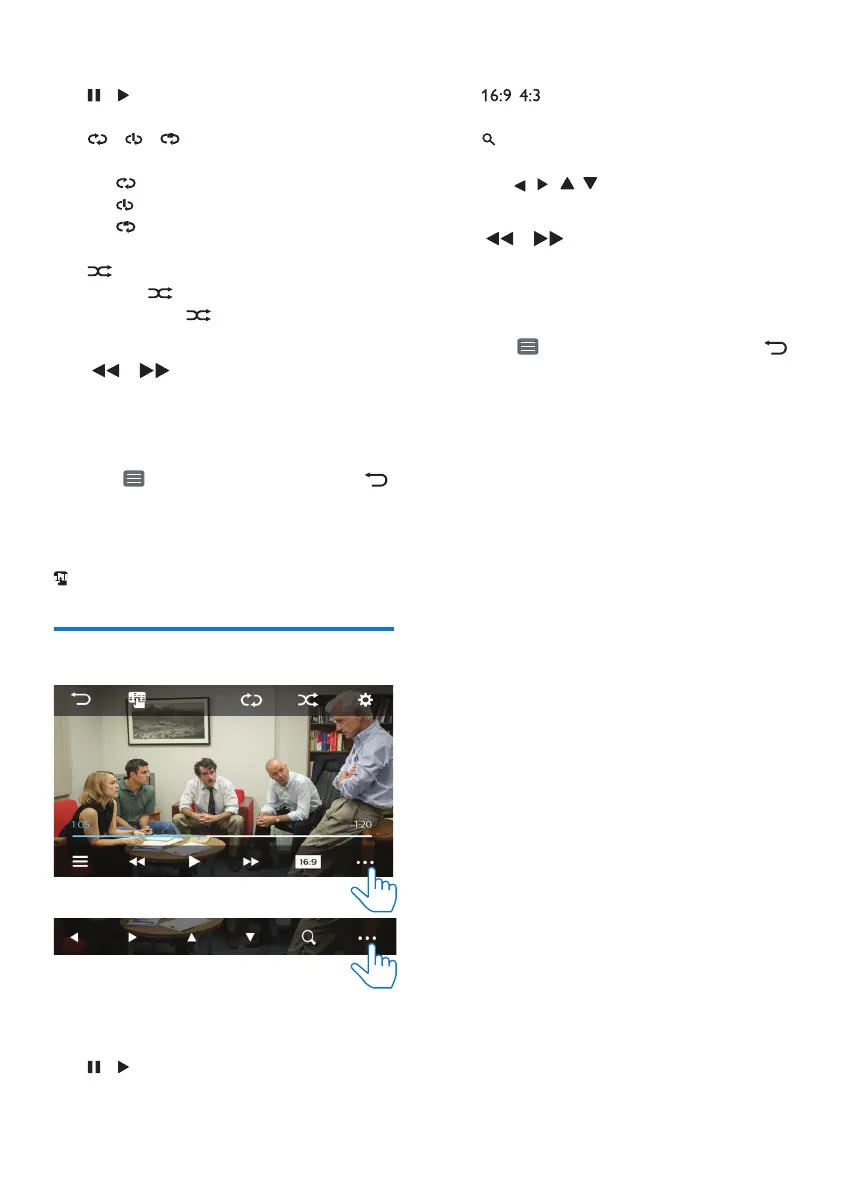
Play videos
Select play options
•
/ : Tap to start, pause, or resume
play.
Select view options
•
/ : Tap to select an aspect
ratio.
•
: Tap to zoom in or out the scene.
To pan through the enlarged scene,
tap
, , , .
Search
•
/ :
• Tap to skip to the previous/next
le.
• Tap and hold to fast forward or
rewind within current le.
• Tap
to go to the video list. Tap
to return to the previous level in the
le directory.



 To Next Page