12 EN
Note
•
If the currently received TA signal remains
weak for over 120 seconds, the unit will
activate TA Seek mode automatically to
seek for other stations with better TA signal.
Tip
•
When a trac announcement cuts in, the
user can press briey to terminate the
trac announcement, and the unit will
resume to the previous playback mode.
Set RDS clock
You can use time signal that is
broadcast together with the RDS
signal to set the clock of the unit
automatically.
1 Tap > .
2 Tap , to select a setting:
•
: Turn on the RDS clock.
Time shown on the unit
synchronizes with that on the
RDS station.
•
: Turn o the RDS clock.
Tip
•
The accuracy of the transmitted time
depends on the RDS station that transmits
the time signal.
7 USB
On the unit, you can play the media les
that you have stored on a USB storage
device.
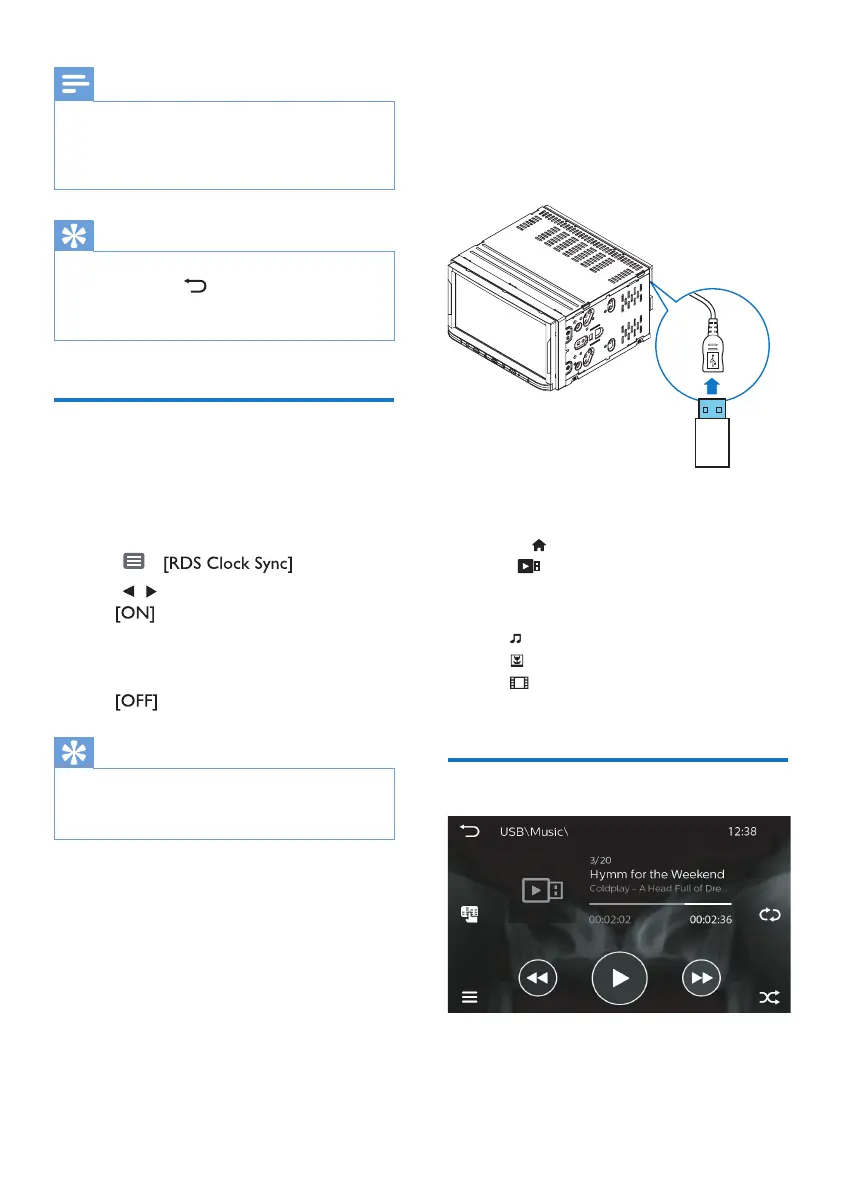
1 Connect your USB storage device to
the unit.
2 Press to enter the Home screen.
Tap
.
» Media les are sorted as
follows:
: Display music les/ folders.
: Display picture les/ folders.
: Display video les/ folders.
3 Select a le to start play.
Play music
» On the play screen, you can see the
le information and play status.



 To Next Page