20
Screen
See “Adjust the screen” on page 9.
Bluetooth settings
Tap to enter the options list.
• Set the passcode for a Bluetooth
device to connect with the unit.
• Set the name of the unit that is
displayed on your Bluetooth device
when you search for the unit during
Bluetooth connection.
• View the Bluetooth device that is
connected with the unit.
• When (clear all) is
selected, all previously connected
devices will be cleared. Next time
you need to pair your device with
the unit again.
System information
Tap to enter the options list.
MPEG Version / MCU Version
• Check the rmware version.
• Check the Bluetooth version.
13 Settings
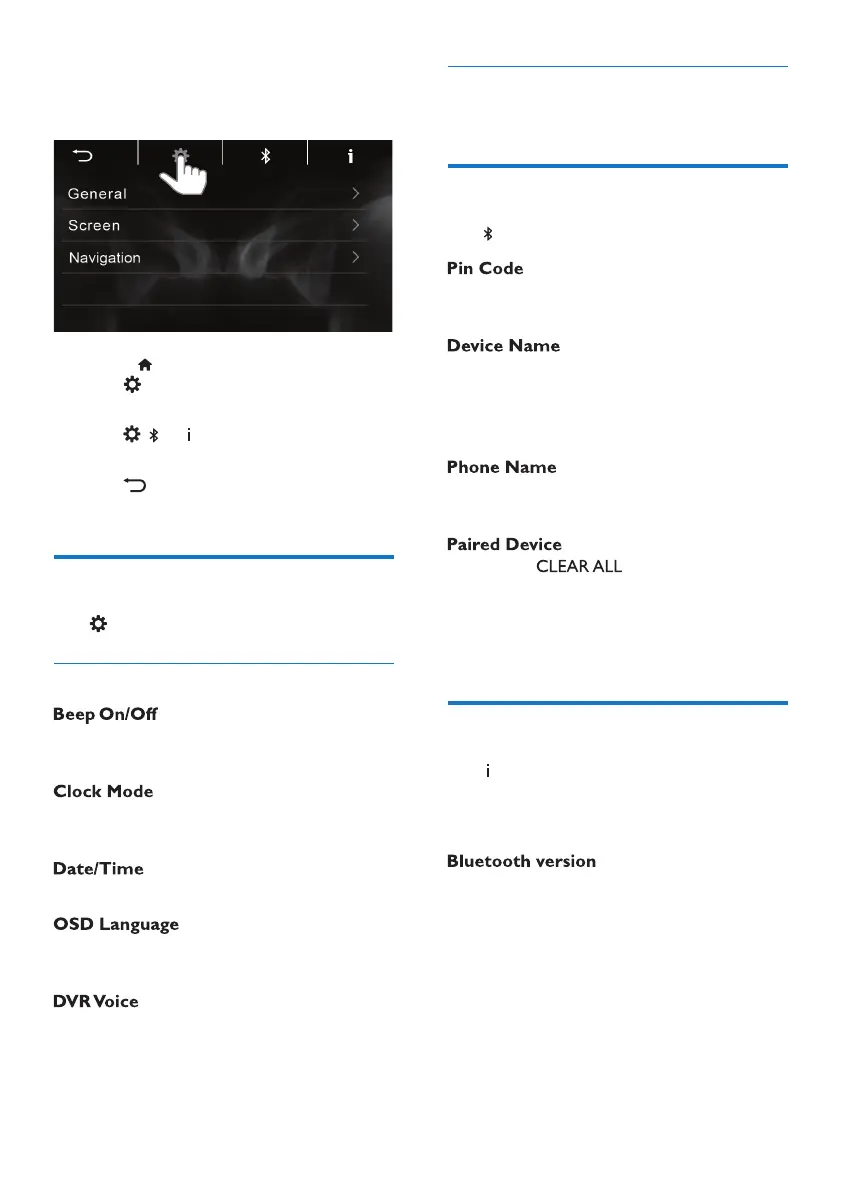
1 Press to enter the Home screen.
Tap
to enter the functional menu
of settings
.
2 Tap , or to enter the options
list.
3 Tap to return to the previous
screen.
System settings
Tap to enter the options list.
General
• Select if Beep sounds when you tap
on the screen.
• Select 12-hour or 24-hour clock for
your time setting.
• Set the date and time.
• Select the language for the
onscreen instructions.
• Tap On or O the DVR Voice.
EN



 To Next Page