8 EN
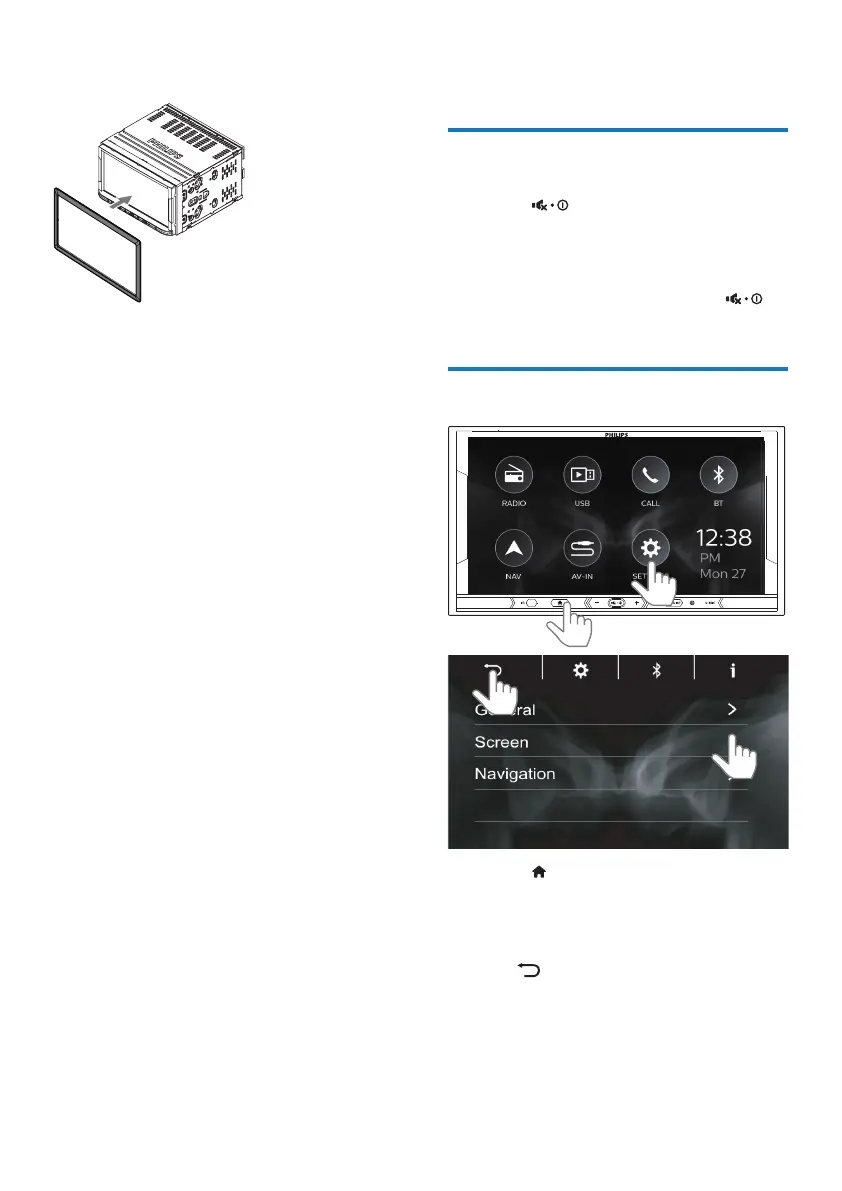
6 Attach the trim plate.
4 Basics
Switch on or o
1
Press to switch on.
• For the rst-time use, follow
the onscreen instructions to
complete the setup.
2 To switch o, press and hold
until the screen dims.
Use the touch screen
1 Press to enter the Home screen.
2 Tap the icon or menu item to select
or enter the functional or options
menu.
3 Tap to return to the previous
screen.



 To Next Page