18
Touch [Clear] to clear all the entered
numbers.
4 Touch [Enter] to save.
The radio station is broadcast.
Scan search
You can search for a station with intro search,
which broadcasts a 10-second preview of each
detected radio station.
1 Touch [Band] to select band.
2 Press INTRO.SCH on the main unit.
Select tuner sensitivity
Before you start to search for radio stations,
you can select tuner sensitivity.
[Normal] : Only stations with strong signals
can be broadcast.
[HiSens] : Stations with strong and weak
signals can be broadcast.
1 Touch [HiSens] to toggle tuner sensitivity
from normal to high sensitivity.
The display is changed.
To change tuner sensitivity back to
normal, touch [Normal] .
Store radio stations in
memory
You can store up to 6 stations in each band.
Store stations automatically
1 Touch to display the main menu.
2 Touch [Radio] .
3 Touch [Band] repeatedly to select band.
4 Touch [Search] .
Auto search starts. The six strongest
stations of the selected band are saved
in preset channels 1-6 automatically.
•
»
•
•
»
»
»
4 Listen to radio
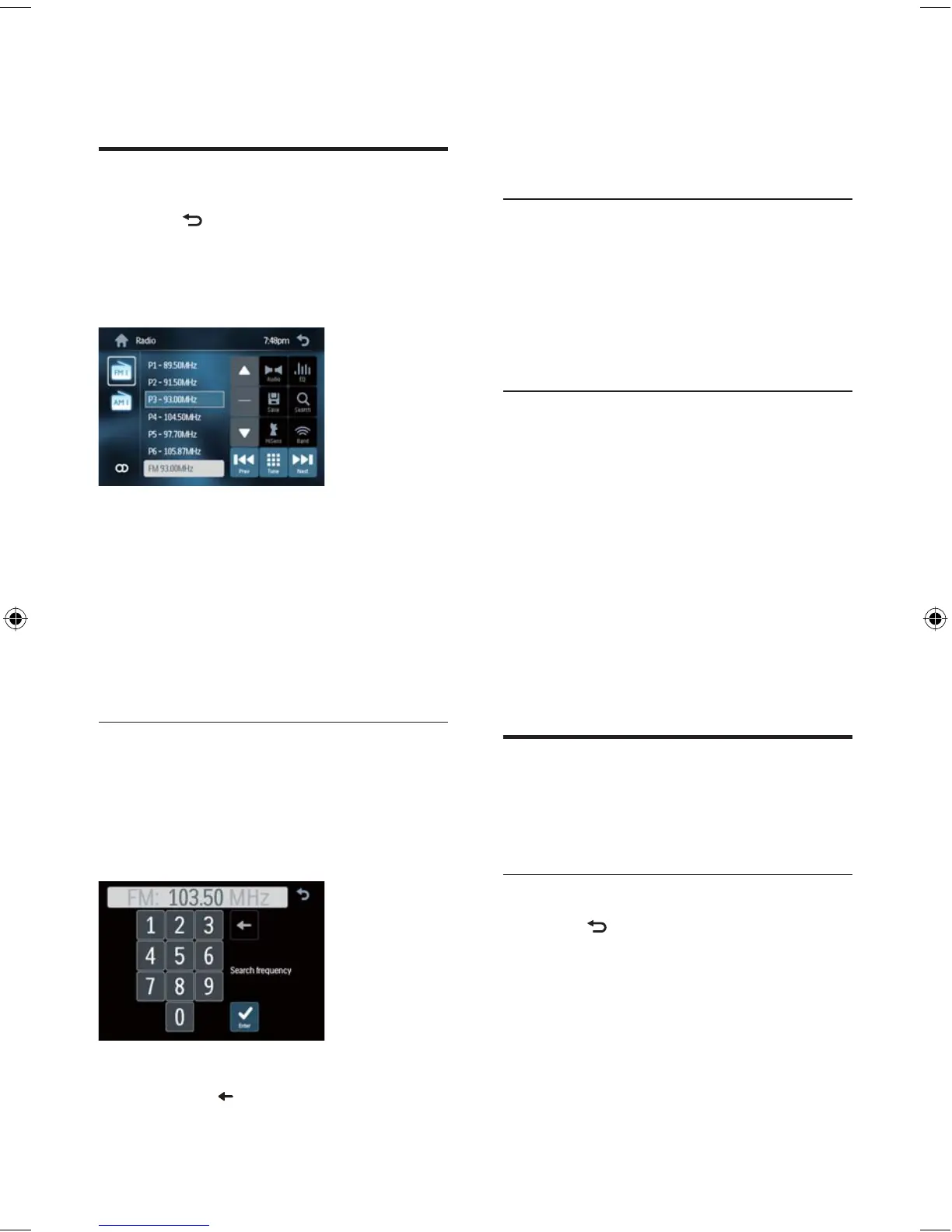
Tune to a radio station
1 Touch to display the main menu.
2 Touch [Radio] .
Band and frequency information is
displayed.
3 Touch [Band] repeatedly to select:
FM band options: [FM1] , [FM2] , [FM3]
AM band options: [AM1] , [AM2]
4 Briefl y touch [Previous] or [Next] to tune
to a radio station by step.
Touch [Previous] or [Next] for over
1 seconds to tune to a radio station
automatically.
Tune by frequency
1 Touch [Band] to select band.
2 Touch [Tune] .
The manual tune menu is
displayed.
3 Touch the numbers to enter frequency.
Touch
to clear the last entered
number.
»
•
•
•
»
•
EN
EN.indd Sec1:18EN.indd Sec1:18 2008-11-14 13:23:172008-11-14 13:23:17



 To Next Page