19
Store stations manually
1 Tune to the station (see ‘Tune to a radio
station’ on page 18 ) .
2 Touch [Save] .
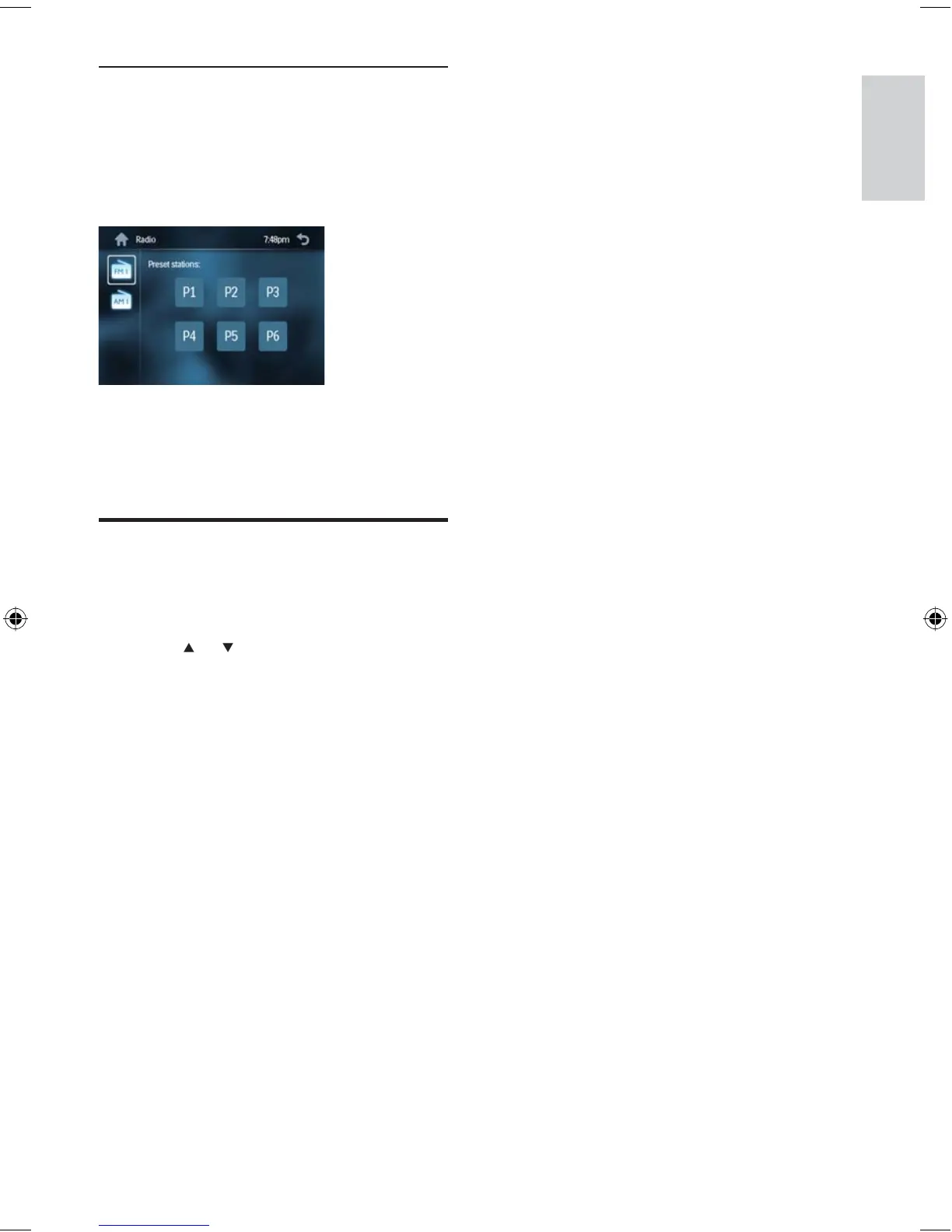
The preset stations are displayed.
3 Touch one of the preset stations.
The station is saved in the selected
preset number.
Tune to a preset station
1 Touch [Radio] .
2 Touch [Band] to select band.
3 Touch or to select a preset station.
»
»
Store stations manually
English
EN
EN.indd Sec1:19EN.indd Sec1:19 2008-11-14 13:23:182008-11-14 13:23:18



 To Next Page