26
its remote control to play music stored on the
device.
1 Touch to return to main menu.
2 Touch [Bluetooth] .
3 Touch .
4 Touch to start play.
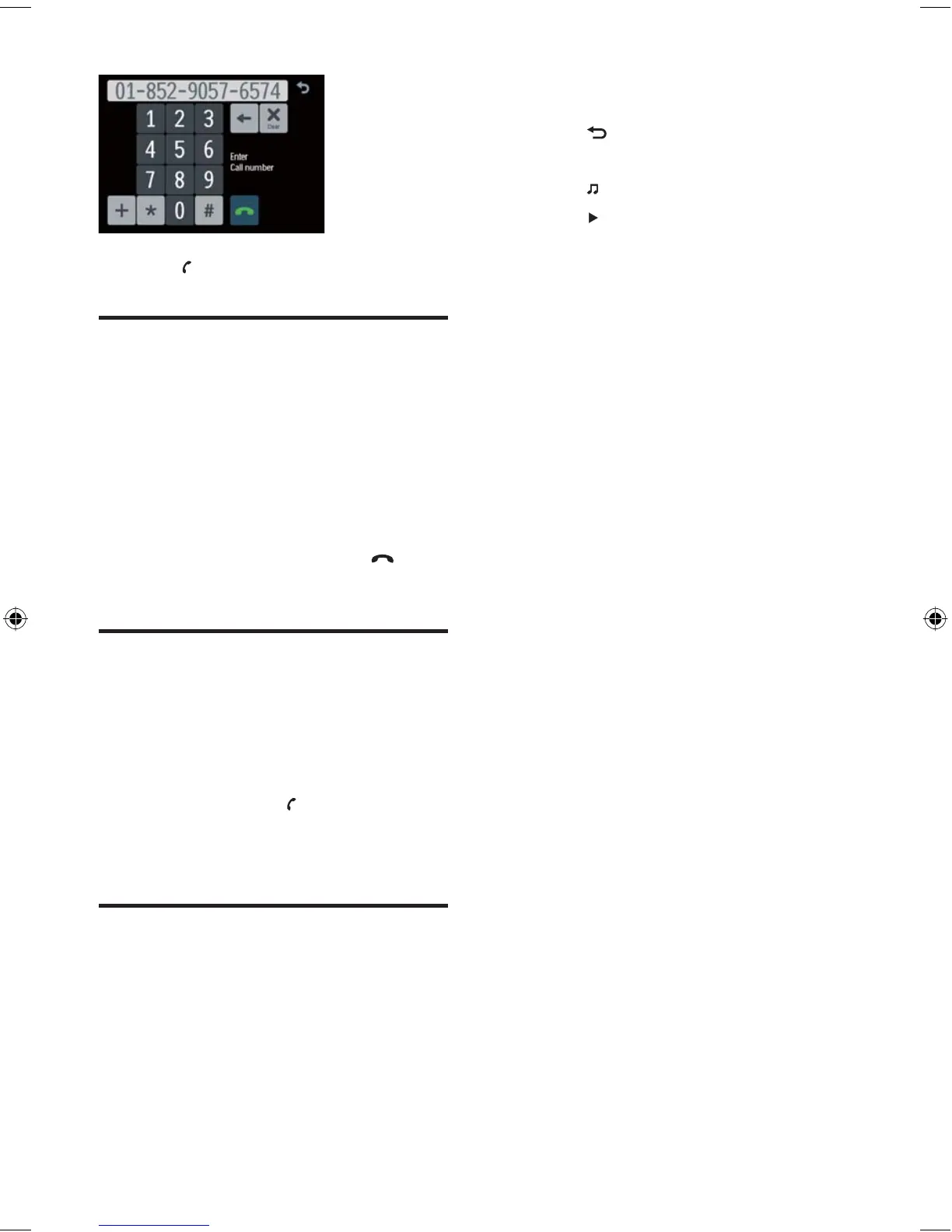
5 Touch to dial.
Receive call
By default, all incoming calls are received
automatically. You can select to receive calls
manually. (see ‘Adjust Bluetooth settings’ on
page 29 )
1 If there is incoming call, [Incoming call…]
fl ashes on the screen. Speak into the
Bluetooth microphone.
2 When conversation ends, touch to
terminate the call.
Switch phone call to the
mobile
If you do not want your passenger to hear your
incoming call, you can switch the call to the
mobile.
1 During talking, touch ( [Switch] ).
The voice is transferred from the unit’s
loudspeaker to the mobile phone.
Listen to music from
Bluetooth device
If the connected Bluetooth device supports
Advanced Audio Distribution Profi le (A2DP),
you can listen to the music stored on the device
through the unit. If the device also supports
Audio Video Remote Control Profi le (AVRCP)
profi le, you can use the control on the unit or
»
EN
EN.indd Sec1:26EN.indd Sec1:26 2008-11-14 13:23:282008-11-14 13:23:28



 To Next Page