EasyManua.ls Logo

Philips DELLP1230 - Page 83

Philips DELLP1230
92 pages
Print Icon
To Next Page IconTo Next Page
To Previous Page IconTo Previous Page
Loading...
83
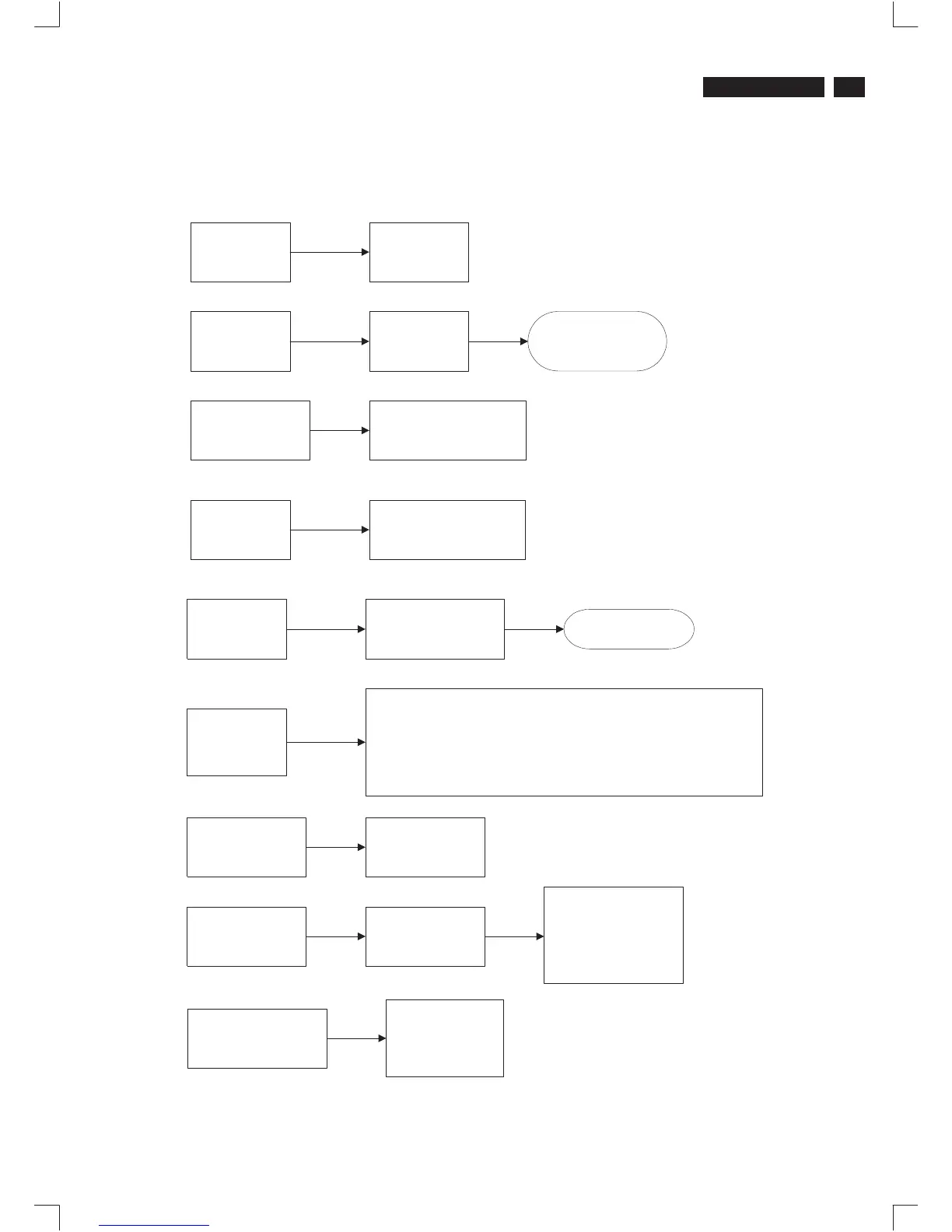
Repair Flow Chart
9
Go to cover page
24.Selftest
check pin24
1.no H/V sync & first power ON - show msg.
2.H/V sync exist - normal
3.H/V sync non-exist & after power ON - power saving
4.Left+Right Keys pressed with IFcable - factory mode
5.left +Right Keys pressed without IF cable - burn in mode
check idle status
sda=pin25=hi
scl=pin26=hi
25,26. DDC bus
check idle status
sda=pin32=hi
scl=pin31=hi
31,32 IIC bus
check keys Enter,
up,down,left,right
23. Keypad
4. Rotation
check duty cycle of
check duty cycle of
pwm from 0% to 100%
pwm from 0% to 100%
37. Brightness
check 1891~1895
3891~3895
30. EEPROM
write protection
check 7336
pin7
Write : low
check
7336 M24C16
7421 TDA4856
7781 WT6803
7701 TDA4887
check
from 5V to 0V
5, Reset
check
2304/3307
check
active=hi
no active=low
22. Degauss
Dell P1230 M25P

Related product manuals