20 Pausing Playback
Pausing Playback
1
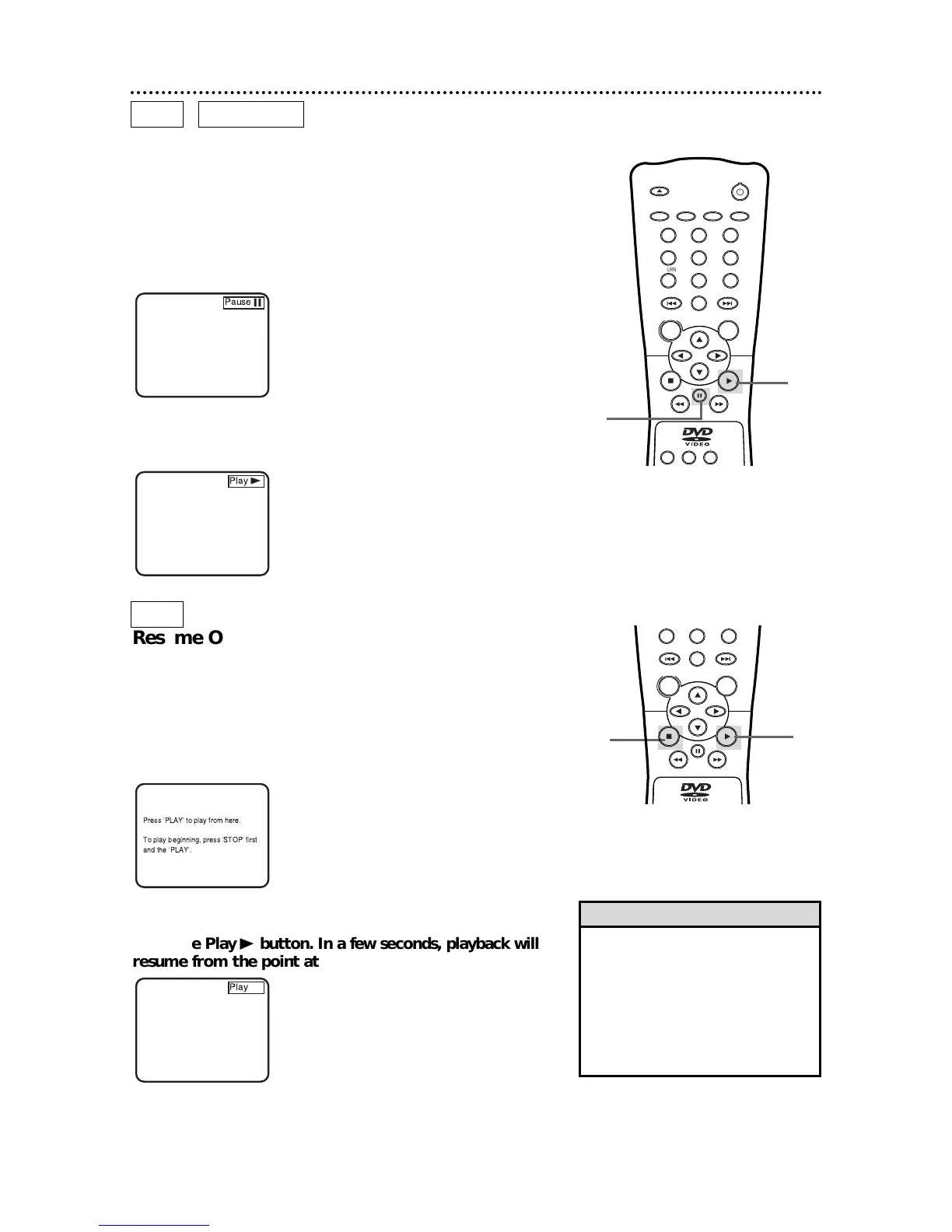
During playback, press the Pause F button on the remote
control (or press the PAUSE button on the DVD Player).
Playback will pause and the sound will be muted.
If you press the Pause F button repeatedly, the picture will advance
one frame at a time with each button press.
2
Press the Play B button to resume playback.
• To cancel resume playback and start
playing the DVD from the beginning,
press the Stop C button a second
time while playback is stopped.
Resume Off will appear briefly at the
top right corner of the TV screen.
Press the Play B button to start play-
ing the DVD.
Helpful Hint
Resume On:
Resuming playback from the point
at which playback stopped
1
Press the Stop C button during playback. In a few seconds,
the following Resume message will appear on the TV screen.
Press 'PLAY' to play from here.
To play beginning, press 'STOP' first
and the 'PLAY'.
2
Press the Play B button. In a few seconds, playback will
resume from the point at which playback stopped last.



 To Next Page