42 Display Settings
1
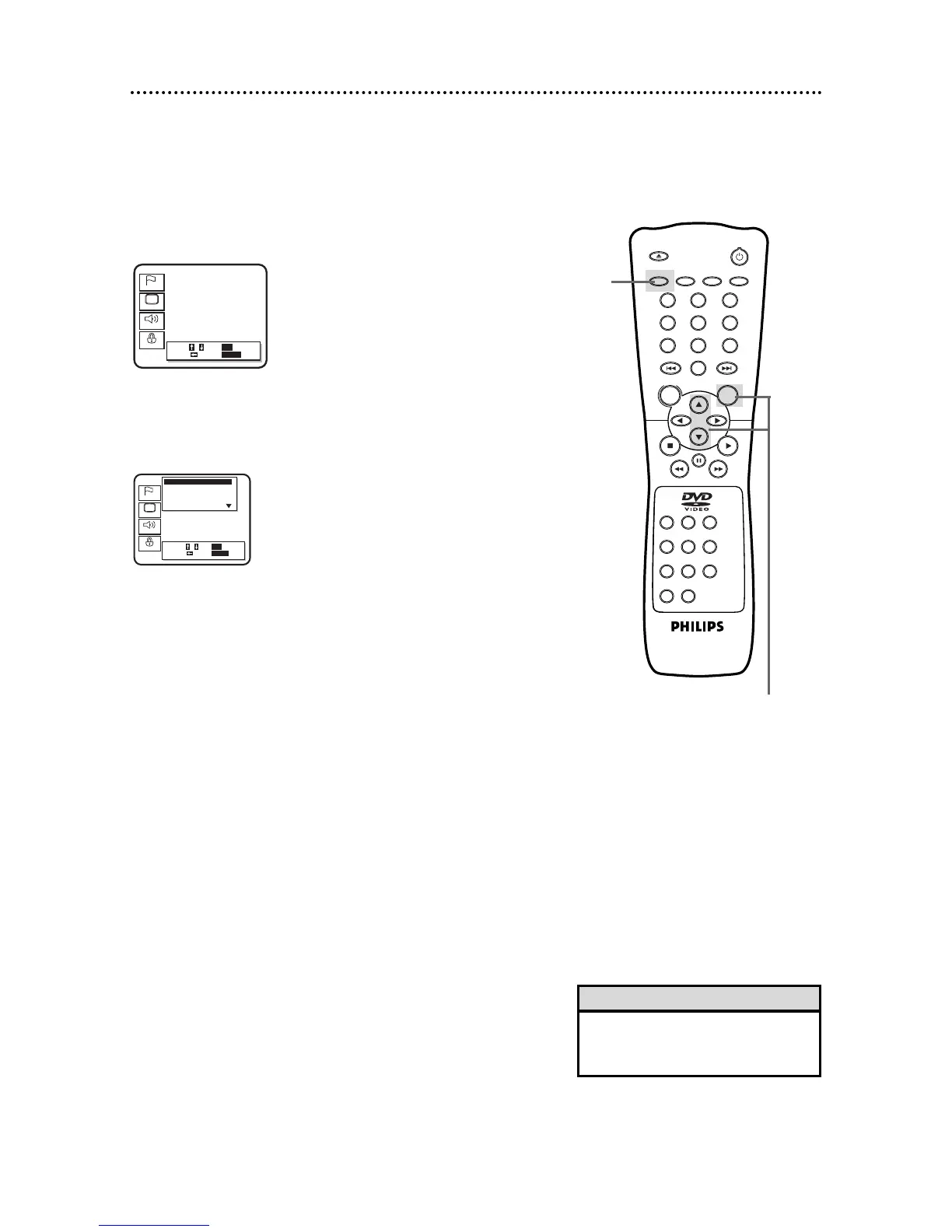
When playback is stopped, press the SETUP button. The
setup screen will appear.
You can change certain aspects of the DVD Player’s Display
Screens, on-screen messages, and the display panel on the front of
the DVD Player. You also can change the TV’s Aspect Ratio in the
Display menu. To change such settings, follow these steps.
2
Press the Arrow
oopp
buttons to select Display.
Then, press the OK button.
1
• Selecting a different TV Aspect set-
ting will only be effective if it is avail-
able on the Disc.
Helpful Hint
2-3
3
Press the Arrow
oopp
buttons to select an item: TV
Aspect, On Screen Info, Panel Display, Angle Icon,
Background Color, or Auto Power Off.



 To Next Page