Language Settings (cont’d) 45
4
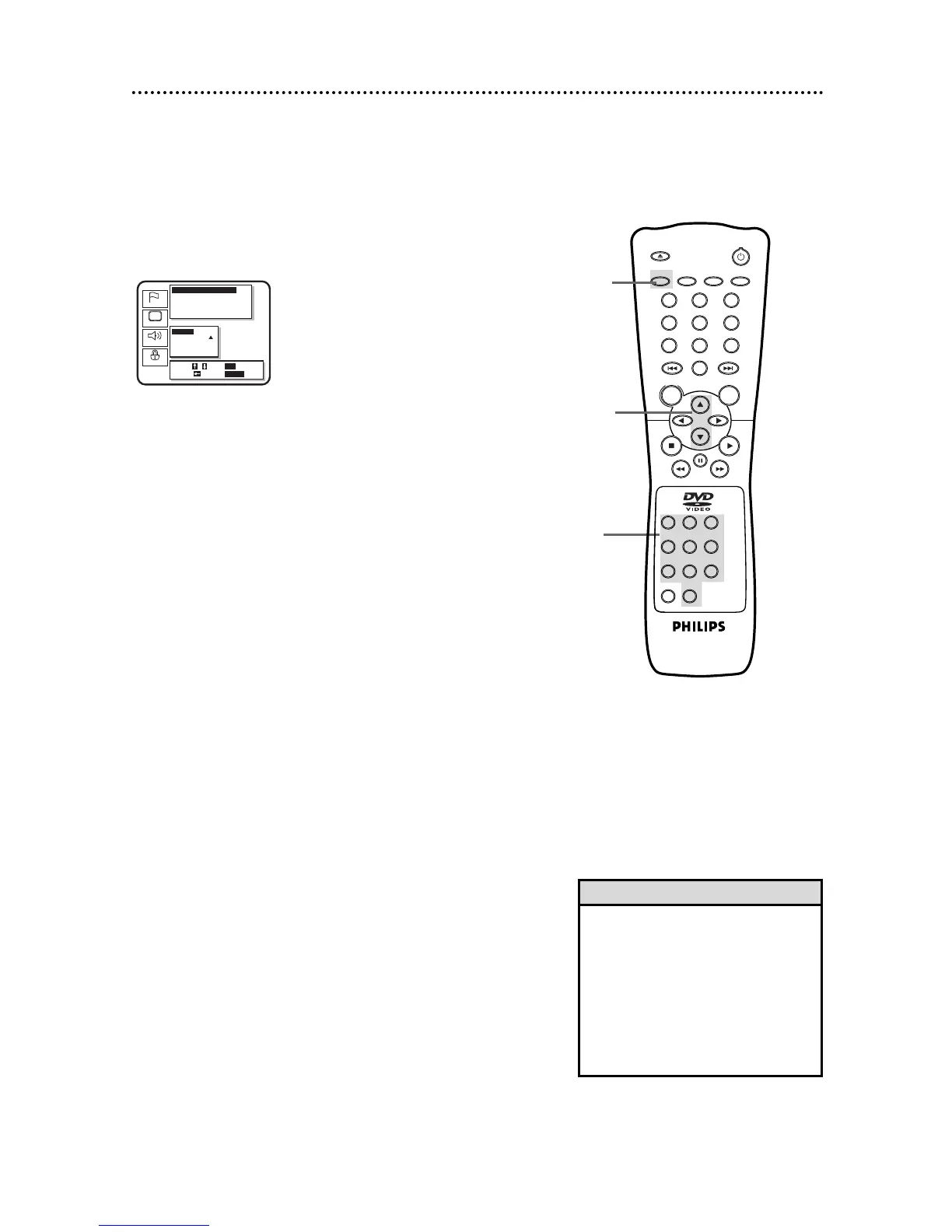
Press the Arrow
oopp
buttons to select a setting, then
press the OK button.
● If you select Other at the Audio, Subtitle, or Disc Menu screen,
press four Number buttons to enter the country code you
desire. Refer to the list on page 46.
● You can only select other languages for Audio, Subtitle, and
Disc Menu if the language is available on the Disc.
5
Press the SETUP button to remove the menu.
4
5
• If the automatic settings for Audio
and Subtitle are the same language,
the subtitles will not be shown.
• Language settings for Audio and
Subtitle are not available with some
discs. Use the Audio and Subtitle but-
tons instead to select different lan-
guages for the audio and subtitles.
Details are on pages 32 and 33.
Helpful Hints



 To Next Page