OPEN/
CLOSE
OK
CLEAR
A-B
RETURN DISPLAY TITLE
SEARCH MODE MODE ZOOM
REPEAT REPEAT MARKER
SETUP AUDIO
SUBTITLE ANGLE
POWER
DISC
3
2
1
65
4
987
0
+
10
MENU
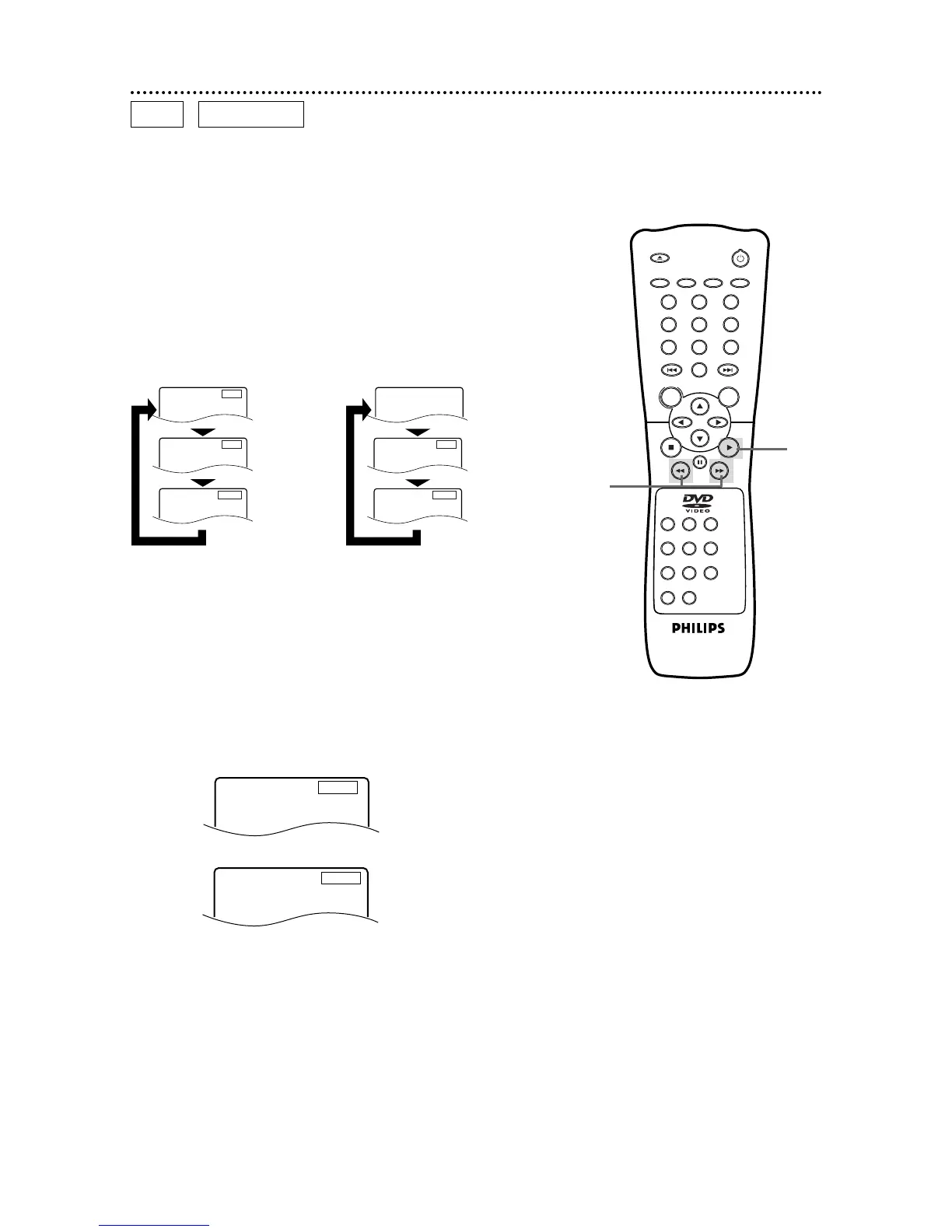
22 Fast Forward/Reverse Search
2
Press the Play B button to return to normal playback.
1
During playback, press the Fast Forward g button or the
Reverse h button on the remote control (or press and hold
the NEXT button or the PREV(ious) button on the DVD Player).
● On a DVD, pressing the Fast Forward g or Reverse h but-
ton repeatedly will forward or reverse the picture at twice, eight
times, or 32 times the normal playback speed. Sound will be
muted during searching.
● Use the Fast Forward g button for a forward search. Press the
Reverse h button for a reverse search.
D
Press the Fast Forward button.
D
Press the Fast Forward button again.
D
Press the Fast Forward button again.
D
Press the Fast Forward button again.
E
X2
E
Press the Reverse button.
E
Press the Reverse button again.
E
Press the Reverse button again.
E
Press the Reverse button again.
E
X8
E
X32
D
X2
D
X8
D
X32
D
X16
D
Press the Fast Forward button during Audio CD playback.
E
X16
E
Press the Reverse button during Audio CD playback.
DVD
AUDIO CD
1
2
● On an Audio CD, you may search forward or backward at 16
times the normal playback speed (hX16 or gX16). Pressing
the Fast Forward g or Reverse h button repeatedly will not
affect the speed of the search. Sound will be intermittent during
searching on an Audio CD.
● Use the Fast Forward g button for a forward search. Press the
Reverse h button for a reverse search.



 To Next Page