Step by Step Playback 21
1
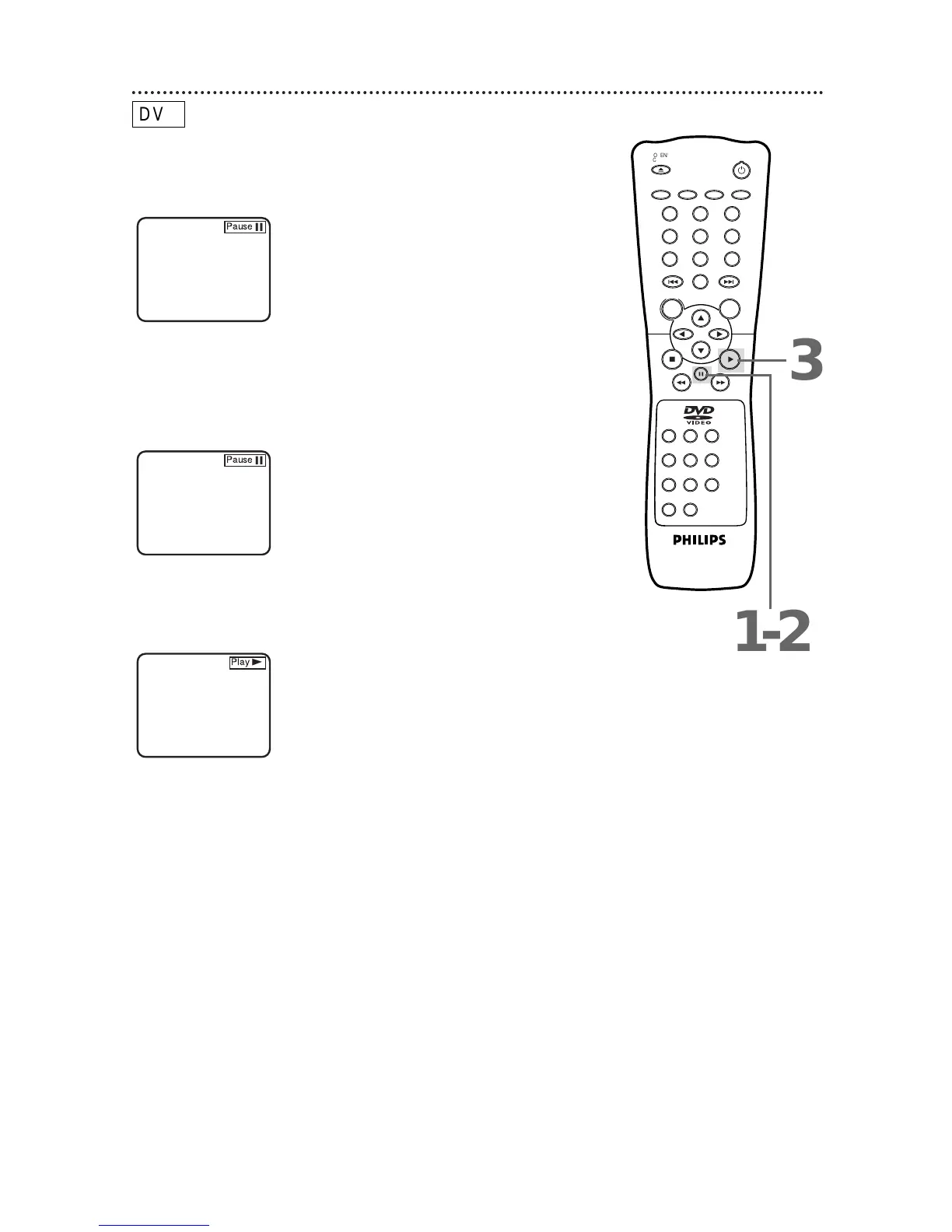
During playback, press the Pause F button to pause play-
back. The sound will be muted.
3
Press the Play B button to resume playback.
Play B will appear briefly on the TV screen.
2
Press the Pause F button repeatedly to see the picture
advance one frame (or step) at a time.
The sound will remain muted. Pause F will appear briefly on the
screen each time you press the Pause F button.



 To Next Page