15
English
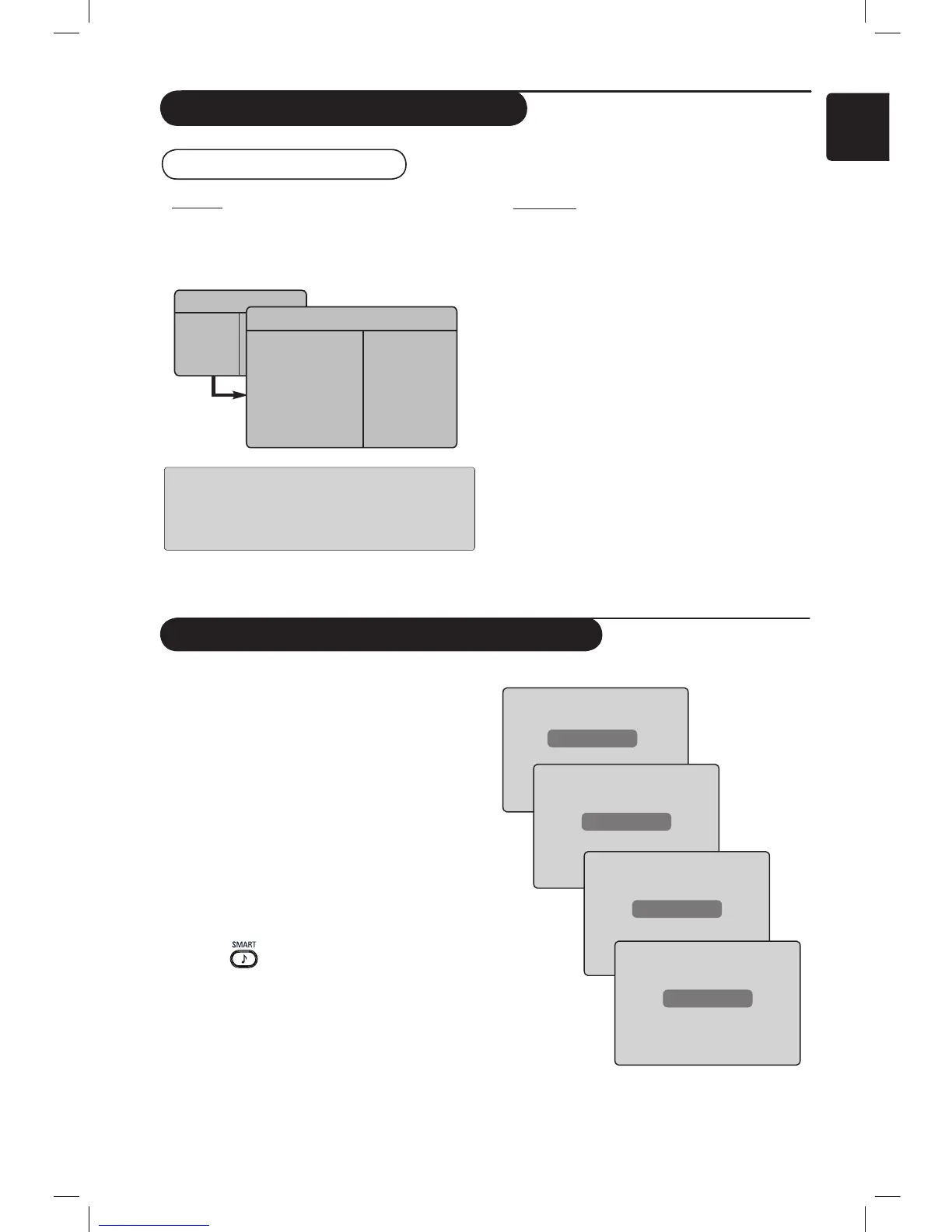
Using the FM Radio menus
• Sound
The functions of the FM Radio Sound settings
are the same as the TV Sound settings. For
information about the TV Sound settings
see page 8.
NOTE : You cannot access the Delta
Volume setting in the FM Radio menu.
There is no Delta Volume function in
FM Radio Sound menu.
Using the TV as an FM Radio
Radio Menu
Picture
Sound
Features
Install
Sound
• 100 Hz
• 300 Hz
• 1000 Hz
• 3000 Hz
• 8000 Hz
Equalizer Æ
Balance Æ
Delta Voliume Æ
AVL Æ
Incr. Surround Æ
Store Æ
Using the FM Radio Sound Features
• Features
– Screen Saver : Select the “On” option to
activate the screen saver function. Select the
“Off” to deactivate function.
• Sleep : Refer to “Using the Sleeptimer
feature” on page 9.
The FM Radio Smart Sound feature offers the
following sound modes : Classical, Jazz, Pop
and Personal.
The Classical, Jazz and Pop are pre-determined
in the factory. The way you select the desired
frequencies in the Sound menu is the Personal
mode. After selecting the desired frequencies,
select Store and press the Æ key to store your
personal settings.
The functions of FM Radio Sound settings are the
same as the TV Sound settings. For information
about the TV Sound settings see page 8.
Press the button repeatedly to cycle
through the settings to select your desired mode.
Classical
Jazz
Pop
Personal











 To Next Page