YourHDrecorder8
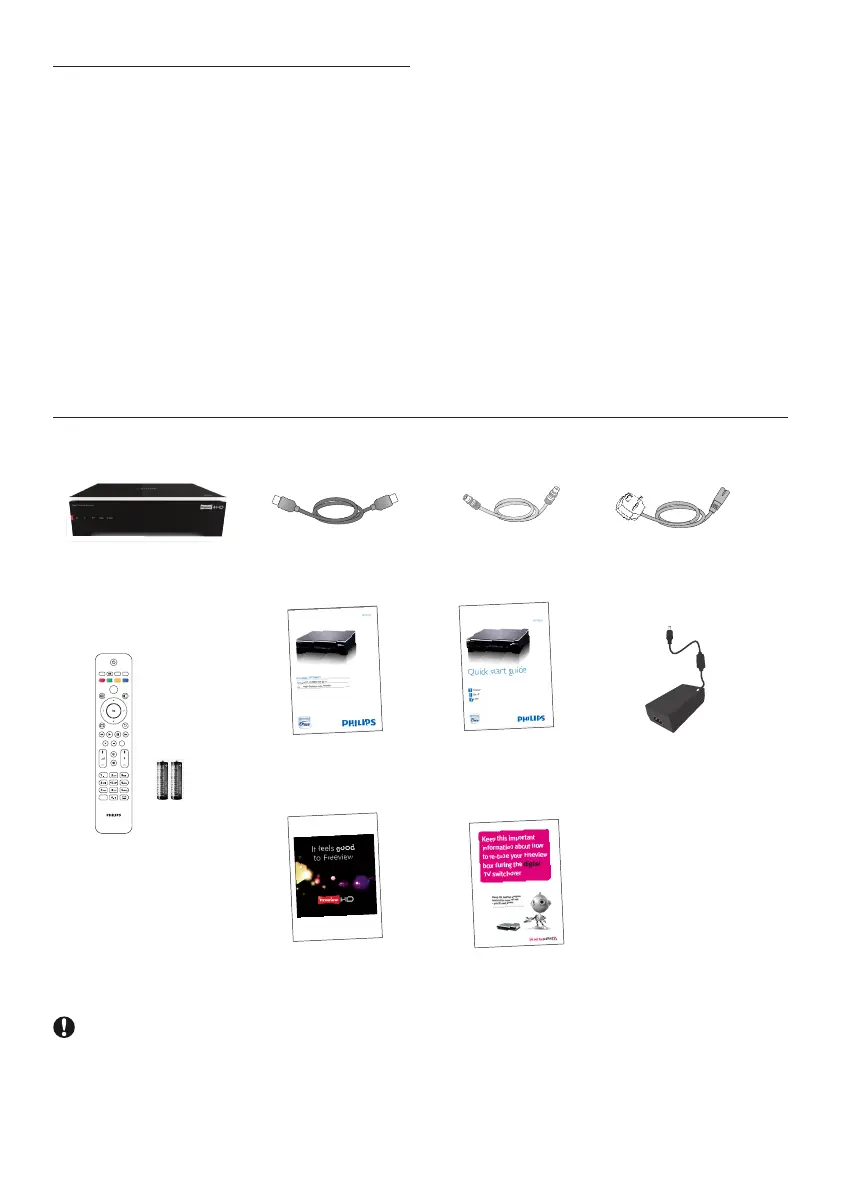
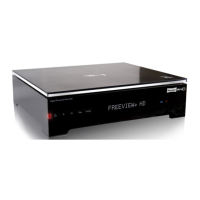
2.1 What’s in the box?
HDrecorder
Usermanual
Quickstart
guide
Mainslead
12Vpower
supplyunit
HDMIcable
RFcable
TEXT RADIO EXIT
GUIDE OPTIONS
BACKINFO
DIGITAL RECORDER
MENU
HDD
LIB
AD
Remotecontrol
and2xAAA
batteries
Retuneyer
Freeviewyer
Caution
Plasticbagscanbedangerous.
Toavoidsuffocation,keepthebagawayfrombabiesandchildren.
2 Your HD recorder
Congratulationsonyourpurchaseandwelcome
to Philips!
TofullybenetfromthesupportthatPhilips
offers,registeryourproductat
www.philips.com/welcome.
WithyourHDrecorder,youwillneverneed
toscheduleyourlifearoundyourfavouriteTV
programmes.Thankstothebuiltinhard-disk
drive(HDD)thatrecordsprogrammesasyou
watchthem,youcanpauseliveTV,orrepeata
sceneyoumissed.
Wanttorecordaprogrammesothatyoucan
watchitlater?Justpresstherecordbutton.
Onceyoubegintorecord,youarefreetowatch
otherrecordedprogrammes.Youcanevenwatch
theprogrammethatyouarerecordingfromthe
startwithoutdisruptingtherecording,orrecord
twochannelsatthesametime.
Needtoschedulearecordinginadvance?
SimplyaccesstheTVGuide,whichliststheTV
programmescheduleforthenextsevendays.
Andyoucandomuchmorethanjustrecordon
thisrecorder.





 To Next Page