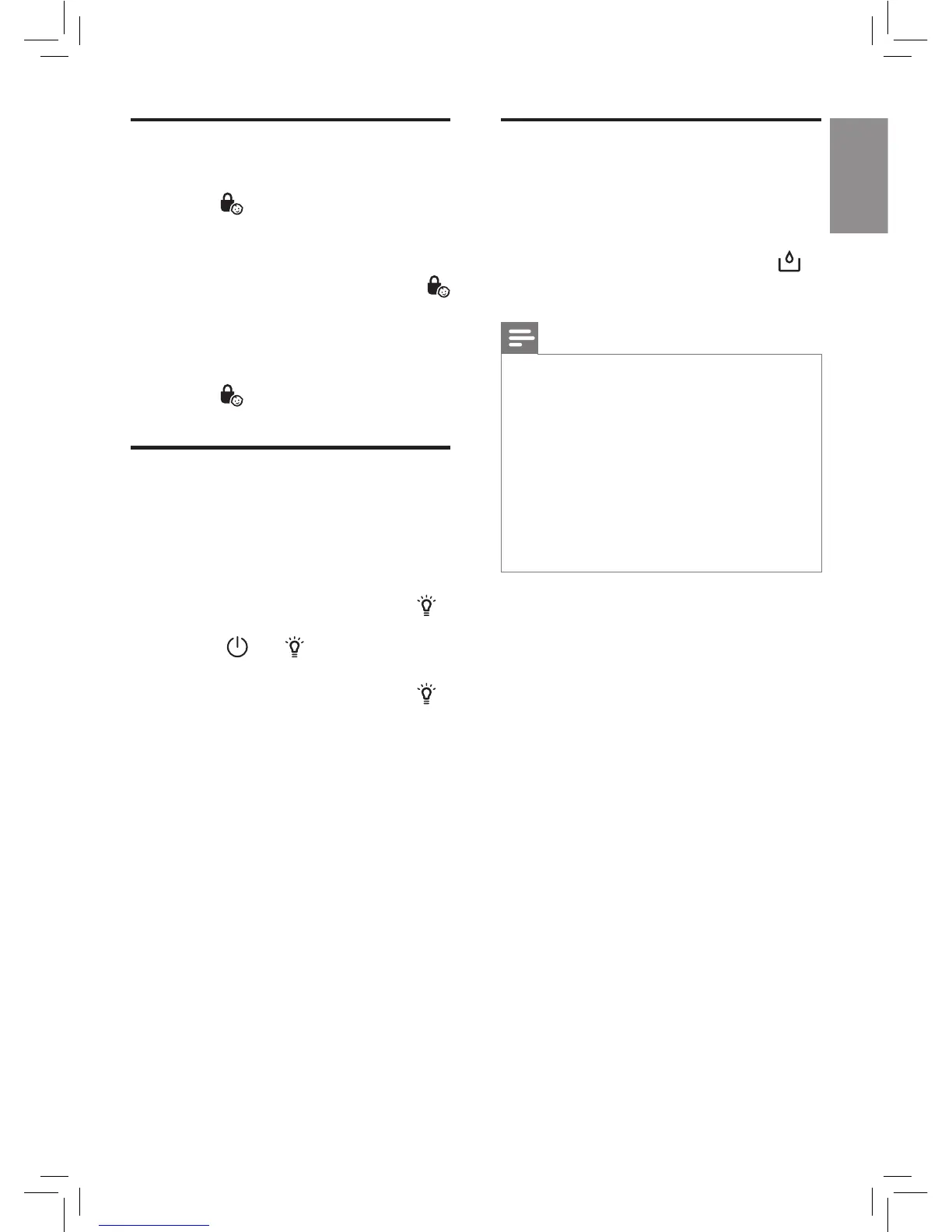
Setting the child lock
1
Touch and hold the child lock
button
for 3 seconds to activate
child lock (g. z & {).
» "L" displays on the screen and the
appliance beeps.
» For HU5931, the child lock icon
blinks 3 times.
» When the child lock is on, all the
other buttons are not responsive.
2 Touch and hold the child lock
button
for 3 seconds again to
deactivate child lock.
Using the light on/o
function
The water level in the water tank is
visible through the water level window
on the water tank.
1 Touch the light dimming button
once, all the lights will be o.
» The and buttons are still
on.
2 Touch the light dimming button
again, all the lights will be on again.
Water level
The water level in the water tank is
visible through the water level window
on the water tank.
When there is not enough water in
the water tank, the water rell light
ashes to indicate that you have to rell
the water tank (g. |).
Note
• When there is no water in the
water tank, the wick wheel will stop
rotating. In the auto mode, the
appliance will operate under fan
speed 1. In the manual fan speed
mode, the appliance will continue
to operate under the chosen fan
speed. When the water tank is
relled with water, the wick wheel
will start rotating again.


 To Next Page