30
Chapter 3—Customizing the remote control
Learning commands from other remote controls
(Learn mode)
You teach the remote control to operate a device by assigning the correct
commands to the buttons on the display, the direct-access buttons, and the Left
and Right buttons. The remote control learns these commands by receiving
infrared signals directly from your existing remote controls. The remote control
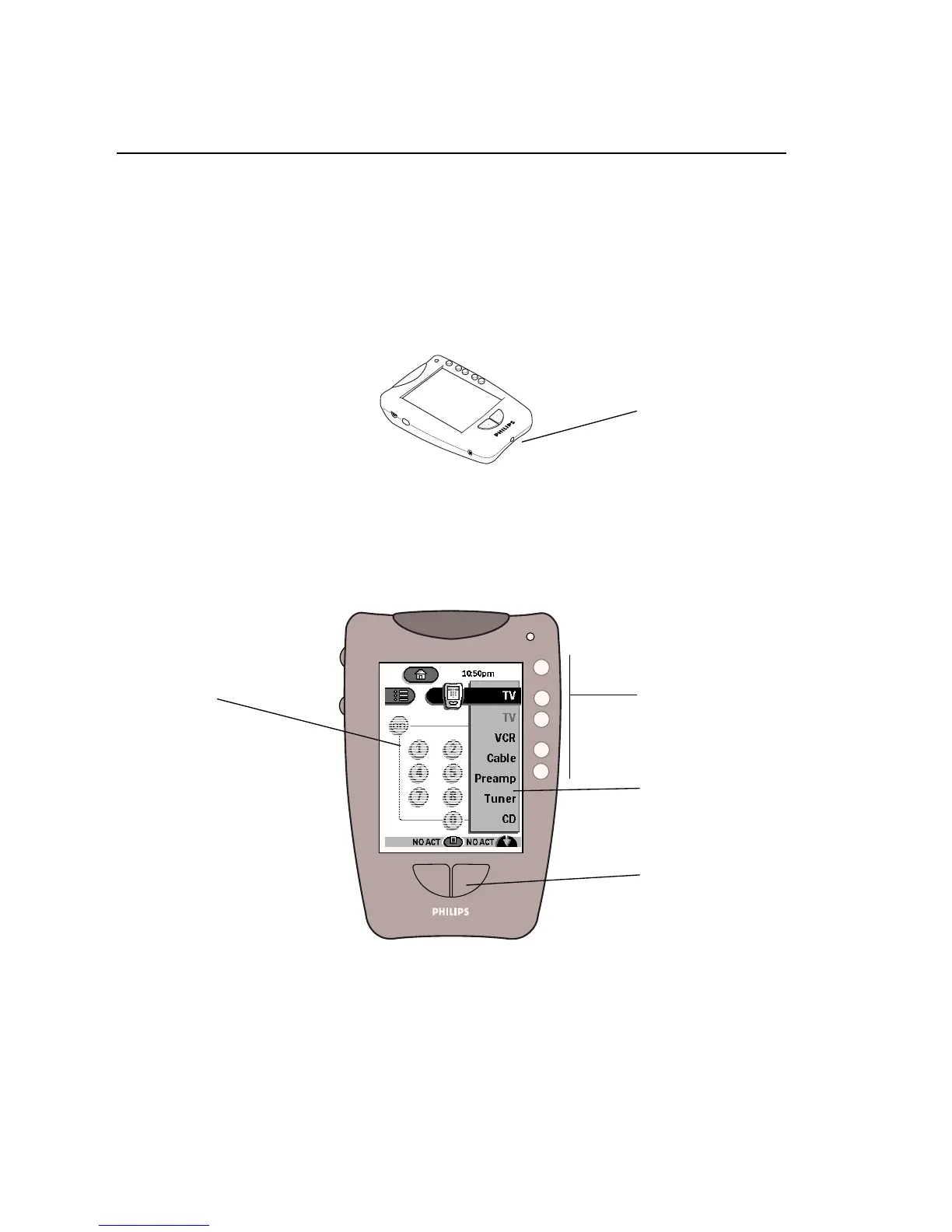
receives these signals through its
learning eye
, the small hole at the bottom of
the case.
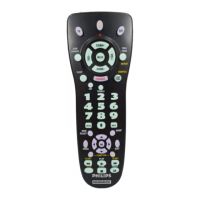
The following illustration shows which buttons can “learn” commands.
Instructions for teaching these buttons are in the next sections.
NOTE
The device buttons on the Home panels can’t be programmed directly.
To assign commands to the buttons in Home, you must program the items on
the Device menu; for instructions, see “To program an item on the Device
menu” on page 34. The commands you assign to the Device menu will
automatically be assigned to the buttons in Home.
The learning eye
Direct-access
buttons
Buttons that can learn commands
Items in the Device
menu
Left and Right
buttons
Control panel
buttons











 To Next Page