CHAPTER 4
50
Chapter 4—Creating Macros
4
Creating Macros
If you find yourself pressing the same sequence of buttons frequently, you can
record the sequence and save it as a
macro
.
RECORDING MACROS
Recording a macro is easy: switch the remote control to Record mode, select a
macro button, then use the remote control as you normally would when you’re
sending commands to your components. As you press buttons, the remote
control records the commands. A macro can include any variety of commands
for any variety of devices.
EXAMPLE
You can create a macro that prepares your TV and VCR to play a tape. The
sequence of commands might look like this:
1
Turn TV on
2
Pause while TV warms up
3
Turn TV to channel 3
4
Turn VCR on
5
Set VCR to VCR input
6
Display the TV control panel 1
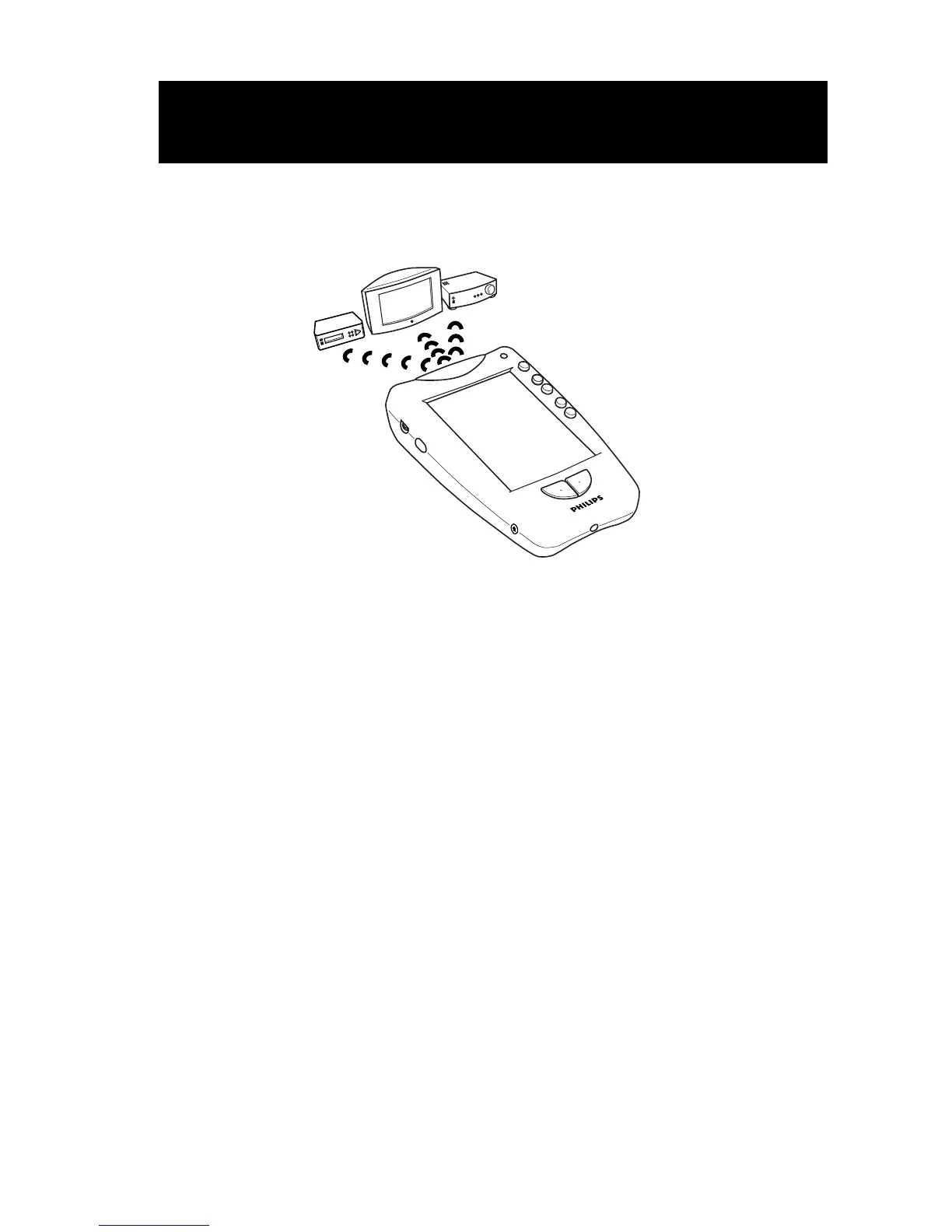
A macro lets you send a
sequence of commands
with a single button.












 To Next Page