Learning commands from other remote controls (Learn mode)
33
TROUBLESHOOTING
If the remote control fails to learn a function on the first try:
• Try again. Sometimes the second attempt works.
• Keep both remotes stable by placing them on a flat surface.
• Make sure the source remote is pointed at the
learning eye
, the small hole at
the
lower
end of the case.
• Make sure the source remote is directly in line, not at an angle.
• Make sure the source remote’s batteries aren’t low.
• Avoid programming the remote control under bright fluorescent light. It can
interfere with the infrared signals.
• If all else fails, try resetting the remote control. See “To reset the remote
control” on page 96.
NOTE
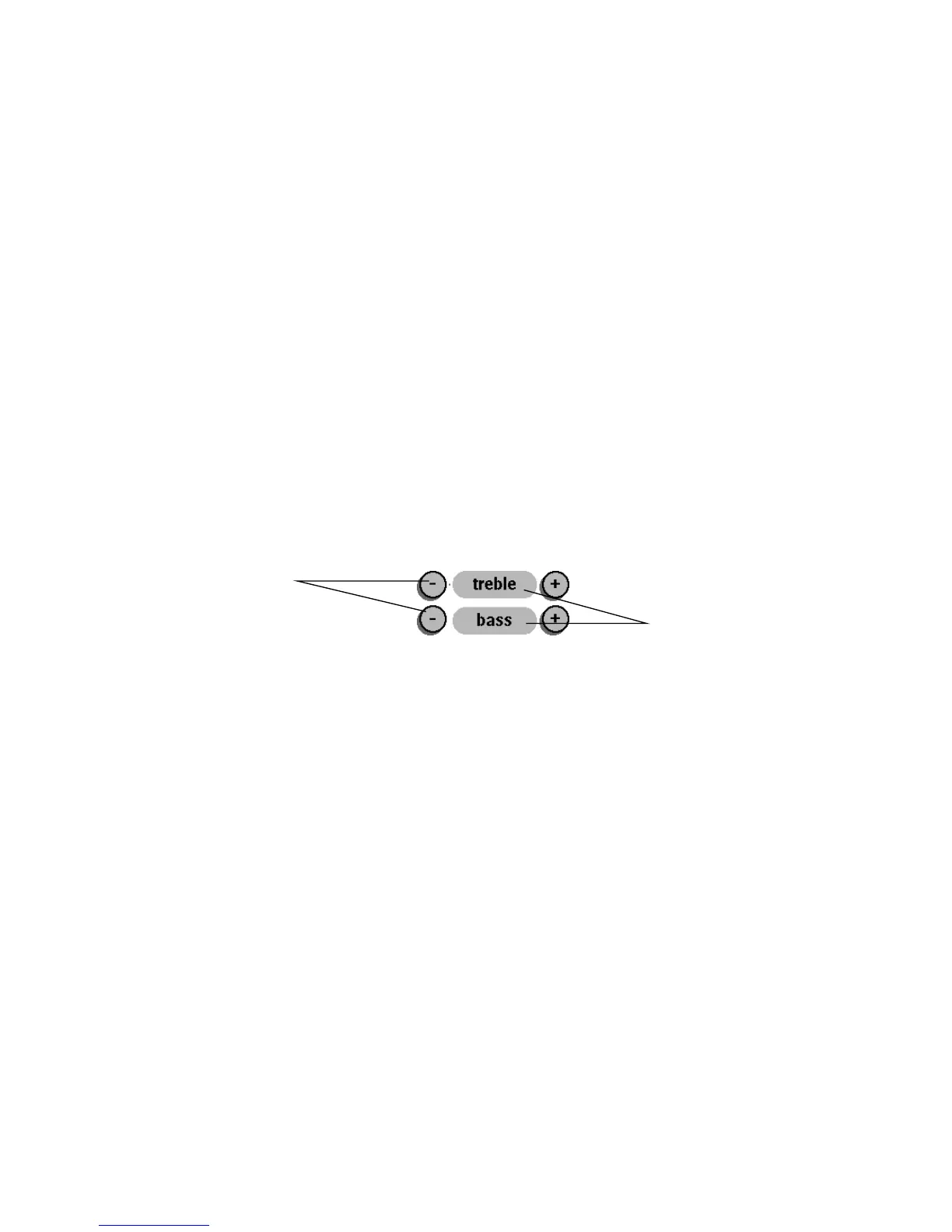
Certain buttons on the display can’t be programmed—in particular,
any button without a border. A borderless button has no function; it serves as a
label for the buttons around it.
IMPORTANT
If the source remote—the remote from which the remote
control is learning—operates more than one kind of device, be sure it’s in the
correct mode when teaching its commands. For example, if the source remote
operates both your TV and VCR, and you want to teach the remote control to
operate your TV, be sure the source remote is in TV mode when sending
commands to the remote control.
TIP
To avoid sending signals to nearby equipment while programming the
remote control, fold a stiff sheet of paper and place it on the table between the
two remotes to form a “tunnel.” The paper tunnel lets the signals from the source
remote travel to the remote control without escaping into the room.
Programmable
Not programmable











 To Next Page