Alignments
EN 91L01.1U AC 8.
• East West Width (EWW). Select East-West Width and
align the picture width until the complete test pattern is
visible.
• East West Parabola (EWP). Select East-West Parabola
and align the vertical sides until the sides are straightened.
• Upper Corner Parabola (UCP). Select Upper Corner
Parabola to straighten the top of the vertical lines at the
sides.
• Lower Corner Parabola (LCP). Select Lower Corner
Parabola to straighten the bottom of the vertical lines at the
sides.
• East West Trapezium (EWT). Align straight vertical lines
in the middle of the screen.
Vertical Amplitude and Position:
Figure 8-7 ertical alignment menu
• Vertical Amplitude (VAM). Aligns the height of the picture
(other vertical alignments are NOT compensated).
• Vertical slope (VSL). Aligns the picture so the proportions
are the same at the top and botton of the screen.This
alignment must be performed first, before all other vertical
alignments. Turning SBL 'on' will assist in performing this
alignment.
• Service blanking (SBL). Turns the blanking of the lower
half of the screen 'on' or 'off' (to be used in combination with
the vertical slope alignment).
• Vertical S-Correction (VSC). Aligns the vertical linearity,
so that the vertical intervals of the grid-patterns are the
same over the entire height of the screen.
• Vertical Shift (VSH). Aligns the vertical center of the
picture to the vertical center of the CRT. After performing
this alignment, it may be necessary to perform the VAM
alignment again.
• Vertical Zoom (VX). Adjusts the picture height.
• Delta Horizontal Shift 60 Hz (H60).
• Delta Vertical Amplitude 60 Hz (V60).
Methods of adjustment
1. Select Service Blanking (SBL) and set it to 1. The lower half
of the picture will be blanked.
2. Press the MENU UP/DOWN buttons to select Vertical
Slope (VSL).
3. Align VSL to start the blanking exactly at the horizontal
white line at the center of the test circle (align the bottom of
the screen so that castellations just disappear).
4. Press the MENU UP/DOWN buttons to select SBL and set
it back to 0. The full picture reappears.
5. Select Vertical Amplitude (VAM) and align the picture
height to approximately 13.0 - 13.1 blocks (align the top of
the screen so that castellations just disappear).
6. Select Vertical Shift (VSH) and align for vertical centering
of the picture on the screen.
Repeat the last two steps if necessary.
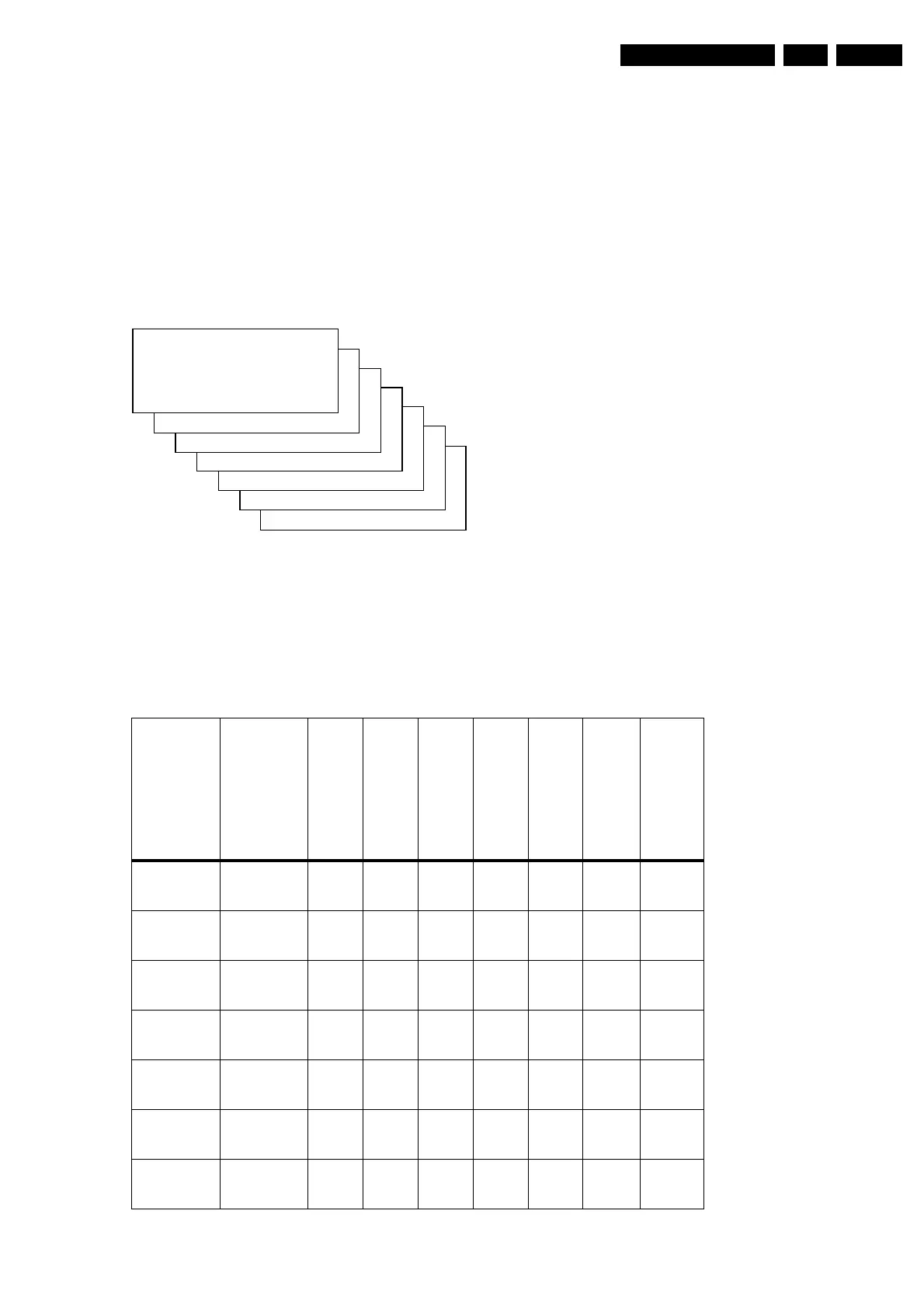
The table below lists the default GEOMETRY values for the
different television sets.
Table 8-3 Default geometry values (Large Screen)
VSL XX
VAM XX
VSC XX
VSR XX
VX XX
SBL XX
CL 26532046_007.eps
040402
S
HOR IZONTAL >
VERTICAL >
Parameter 20RF,
21RF,
25RF,
27RF,
29RF,
25",
28",
29"SF, 32V,
33"
25V 27V/29" 35V 28WS 32WS 28WSRF 32WSRF
HP
Horizontal-
Parallelogram
31 31 31 45 47 32 36 45
HB
Horizontal-
Bow
31 31 31 25 32 32 40 30
HSH
Horizontal
Shift
35 35 35 23 27 24 31 29
EWW
East-West
Width
34 - - 45 36 39 40 33
EWP
East-West Pa-
rabola
33 - - 23 21 21 37 16
UCP
Upper Corner
Parabola
35 - - 25 26 23 14 16
LCP
Lower Corner
Parabola
35 - - 31 30 30 25 23
www.freeservicemanuals.info
Published in Heiloo Holland



 To Next Page