Alignments
EN 92 L01.1U AC8.
8.3.5 Audio
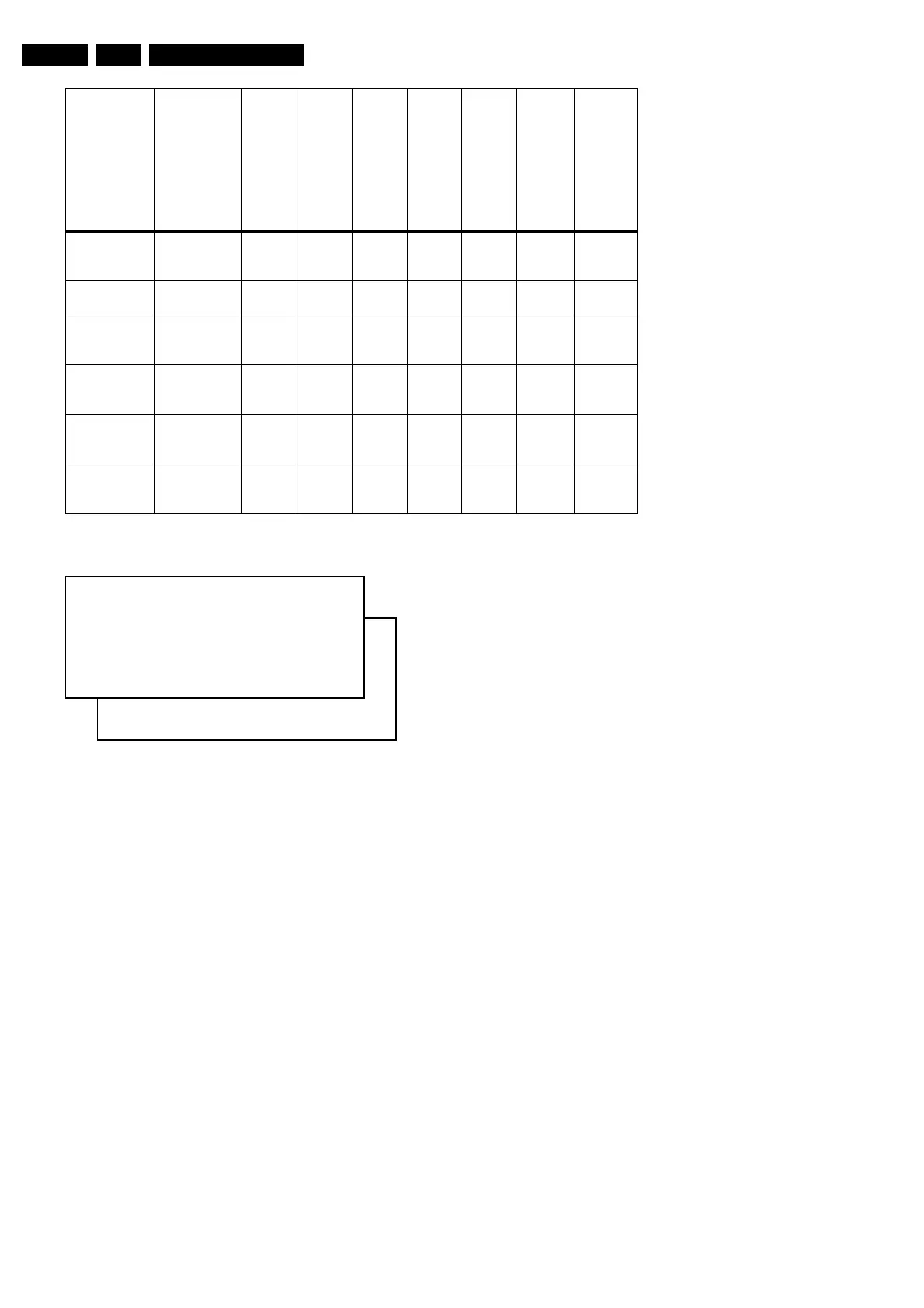
Figure 8-8 Audio alignment menu
No alignments are necessary for the AUDIO sub menu. Use
the default values.
AF-M (NICAM threshold)
Default value is 300.
To adjust AF-M:
1. To enter SDAM, press the following key sequence on the
remote control transmitter: 0 6 2 5 9 6 directly followed by
the MENU button (do not allow the display to time out
between entries while keying the sequence).
2. Use the MENU UP/DOWN keys to highlight the AUDIO sub
menu.
3. Press the MENU LEFT/RIGHT keys to enter the AUDIO
sub menu.
4. Use the MENU UP/DOWN keys to select AF-M.
5. Use the MENU LEFT/RIGHT keys to adjust the value of
AF-M to 300.
6. Press the MENU button to return to the top level SDAM
menu.
7. To ensure the AF-M setting is saved:
– Turn the television set 'off' by using the 'POWER'
button on the remote control transmitter or the local
keyboard.
– Disconnect the television set from AC power for at
least ten seconds.
– Reconnect the television set to AC power.
– Turn the television set 'on' by using the 'POWER'
button on the remote control transmitter or the local
keyboard.
A2T (TV A2 Threshold)
Default value is 250.
To adjust A2T:
1. To enter SDAM, press the following key sequence on the
remote control transmitter: 0 6 2 5 9 6 directly followed by
the MENU button (do not allow the display to time out
between entries while keying the sequence).
2. Use the MENU UP/DOWN keys to highlight the AUDIO sub
menu.
3. Press the MENU LEFT/RIGHT keys to enter the AUDIO
sub menu.
4. Use the MENU UP/DOWN keys to select A2T.
5. Use the MENU LEFT/RIGHT keys to adjust the value of
A2T to 250.
6. Press the MENU button to return to the top level SDAM
menu.
7. To ensure the A2T setting is saved:
– Turn the television set 'off' by using the 'POWER'
button on the remote control transmitter or the local
keyboard.
– Disconnect the television set from AC power for at
least ten seconds.
– Reconnect the television set to AC power.
– Turn the television set 'on' by using the 'POWER'
button on the remote control transmitter or the local
keyboard
EWT
East-West
Trapezium
35 - - 24 28 26 18 27
VSL
Vertical Slope
33 25 25 19 42 35 31 25
VAM
Vertical
Amplitude
26 32 32 31 30 23 23 30
VSC
Vertical
S-Correction
23 23 23 27 24 24 12 20
VSH
Vertical
Shift
31 28 28 26 18 23 36 34
VX
Vertical
Zoom
25 - - 25 25 25 25 25
Parameter 20RF,
21RF,
25RF,
27RF,
29RF,
25",
28",
29"SF, 32V,
33"
25V 27V/29" 35V 28WS 32WS 28WSRF 32WSRF
S
AF-M XX
A2T XX
CL 26532046_008.eps
040402
www.freeservicemanuals.info
Published in Heiloo Holland



 To Next Page