Alignments
EN 137LC4.9E AB 8.
8.3.4 ADC Gain and Grey Scale Alignment
The table below shows a number of NVM settings used for
each model of TV set. Be sure to use the correct editor in the
SAM menu (NVM Editor or SC NVM Editor), because the first
one is used for the Hercules NVM, and the second one for the
SCALER (SC) part of the TV set. For further important NVM
settings, see also the other NVM tables elsewhere in this
manual.
Caution:
• Do not change the NVM settings without
understanding the function of each setting, because
incorrect NVM settings may seriously hamper the
correct functioning of the TV set!
• Do not change the Scaler NVM settings, as this will
hamper the DVI functionality of the TV set!
• Always note down the existing NVM settings, before
changing the settings. This will enable you to return to the
orgininal settings, if the new settings turn out to be
incorrect.
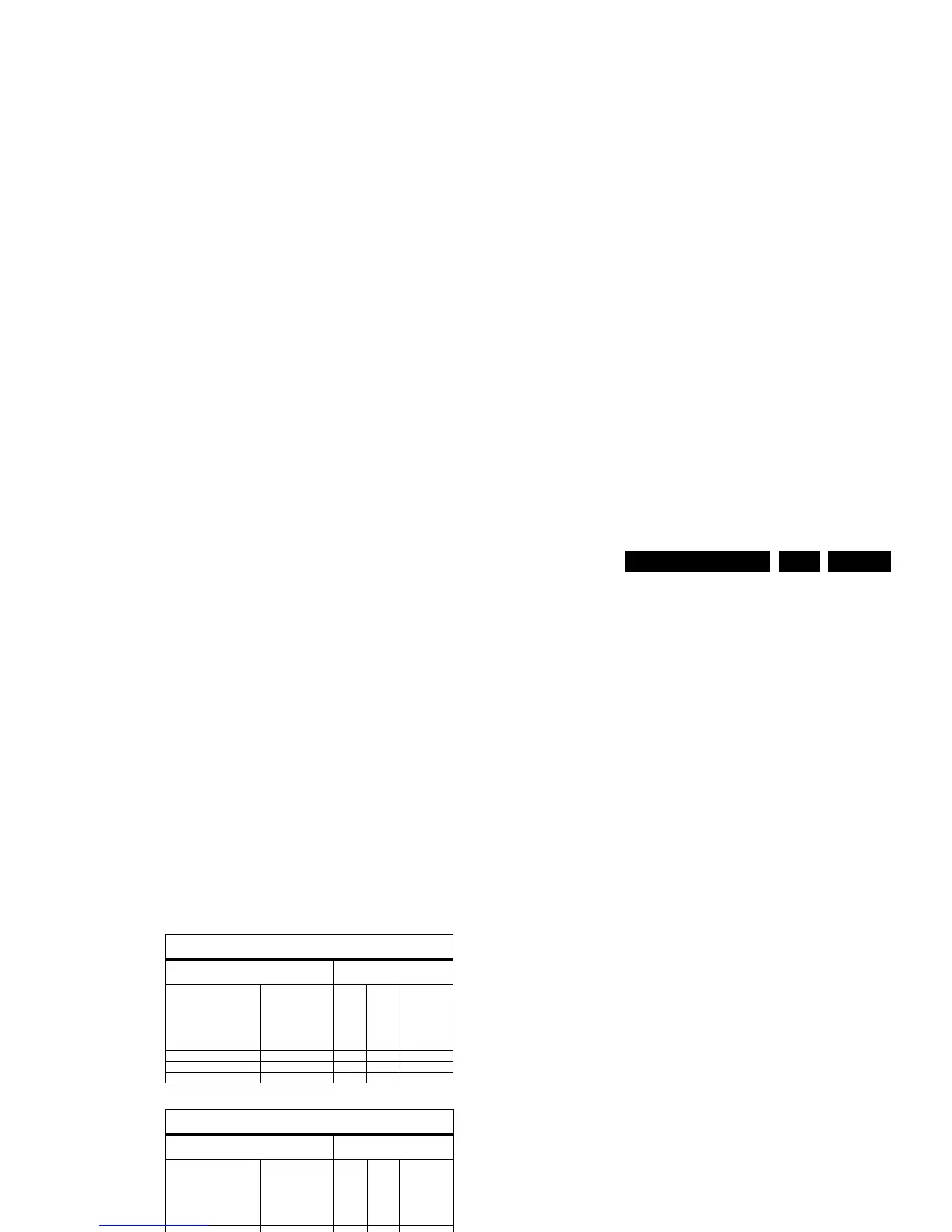
Table 8-1 ADC gain and grey scale alignment
8.3.5 Sound
• For NICAM sets: see paragraph 8.3.3.
• For other sets: No adjustments needed for sound.
8.3.6 Options
Options OP1...OP7 in the SAM menu can be used for quickly
restoring 64 features or settings of the HERCULES part of the
TV set to their orginal default factory values (8 groups of 8
features/settings each). When the decimal value of one option
byte OP1...OP7 is changed (see the first table below) then a
group of 8 bits, representing 8 HERCULES options or features,
is changed as well (see the second table below for a detailed
description of the features or settings that are changed).
The second table shows which option byte (OP1...OP7)
represents which group of 8 option bits. Each bit (0...7)
switches a particular HERCULES feature or setting ON or OFF,
depending on its value (1 or 0).
It is also possible to change the features or settings mentioned
in the second table directly at bit level, by means of the NVM
Editor in the SAM menu. In the NVM Editor, first the correct
NVM address (ADR) has to be entered, then the correct value
(VAL, 1 or 0) for each bit (see second table), and finally the
settings have to be stored (STORE). For quickly restoring the
HERCULES part of the TV set to its original factory settings,
however, it is more convenient to simply enter the default
factory settings OP1...OP7 that are given in the first table
below. How to do this, is described in the next paragraph.
How to Change an Option Byte
As has been explained above, an Option byte (OP) represents
a number of different HERCULES options. Changing these
bytes directly makes it possible to set all HERCULES options
very fast. All options are controlled via seven option bytes.
Select the option byte (OP1.. OP7) with the Menu Up/ Down
keys, and enter the new (decimal) value. For the correct
Factory Default settings, see the first table below. For more
detailed information, see the second table.
Leaving the Option submenu saves the changes in the Option
Byte settings. Some changes will only take effect after the set
has been switched “off” and “on” with the AC power switch (cold
start).
Table 8-2 Option codes OP1...OP7
How to Change Options at Bit Level
If you wish to know which features or settings of the
HERCULES are changed via OP1...OP7, or if you want to
change each option or feature bit by bit, use the more detailed
table below.
Note: the table below contains only part of the NVM settings
that can be changed. A second range of settings and features
can be found in Chapter 5 of this manual, in table NVM Default
values. The settings mentioned there can only be changed via
the NVM editor. For further settings, see also the table “ADC
Gain and Grey scale alignment” elsewhere in this manual.
SDTV ADC Gain settings: Use the NVM Editor in SAM to set these
values in the Hercules NVM
These models are with ADC
& Columbus 3D Combfilter
Setting
Hercules NVM
Address
(decimal value)
42PF7520D/10
42PF5520D/10
Settings
Range
(decimal
value)
NVM_ADC_GAIN_R 006 143 143 075 - 155
NVM_ADC_GAIN_G 007 191 191 200 - 250
NVM_ADC_GAIN_B 008 143 143 075 - 155
SDTV Greyscale settings: Use the SC NVM Editor in SAM to set these
values in the Scaler NVM
These models are with ADC
& Columbus 3D Combfilter
Setting
Scaler NVM
Address
(decimal value)
42PF7520D/10
42PF5520D/10
Settings
Range
(decimal
value)
ADC_RED_OFFSET2 338 080 080 050 - 110
ADC_GRN_OFFSET2 339 080 080 050 - 110
ADC_BLU_OFFSET2 340 080 080 050 - 110
ADC_RED_GAIN 341 154 154 045 - 095
ADC_GRN_GAIN 343 154 154 045 - 095
ADC_BLU_GAIN 345 154 154 045 - 095
PC Greyscale settings
These models are with ADC
& Columbus 3D Combfilter
Setting
Scaler NVM
Address
(decimal value)
42PF7520D/10
42PF5520D/10
Settings
Range
(decimal
value)
ADC_RED_OFFSET2 325 080 080 040 - 090
ADC_GRN_OFFSET2 326 080 080 040 - 090
ADC_BLU_OFFSET2 327 080 080 040 - 090
ADC_RED_GAIN 328 154 154 180 - 270
ADC_GRN_GAIN 330 154 154 180 - 270
ADC_BLU_GAIN 332 154 154 180 - 270
HD Greyscale settings
These models are with ADC
& Columbus 3D Combfilter
Setting
Scaler NVM
Address
(decimal value)
42PF7520D/10
42PF5520D/10
Settings
Range
(decimal
value)
ADC_RED_OFFSET2 351 064 064 050 - 090
ADC_GRN_OFFSET2 352 082 082 050 - 090
ADC_BLU_OFFSET2 353 064 064 050 - 090
ADC_RED_GAIN 354 159 159 120 - 200
ADC_GRN_GAIN 356 144 144 120 - 200
ADC_BLU_GAIN 358 147 147 120 - 200
Option table for quickly restoring the HERCULES to its
Factory Default settings
Model number
42PF7520D/10
42PF5520D/10
OP1 152 152
OP2 37 101
OP3 79 15
OP4 241 241
OP5 252 252
OP6 27 27
OP7 19 19
Options (can be changed only via the SAM
menu)
Total decimal value
for each option per
model number



 To Next Page