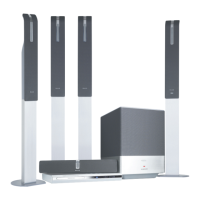
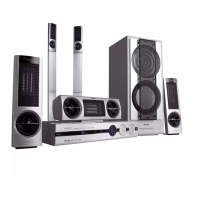
1
12nc: 3139 115 23181
FM antenna
video cable
AV Subwoofer
2
6
7
FRONT R
FRONT L
CENTER
Helpful Hints
You only need to make one video connection to your TV in
order to view the DVD playback. To obtain better picture
quality, you can choose to connect your DVD system using
A or B video connection if your TV has the same input
connector (cables not supplied).
If your TV has progressive scan function, connect
your TV using Y Pb Pr A (cables not supplied). Refer to
page 10 in the user manual.
When listening to TV programmes, press SOURCE
repeatedly on the remote control to select “TV” mode.
REAR R
REAR L
PHILIPS
PHILIPS
7
MW loop antenna
audio cable
First connect ...
... then play
(see next page)
4
matching coloured
stickers
Assemble the
speakers
5
3
8
9
10
11
12
12
11 109
86
LX85-69 QUG-Eng2 18/08/2004, 10:41 AM1



 To Next Page
 Loading...