Installation of Wireless Infrastructure
Installin
the Instrument
83
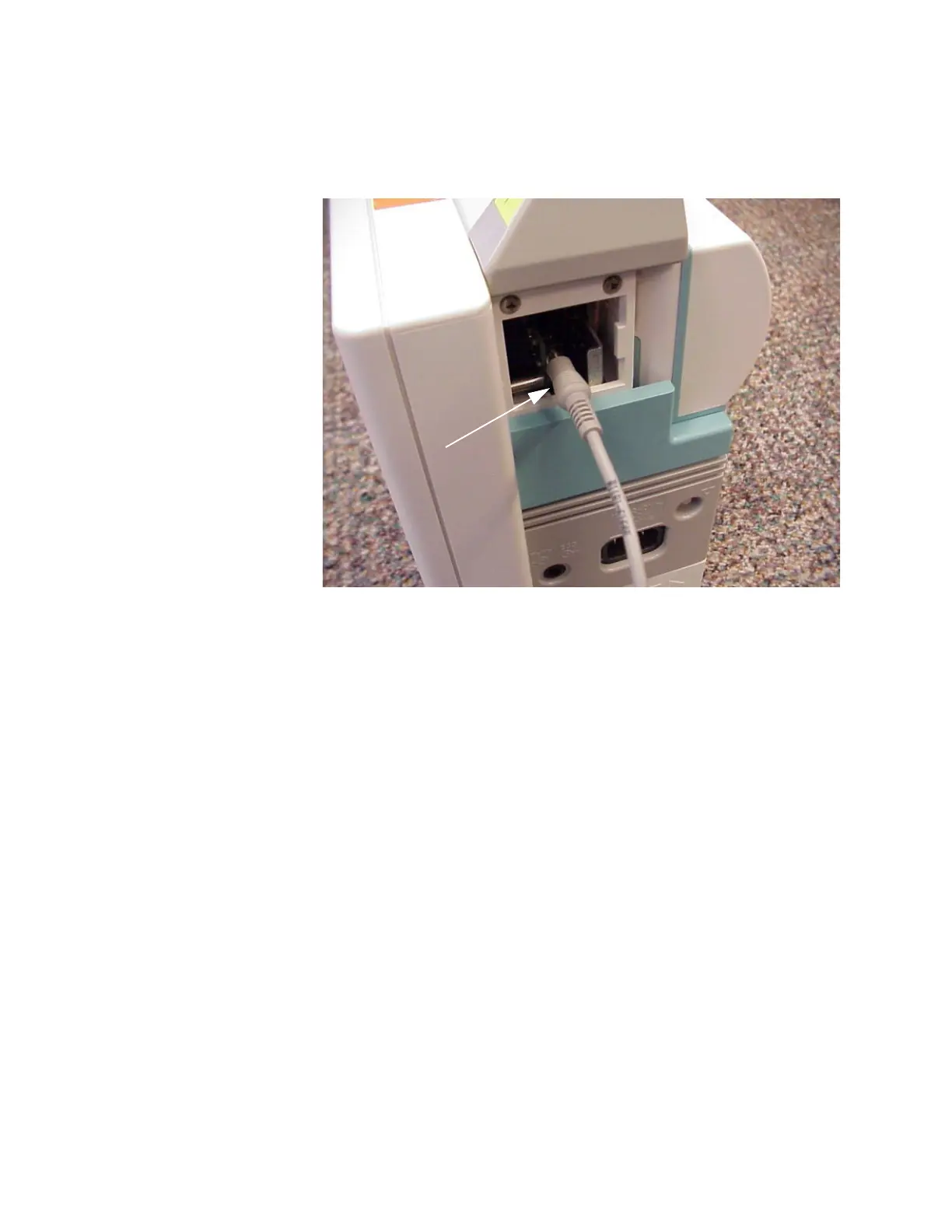
Step 10 Unsnap the gray cover on the upper right side of the M3/M4 Monitor housing to
expose the female stereo phono plug on the Wireless Adapter, as shown in the next
figure:
Step 11 Connect the phono plug end of the 9-Pin D female - 1/8 in. male Stereo Phono cable
into the phono plug connector on the Wireless Adapter as shown above and the 9-
pin D end of the cable into the 9-Pin D Serial Port connector on the configuring PC.
Step 12 Turn ON the M3/M4 Monitor and insure that it passes its self-test.
Step 13 Select the WB_WirelessM3_1-2b15.cfg item in the drop down list in the
Configuration Tool window.
Stereo
Plug
Phono











 To Next Page