11EN
Add wallpapers
1 From the Home screen, go to > Display
> Wallpaper.
2 Select your options.
Text entry
With the onscreen keyboard, you can enter
text in multiple languages.
Select input methods
1 From the Home screen, select Settings
> Language & input.
2 Select your input methods:
Android keyboard: for multiple languages
other than Chinese
Baidu input: for Chinese input through
handwriting recognition, stroke, and Pinyin,
and English input
Google Pinyin: for Chinese Pinyin input
and English input
To useBaidu input,
1 Select Baidu input in Step 2 above.
2 Tap next to the input method.
3 Follow the onscreen instructions to set
Baidu input as the default input method.
Enter text
1 Tap the text box to show the onscreen
keyboard.
چ૿ҵࡣ
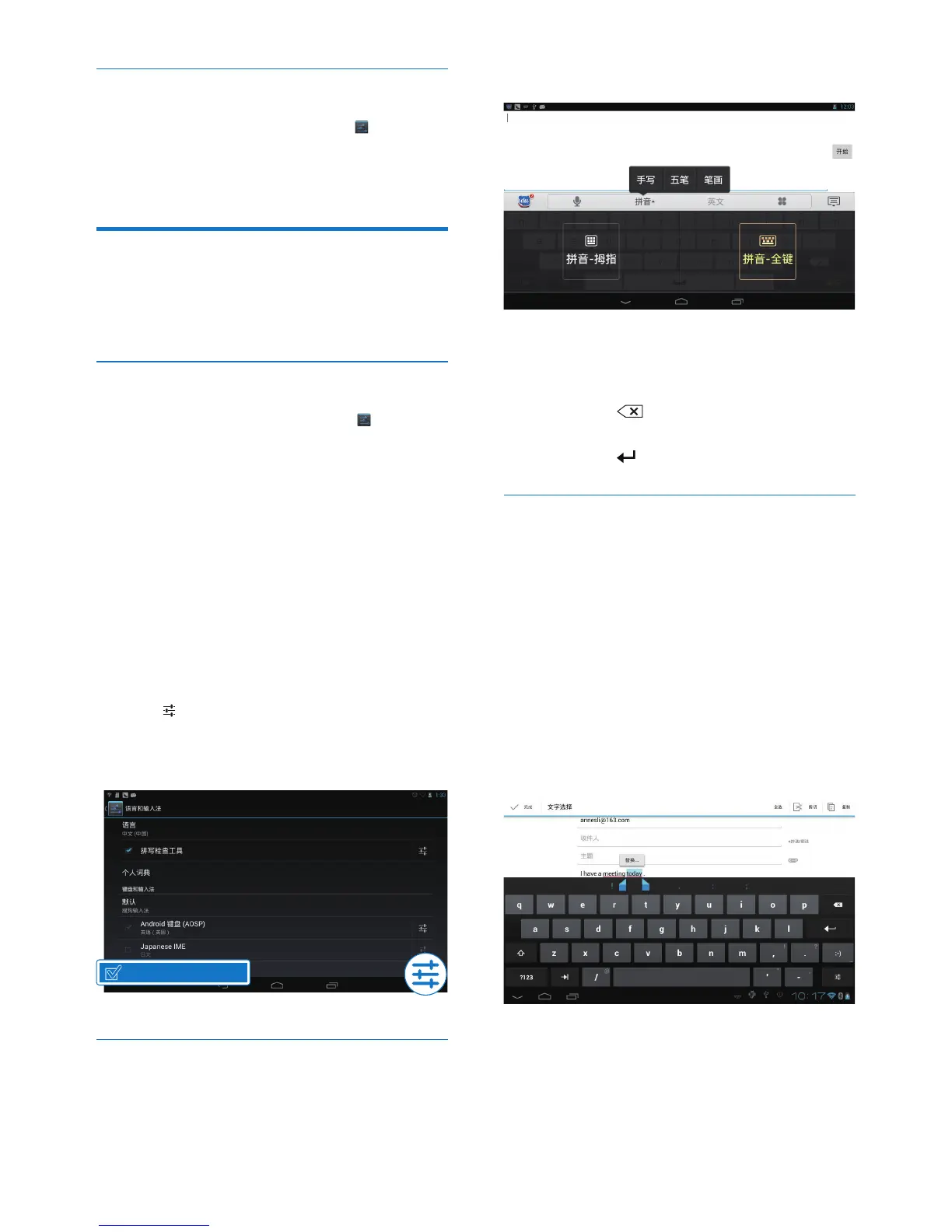
2 Select text input modes as needed.
3 Tap keys or drag on the screen to enter
text.
To delete the entry before the cursor,
• Select .
To move to the next line,
• Select .
Edit text
You can cut, copy, and paste the text that you
have entered.
Select the text
1 Tap and hold the text until the pop-screen
is displayed.
» Current word is selected, with marks
for start and end positions.
• Tap Select all to select all the text.
2 Drag the marks to select or change the
start/ end positions.
Copy or cut the selected text
• Tap Copy or Cut.
» The selected text is copied or cut.
Paste the selected text



 To Next Page