21EN
9 Email
On Pi3100, you can receive and send email as
you do on a computer. Do the following:
• Set up your email accounts on the
device.
Set up your email account
On Pi3100, set up your email accounts in the
following ways:
• Set up your POP3 or IMAP mail
accounts, or
• Set up your Microsoft Exchange
account to access your Exchange
mailbox at work (see 'Set up your
Microsoft Exchange account' on page
25).
Set up your POP3/ IMAP account
1 From the Home screen, go to .
2 Set up your email account:
• Enter the information about your
account;
• Select pop3 or IMAP account.
3 Follow the onscreen instructions to
complete the setup.
• Consult your email service provider
for the setup information, such as the
outgoing server, incoming server.
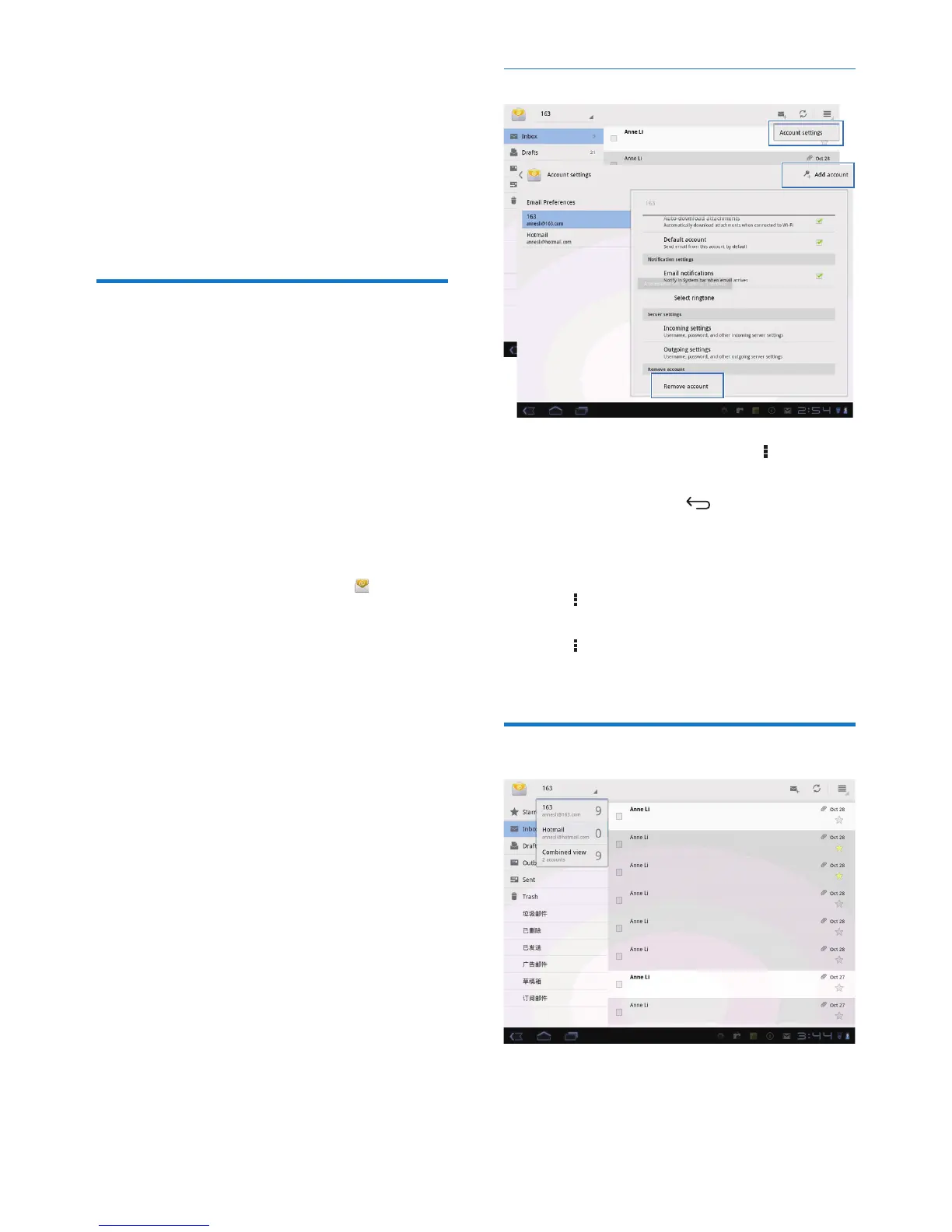
Select account settings
1 On the screen of mail list, tap > Settings.
» A pop-up screen is displayed.
• If necessary, tap repeatedly to
return to the screen of mail list.
2 Select your options for the account.
To add an account,
• On > Settings, tap Add account.
To remove an account,
• On > Settings, select Remove account.
» Current account is removed.
Check your email messages
You can check your email messages in the
following ways:
• Check one combined mailbox;



 To Next Page