7EN
j Speaker
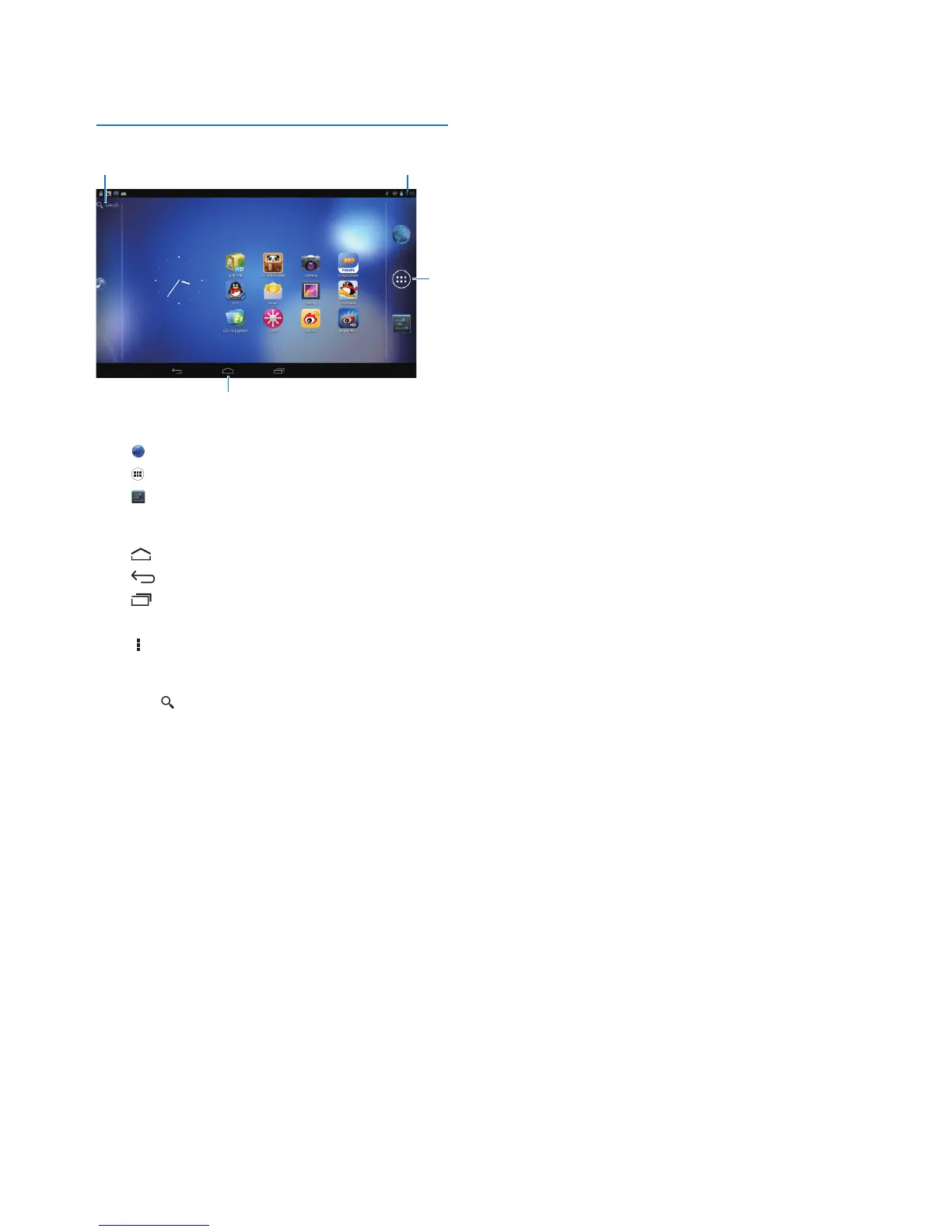
Home screen
a Browser: Browse Web pages.
APPS/WIDGETS: List all apps or widgets.
Settings: Customize the settings of
Pi3100.
b : Tap to return to the Home screen.
: Go back one level.
: Display recent applications that you
have accessed.
(for some apps): View the options menu.
c Google Search
• : Use the quick search box to search
on Pi3100 or the Web.
d Notications,time,setupstatus
• Drag down the bar to check the
details and select setup options.
c
d
b
a



 To Next Page