24 EN
Set an alarm
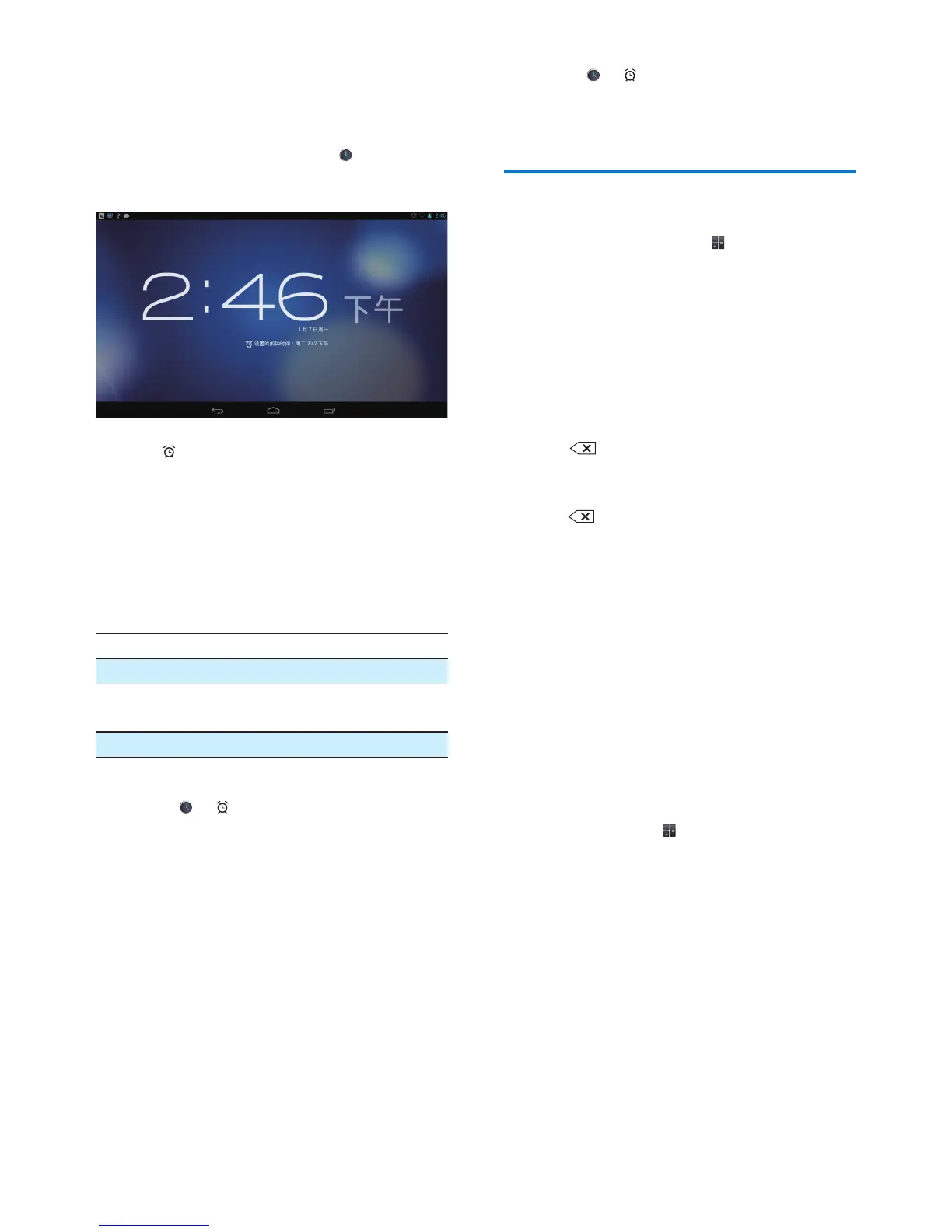
1 Make sure that you have set the clock time
(see 'Date 30).
2 From the Home screen, tap .
» The next alarm is displayed.
3 Tap .
» The set alarms are displayed.
4 To set an alarm clock,
• To add an alarm, tap Add alarm.
• To change an alarm, tap the preset
alarm time.
5 Select your options. Conrm as prompted.
Time Set the alarm time.
Repeat Select how the alarm repeats.
Ringtone Select the ringtone for the alarm:
silence, buzzer, or ringtone.
Label Add description for the alarm.
Switch an alarm on or off
• In > , tap the tick box next to the
set alarm time.
» If the function is enabled, the tick
box is selected.
Use the alarm
At the set alarm time, the alarm sounds. A pop-
up screen is displayed.
• To interrupt the alarm, tap Snooze.
» The alarm sounds 10 minutes later.
• To stop the alarm, tap Dismiss.
» The alarm repeats at the next set
alarm time.
Select settings
• In > , tap Settings to select
options for your alarm, such as volume,
snooze duration.
Calculator
From the Home screen, tap to use the
calculator.
1 Enter numbers and mathematic operators:
• Use the onscreen keyboard for entry.
2 Tap = to start calculation.
To clear entries,
1 Tap to put the cursor behind the entry
where you start to clear.
2 Tap repeatedly.
• Entries before the cursor are cleared.
• To clear all the entries, tap and hold
.
To copy an entry,
1 Tap and hold an entry until a pop-up
screen is displayed.
» The entry is copied.
2 To paste the entry in your email, do the
following:
a In text box of your email, tap and
hold a position until a pop-up screen
is displayed.
b Tap Paste in the pop-up screen.
» The entry is pasted to the selected
position.



 To Next Page