EasyManua.ls Logo

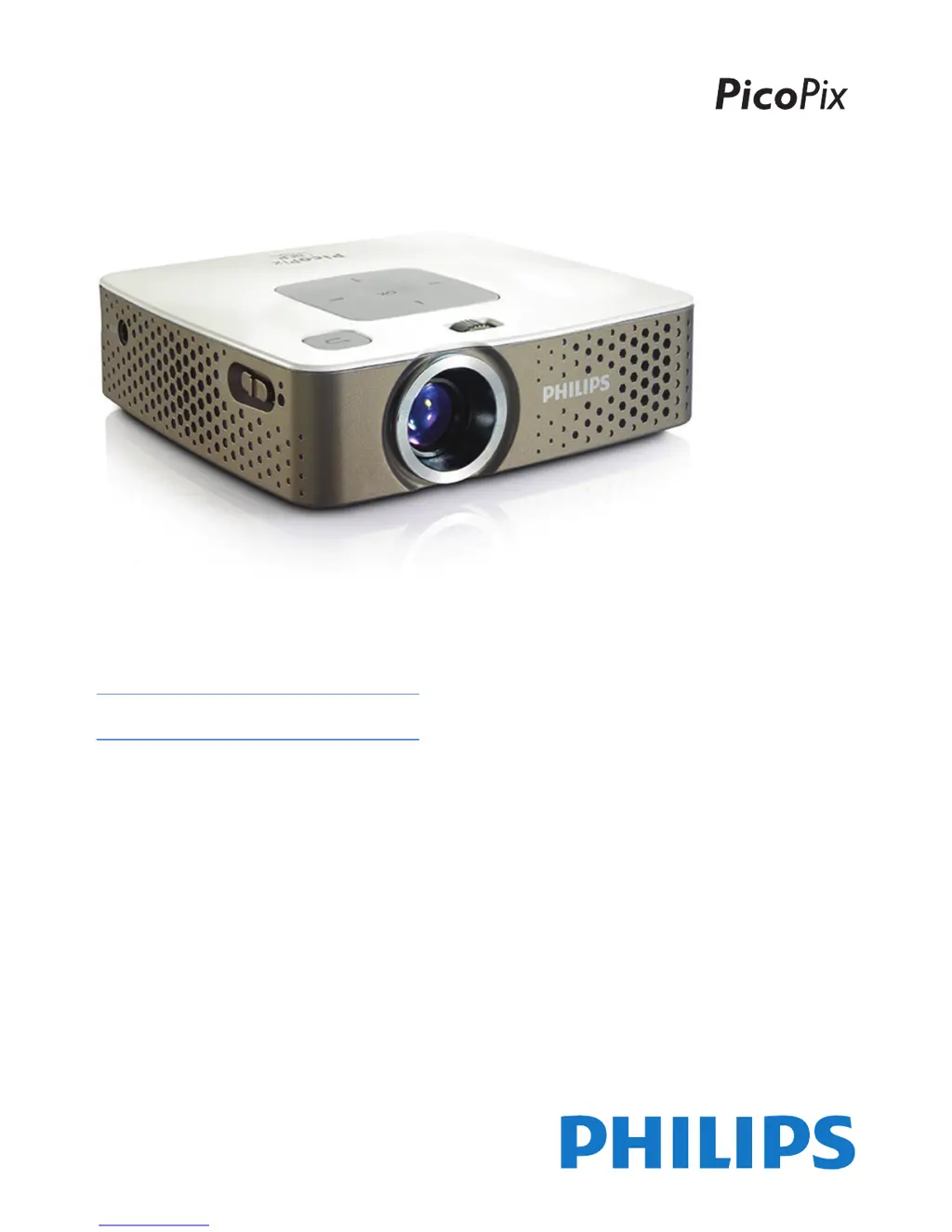
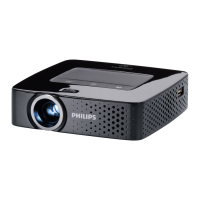
Philips PicoPix PPX3407 - User Manual

Philips PicoPix PPX3407
28 pages
Print Icon
To Next Page IconTo Next Page
Loading...
UK
PPX3407
PPX3410
User Manual
Register your product and get support at
www.philips.com/welcome

Questions and Answers

  • S
    Sarah RodriguezSep 12, 2025
    How to fix bad sound quality with my Philips Projector when using a computer connection?
    • L
      Lauren SmithSep 12, 2025
      If you experience poor sound quality on your Philips Projector when connected to a computer, verify that the audio cable is connected to the computer's headphone or line-out socket. Also, ensure that the computer's volume isn't set too high.
  • M
    Megan IngramSep 13, 2025
    What to do if only the initial screen appears and not the image from the connected computer on my Philips PicoPix PPX3407?
    • Q
      qkimSep 13, 2025
      If your Philips Projector only displays the initial screen when connected to a computer, ensure that the computer's VGA output is enabled and that the computer's resolution is set to 800x600.
  • B
    Billy BrownSep 15, 2025
    Why does my Philips PicoPix PPX3407 change brightness when playing videos over USB?
    • Y
      Yolanda LoveSep 15, 2025
      If your Philips Projector automatically dims when playing videos via USB, it might be due to high ambient temperatures. The device reduces brightness to protect the LED. Try using the projector in a cooler environment.

Philips PicoPix PPX3407 Specifications

General IconGeneral
BrandPhilips
ModelPicoPix PPX3407
CategoryProjector
LanguageEnglish

Related product manuals