EasyManua.ls Logo

Philips PM3350A - Horizontal Mode

Philips PM3350A
109 pages
Print Icon
To Next Page IconTo Next Page
To Previous Page IconTo Previous Page
Loading...
4
-
22
4
APPLICATIONS
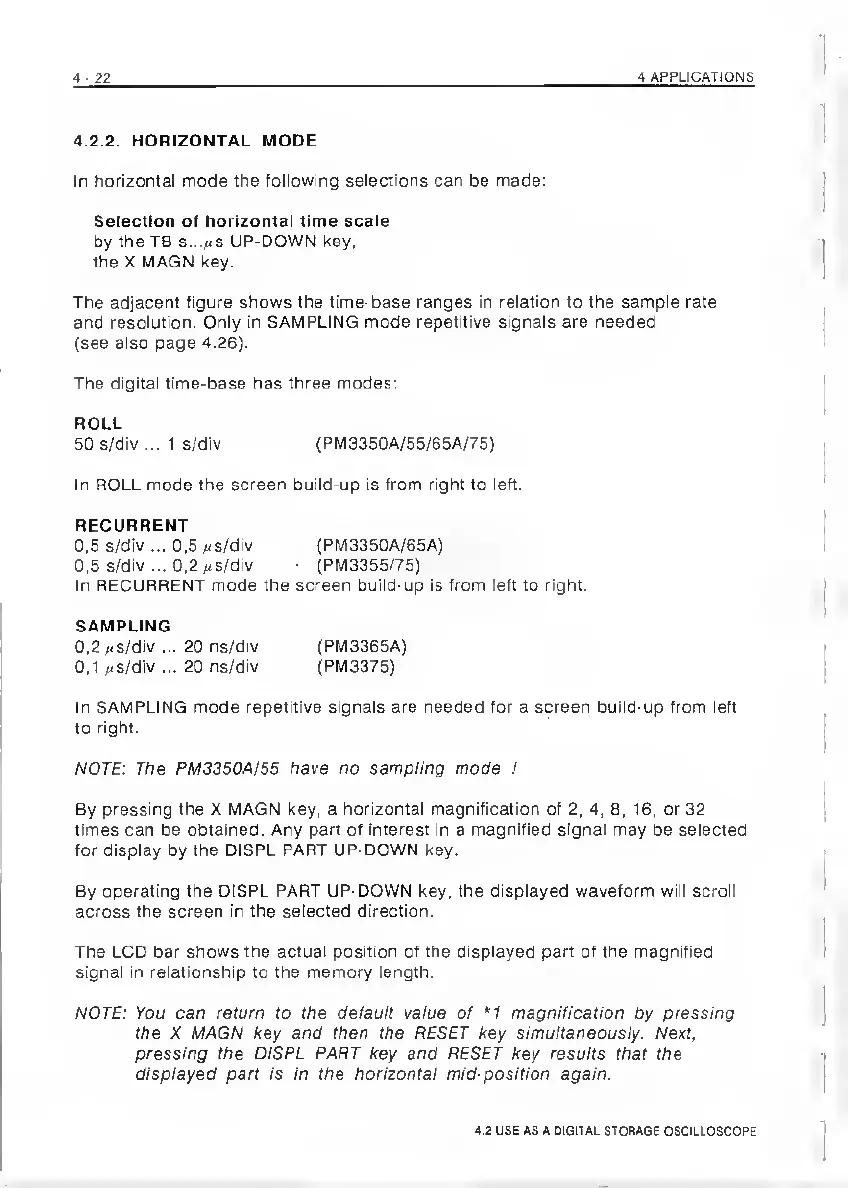
4.2.2.
HORIZONTAL
MODE
In
horizontal
mode
the
following
selections
can
be
made:
Selection
of
horizontal
time
scale
by
the
T8
s.../is
UP-DOWN
key,
the
X
MAGN
key.
The
adjacent
figure
shows
the
time-base
ranges
in
relation
to
the
sample
rate
and
resolution.
Only
in
SAMPLING
mode
repetitive
signals
are
needed
(see
also
page
4.26).
The
digital
time-base
has
three
modes:
ROLL
50
S/div
...
1
s/div
{PM3350A/55/65A/75)
In
ROLL
mode
the
screen
build-up
is
from
right
to
left.
RECURRENT
0,5
s/div
...
0,5
uS/div
{PM3350A/65A)
0,5
5/div
...
0,2
;<s/div
(PM3355/75)
In
RECURRENT
mode
the
screen
build-up
is
from
left
to
right.
SAMPLING
0,2
;.s/div
...
20
ns/div
(PM3365A)
0,1
,-s/div
...
20
ns/div
(PM3375)
In
SAMPLING
mode
repetitive
signals
are
needed
for
a
screen
build-up
from
left
to
right.
NOTE:
The
PM3350A/55
have
no
sampling
mode
!
By
pressing
the
X
MAGN
key,
a
horizontal
magnification
of
2,
4,
8,
16,
or
32
times
can
be
obtained.
Any
part
of
interest
in
a
magnified
signal
may
be
selected
for
display
by
the
DISPL
PART
UP-DOWN
key.
By
operating
the
DISPL
PART
UP-DOWN
key,
the
displayed
waveform
will
scroll
across
the
screen
in
the
selected
direction.
The
LCD
bar
shows
the
actual
position
of
the
displayed
part
of
the
magnified
signal
in
relationship
to
the
memory
length.
NOTE:
You
can
return
to
the
default
value
of
*1
magnification
Oy
pressing
the
X
MAGN
key
and
then
the
RESET
key
simultaneously.
Next,
pressing
the
DISPL
PART
key
and
RESET
key
results
that
the
displayed
part
is
in
the
horizontal
mid-position
again.
4.2
USE
AS
A
DIQITAL
STORAGE
OSCILLOSCOPE

Related product manuals