EasyManua.ls Logo

Philips PM3350A - Menus and Measurements.4-34; Explanation of Menu-Structures

Philips PM3350A
109 pages
Print Icon
To Next Page IconTo Next Page
To Previous Page IconTo Previous Page
Loading...
A
34
4
APPLICATIONS
4.3
MENUS
AND
MEASUREMENTS
NOTE:
The
menus
that
are
described
here
and
the
cursor
measurements
performed
In
this
section
are
only
available
in
DIGITAL
MODE.
4.3.1
EXPLANATION
OF
MENU-STRUCTURES
The
following
text
explains
the
function
of
each
menu
within
the
softkey
menu
structure.
The
softkey
function
RETURN
can
be
found
in
many
menus
and
if
activated
it
will
result
in
a
return
to
the
previous
level
In
the
menu
structure.
The
CRT
screen
contains
two
areas
for
text,
the
top
text
area
shows
all
calculation
information
and
channel
settings,
the
bottom
text
area
shows
all
functions
selections
assigned
to
the
five
softkeys.
When
in
DIGITAL
mode,
the
text
on
the
CRT
can
be
activated
by
pressing
one
of
the
five
softkeys
that
are
positioned
under
the
CRT
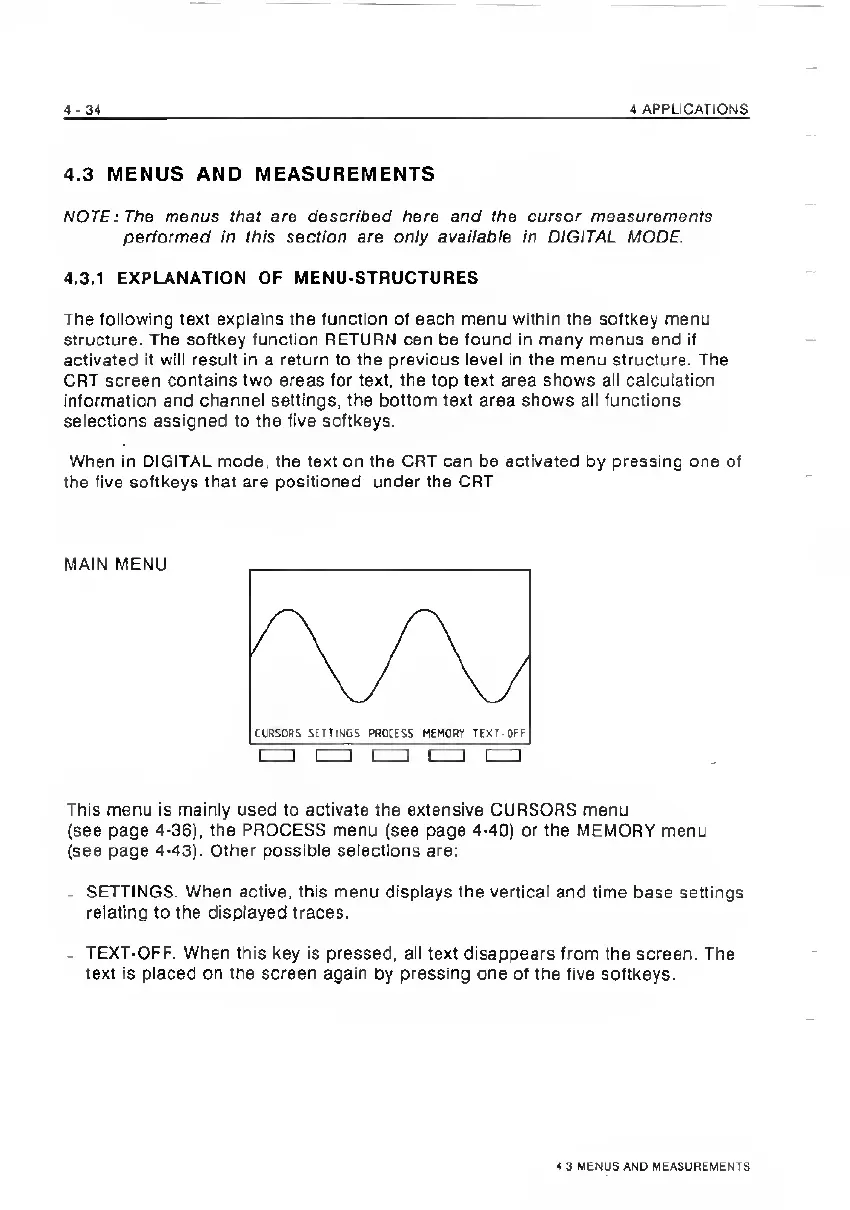
MAIN
MENU
This
menu
is
mainly
used
to
activate
the
extensive
CURSORS
menu
(see
page
4-36),
the
PROCESS
menu
(see
page
4-40)
or
the
MEMORY
menu
(see
page
4-43).
Other
possible
selections
are:
.
SETTINGS.
When
active,
this
menu
displays
the
vertical
and
time
base
settings
relating
to
the
displayed
traces.
-
TEXT-OFF.
When
this
key
is
pressed,
all
text
disappears
from
the
screen.
The
text
is
placed
on
the
screen
again
by
pressing
one
of
the
five
softkeys.
4
3
VENUS
AND
MEASUREMENTS

Related product manuals