EasyManua.ls Logo

Philips PM3350A - Page 63

Philips PM3350A
109 pages
Print Icon
To Next Page IconTo Next Page
To Previous Page IconTo Previous Page
Loading...
4
-
30
4
APPLICATIONS
-
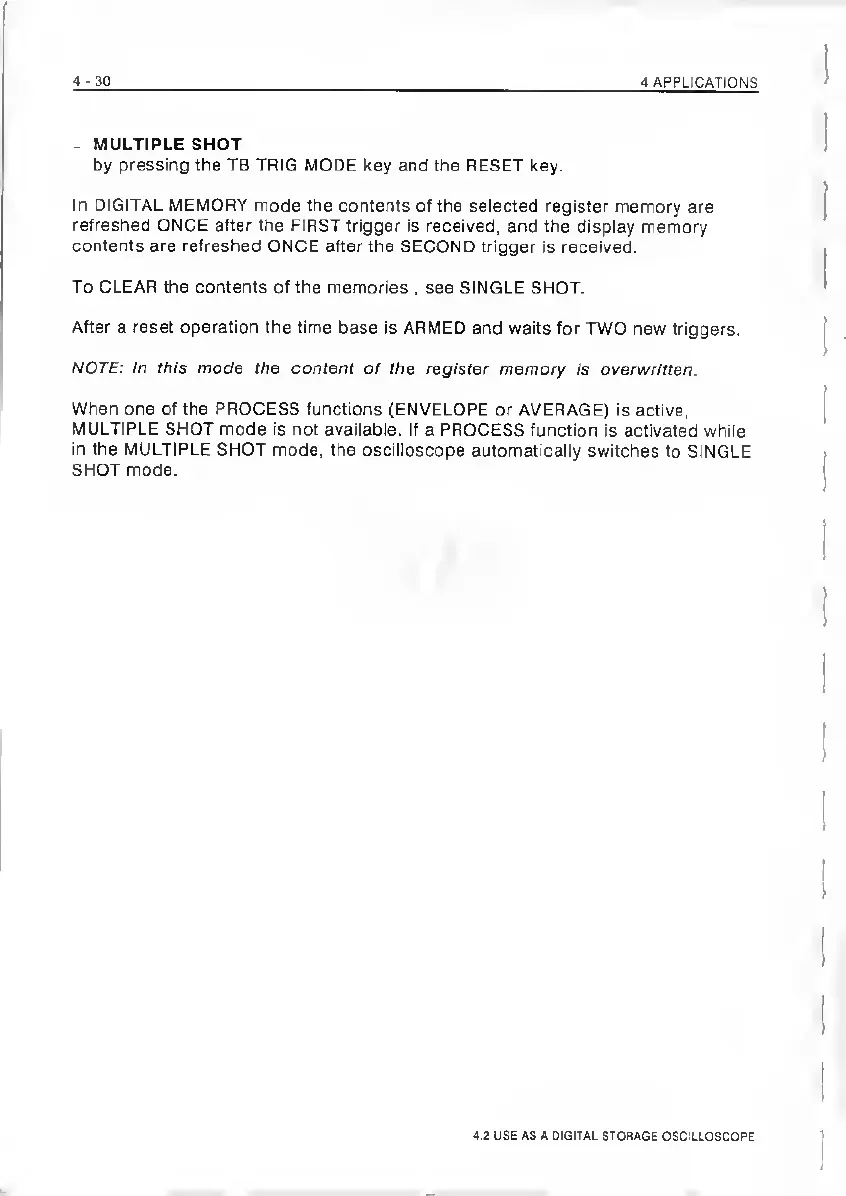
MULTIPLE
SHOT
by
pressing
the
TB
TRIG
MODE
key
and
the
RESET
key.
In
DIGITAL
MEMORY
mode
the
contents
of
the
selected
register
memory
are
refreshed
ONCE
after
the
FIRST
trigger
Is
received,
and
the
display
memory
contents
are
refreshed
ONCE
after
the
SECOND
trigger
is
received.
To
CLEAR
the
contents
of
the
memories
,
see
SINGLE
SHOT.
After
a
reset
operation
the
time
base
is
ARMED
and
waits
for
TWO
new
triggers.
NOTE:
In
this
mode
the
content
of
the
register
memory
is
overwritten.
When
one
of
the
PROCESS
functions
(ENVELOPE
or
AVERAGE)
is
active,
MULTIPLE
SHOT
mode
is
not
available.
If
a
PROCESS
function
Is
activated
while
in
the
MULTIPLE
SHOT
mode,
the
oscilloscope
automatically
switches
to
SINGLE
SHOT
mode.
4.2
USE
AS
A
DIGITAL
STORAGE
OSCILLOSCOPE

Related product manuals