User Guide
15
Customizing Pronto
Selecting the Brand and Code Set for your Device
1 Press the left hard button below the touch screen for
3 seconds.
The Tools menu appears.
2 Tap Brand in the Tools Menu.
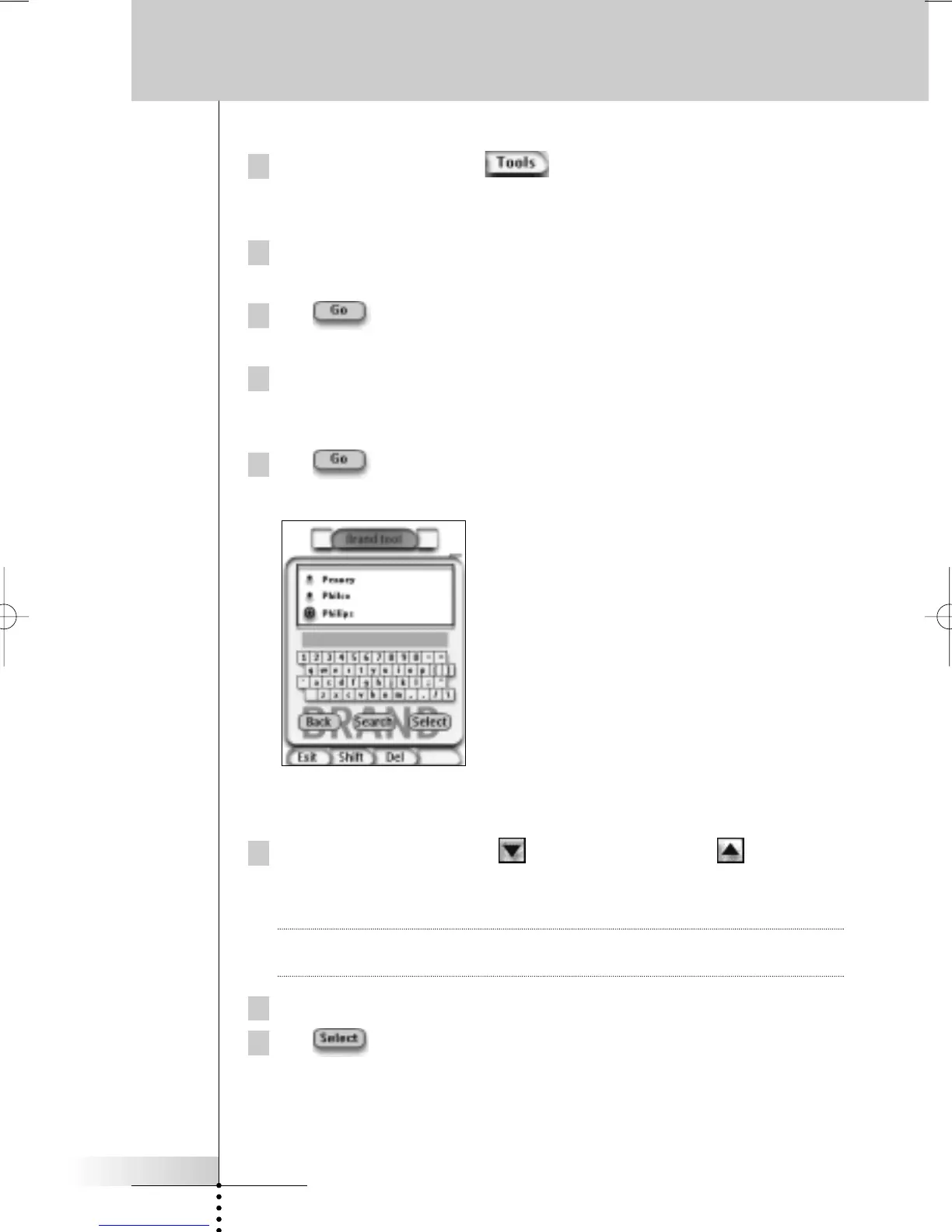
The ‘Brand Tool’ screen appears.
3 Tap in the ‘Brand Tool’ screen.
The Device Overview appears.
4 In the Device Overview, tap the Device for which you want to define
the brand.
The ‘Brand Tool’ screen appears.
5 Tap in the ‘Brand Tool’ screen.
The ‘Brands’ screen appears.
Selecting the brand
1 Tap the Scroll Down button or the Scroll Up button next to the
Brands list.
The Brands list scrolls down/up.
Note You can also select the brand via the virtual keyboard by tapping one or more
of the brand’s name characters.
2 Tap the brand for the selected Device in the Brands list.
3 Tap in the ‘Brands’ screen.
The ‘Brand Tool’ screen appears.









 To Next Page