a Earpiece
b LCD touch screen
c
• End a call.
• Switch off the screen.
• Press to power on the handset.
• Press and hold to power off the
handset.
d Microphone
e Micro USB socket (bottom of the
handset)
f Headset jack (bottom of the handset,
compatible with mobile headset with
microphone)
g
• Make and receive calls.
• Show the dial pad.
h Center key
• Enter the main menu in standby mode.
• Press and hold to lock/unlock the
keypad.
i +/-
Increase/decrease the volume.
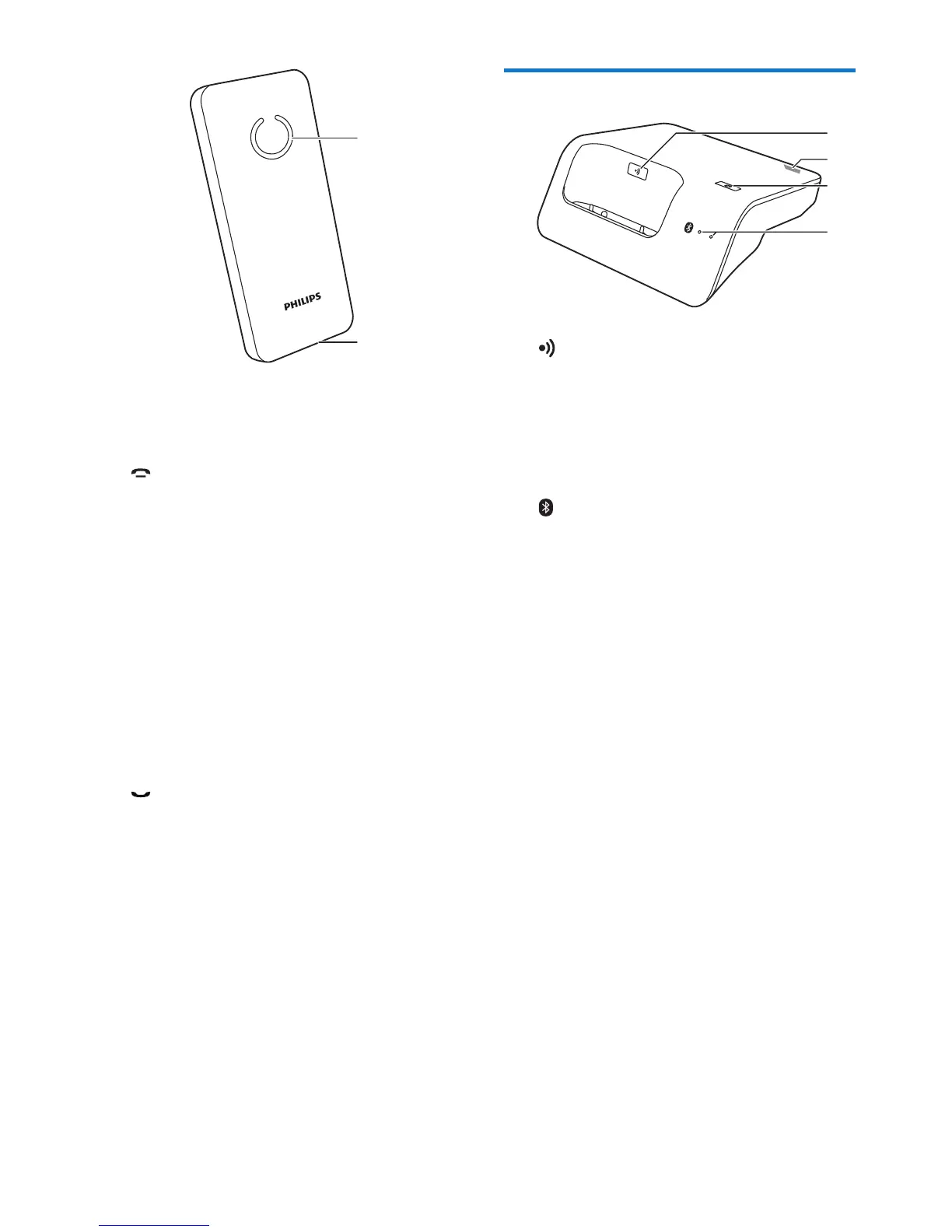
j Loudspeaker
k Battery door opening
j
k
Overview of the base station
a
• Press to nd handsets.
• Press and hold for approximately 5
seconds to enter registration mode.
b Micro USB socket (back of the base
station)
c
Press and hold until both LEDs start
ashing, then start pairing the landline
phone with your mobile phone through
Bluetooth.
d Bluetooth LEDs
• Single LED ashing: the corresponding
device is connected and in use through
Bluetooth connection.
• Single LED lit: the corresponding
device is connected.
• Both LEDs ashing alternately: the base
station is ready for pairing/registration.
• Off: No Bluetooth connection.
a
d
c
b



 To Next Page