10
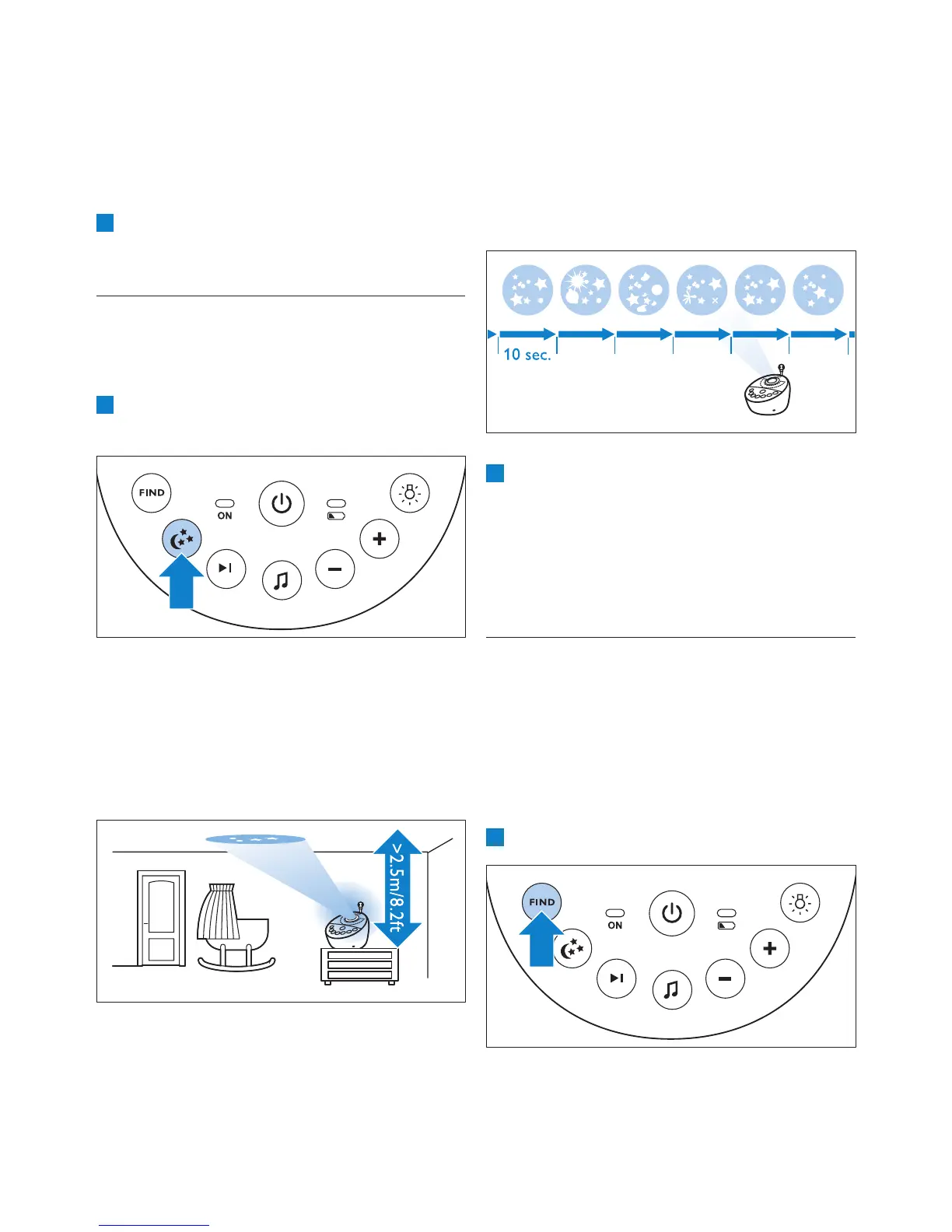
• There are six different patterns and
each pattern is projected for 10 seconds.
When all six patterns have been shown,
the projector starts with pattern 1 again.
The patterns are repeated for the set time
(see ‘Projector’ in chapter ‘Functions and
feedback on the parent unit’).
2 To switch off the projector before the set
time has elapsed, press the projector on/off
button again.
• The pattern projected fades out and the
projector switches off.
• The projector symbol disappears from the
display.
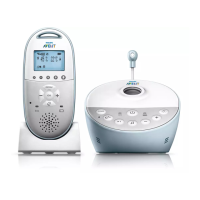
5.4 Paging the parent unit
If you have lost the parent unit, you can use the
FIND button on the baby unit to locate the
parent unit.
D
Note:
The paging function only works when the parent
unit is switched on.
1 Press the FIND button on the baby unit.
D Note:
You can only set the loudspeaker volume on the
baby unit when a lullaby is playing. If you have
set the volume for the lullaby higher on the baby
unit, the sound will also be louder when you use
the talk function on the parent unit.
4 To stop lullaby playing before the set time has
elapsed, press the lullaby play/stop button K
on the baby unit.
5.3 Projector
You can soothe your baby with coloured light
patterns projected on the ceiling by switching on
the projector.
1 Press the projector on/off button to switch
on the projector.
• The projector symbol appears on the display
of the parent unit.
• The rst pattern from the projector fades in
to full intensity in 2 seconds. It is projected
for 8 seconds and then fades out for 2
seconds while the next pattern fades in.


 To Next Page
 Loading...