11
• Replace the batteries when they run low.
• If the batteries run out of power while the
baby unit is running on battery power, the
baby unit switches off and the parent unit
loses connection with the baby unit.
D
Note:
We advise you to use the baby unit on mains
power, as the baby unit has a limited operating
time when you use it on non-rechargeable alkaline
batteries. The operating time on non-rechargeable
batteries is 24 hours.
6 Functions and
feedback on the
parent unit
6.1 Soothing menu
The parent unit has a separate soothing menu
for all soothing features: nightlight, lullaby and
projector. To open this menu, press the soothing
button. This menu allows you to operate the
nightlight, the lullabies and the projector on the
baby unit remotely.
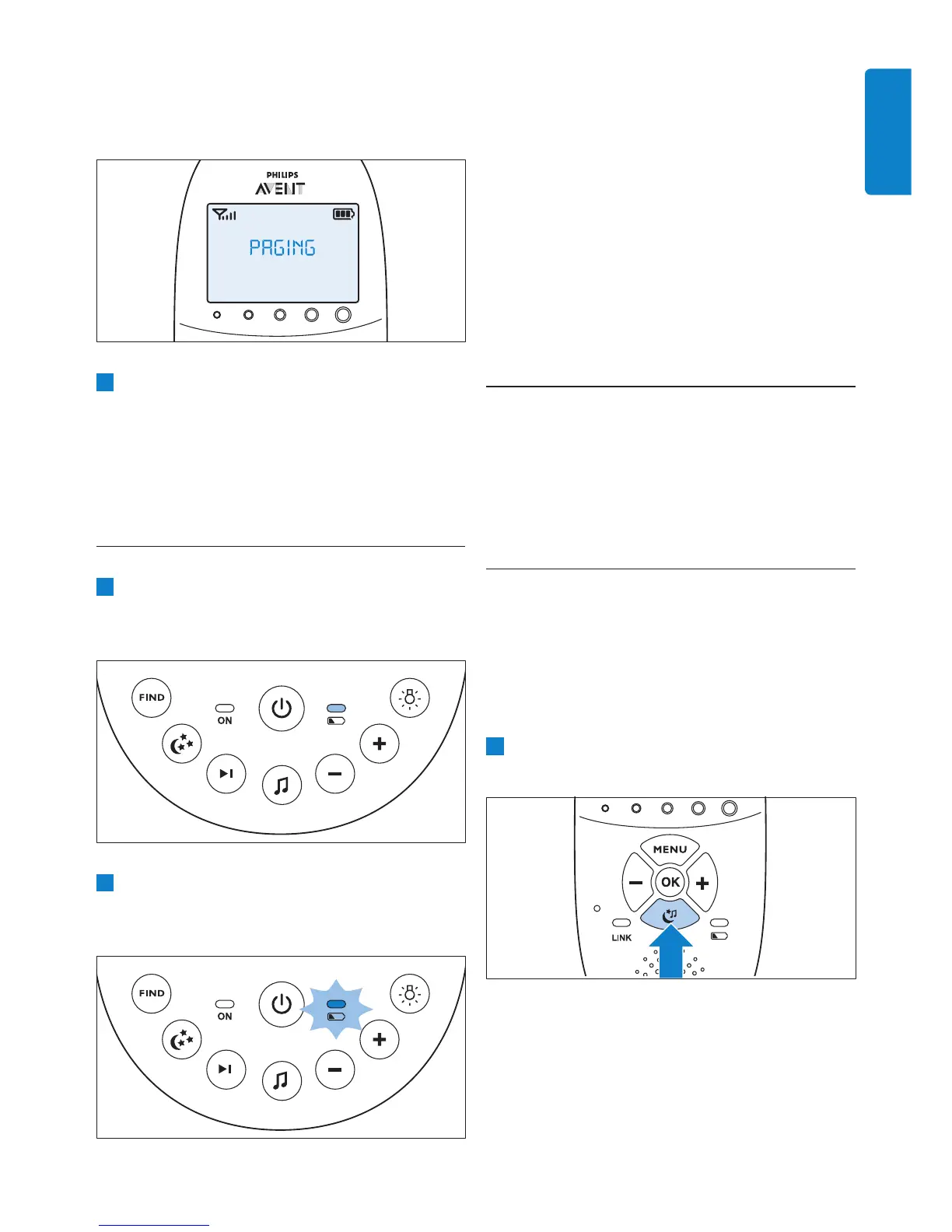
1 To open the soothing menu, press the
soothing button.
• The message ‘PAGING’ appears on the
display of the parent unit and the parent
unit produces a paging alert tone.
2 To stop the paging alert tone, press the FIND
button on the baby unit again or press any
button on the parent unit.
D
Note:
The paging alert tone stops automatically after
2 minutes.
5.5 Battery status light
1 The battery status light is solid green when
the baby unit runs on battery power and the
batteries contain enough energy.
2 The battery status light ashes red quickly
when the batteries run low while the baby
unit is running on battery power.
ENGLISH


 To Next Page
 Loading...