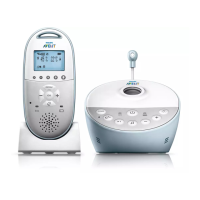
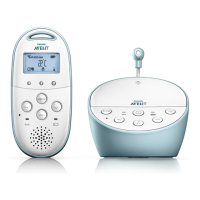
9
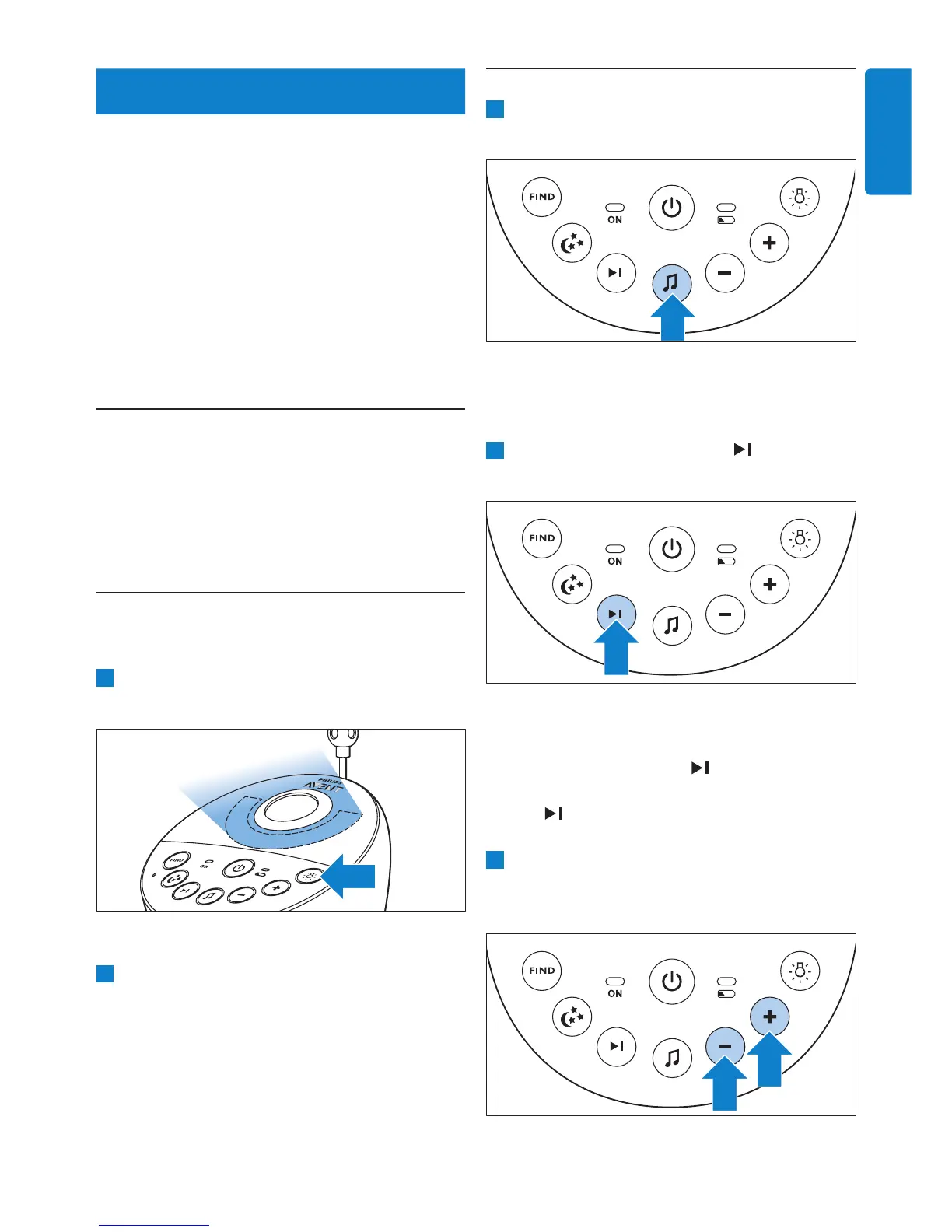
5.2 Lullaby function
1 Press the lullaby play/stop button K on the
baby unit to play the last selected lullaby.
• The selected lullaby repeats for the set time.
• If no lullaby was selected before, lullaby 1
is played.
2 Press the next lullaby button to select
another lullaby from the list.
• If no lullaby is playing, the last selected
lullaby starts playing when you press the
next lullaby button
.
• When you press the next lullaby button
while a lullaby is playing, the next
lullaby starts playing.
3 To adjust the sound level of the lullaby, press
the volume + or the volume – button on the
baby unit.
Dry materials Material
thickness
Loss of
range
Wood, plaster, cardboard,
glass (without metal,
wires or lead)
< 30cm
(12in)
0-10%
Brick, plywood < 30cm
(12in)
5-35%
Reinforced concrete < 30cm
(12in)
30-100%
Metal grilles or bars < 1cm
(0.4in)
90-100%
Metal or aluminium
sheets
< 1cm
(0.4in)
100%
5 Functions and
feedback on the
baby unit
5.1 Nightlight
The nightlight produces a soft glow that comforts
your baby.
1 Press the nightlight on/off button on the baby
unit to switch on the nightlight.
• Q appears on the display of the parent unit.
2 Press the nightlight on/off button again to
switch off the nightlight.
• The nightlight dims gradually before it goes
out completely.
• Q disappears from the display of the parent
unit.
ENGLISH


 To Next Page
 Loading...