24
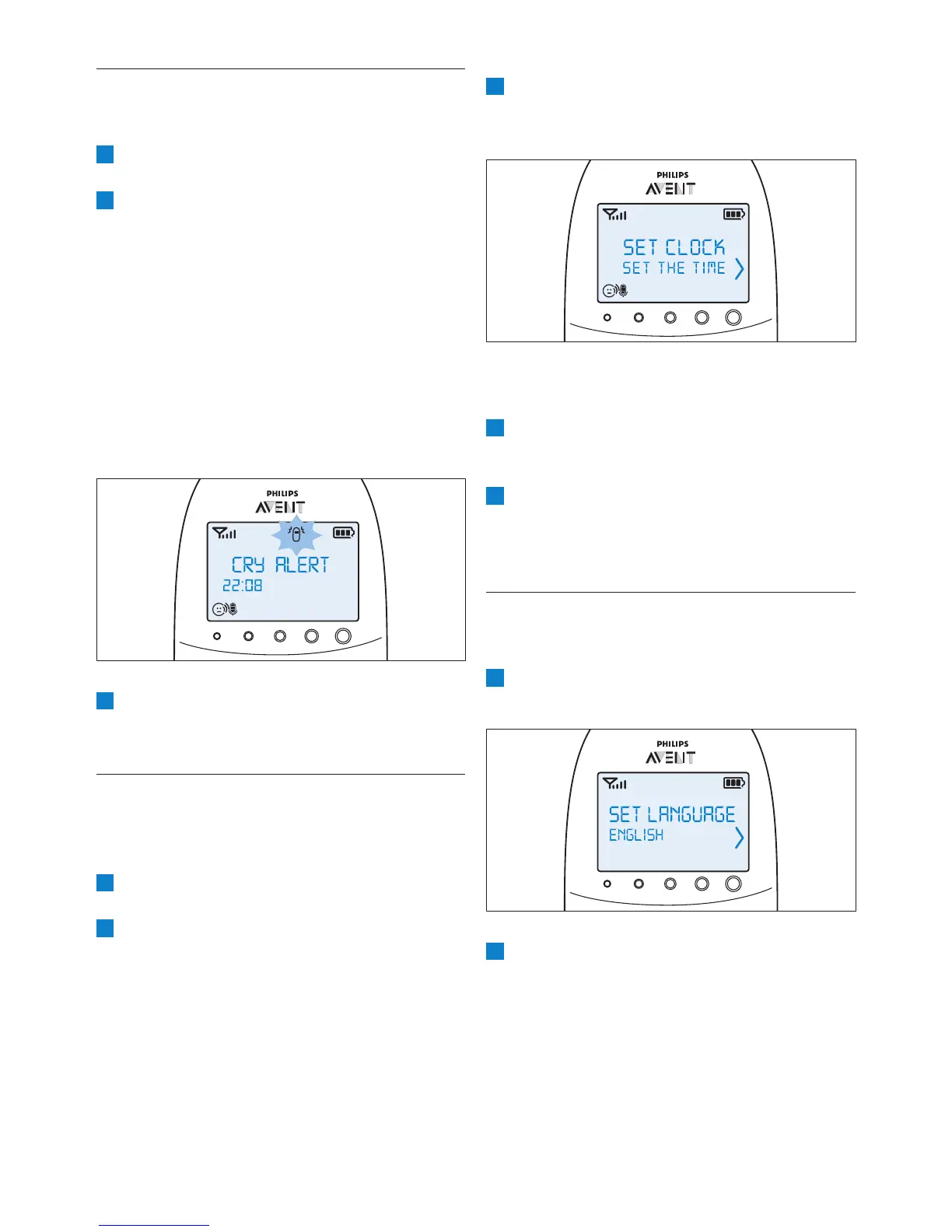
3 Select ‘Set the time’ with the + and - buttons.
Press OK to conrm and to start setting
the clock.
• The hour indication starts ashing on the
display.
4 Set the hour and press OK to conrm.
• The minutes indication starts ashing on the
display.
5 Set the minutes and press OK to conrm.
• The clock time alternates with other
indications in the message eld of the
display.
7.9 Language
You can use this menu option to change the
language setting.
1 Select ‘Set language’ in the menu with the +
and - buttons and press OK to conrm.
2 Use the + and - buttons to select your
language and press OK to conrm.
D
Note:
This option automatically appears on the
display when you switch on the parent unit
for the rst time and after a reset.
7.7 Cry alert
You can set a cry alert to warn you that the baby
is crying.
1 Select ‘Cry alert’ in the menu with the + and -
buttons and press OK to conrm.
2 Select ‘Vibration ON’ with the + and -
buttons. Press OK to conrm.
• The cry alert indicator appears on the
display.
• The cry alert goes off when the sound in
the baby room is loud enough to make the
fourth sound level light go on. The parent
unit vibrates and the message ‘Cry alert’
appears on the display for 4 seconds. The
cry alert repeats every 8 seconds until the
sound becomes less loud or you deactivate
the cry alert.
3 To deactivate the cry alert, select ‘Cry alert’ in
the menu and select ‘Vibration OFF’ with the
+ and - buttons.
7.8 Clock
The default setting for the clock is hidden. You can
choose to show the clock and set the clock time
in the menu of the parent unit.
1 Select ‘Set clock’ in the menu with the + and -
buttons and press OK to conrm.
2 Use the + or - button to select ‘Show Time’
and press OK to conrm.


 To Next Page
 Loading...