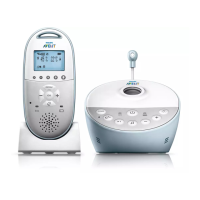
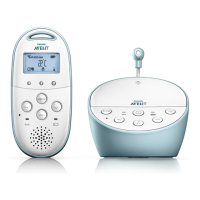
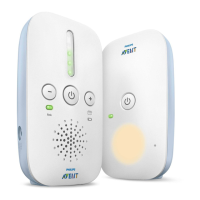
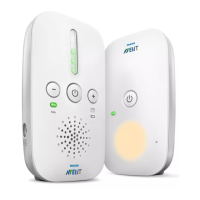
7
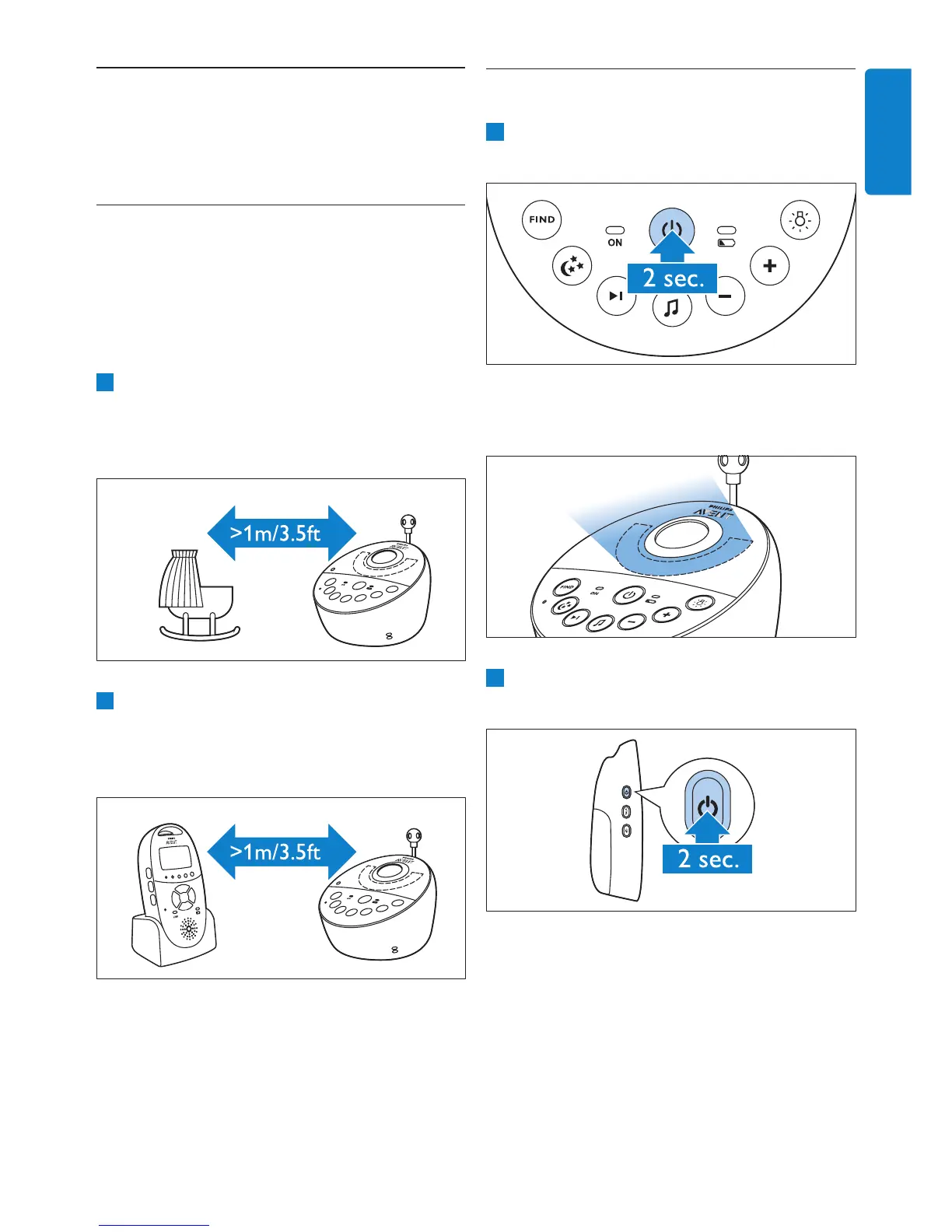
4.2 Linking parent unit and
baby unit
1 Press and hold the on/off button 3 on the
baby unit for 2 seconds.
• The nightlight, the battery status light and
the power-on light go on briey.
2 Press and hold the on/off button 3 on the
parent unit for 2 seconds.
• The display goes on and briey displays all
indicators and symbols. Then the indicators
and symbols fade out and the battery status
indicator appears.
4 Using the baby
monitor
4.1 Positioning the baby
monitor
B Warning:
Keep the baby unit out of the reach of the baby.
Never place the baby unit inside the baby’s bed
or playpen.
1 Because the cord of the baby unit presents a
potential strangulation hazard, make sure that
the baby unit and its cord are at least
1 metre/3.5 feet away from your baby.
2 To prevent a high-pitched sound from one
or both units, make sure the parent unit is at
least 1 metre/3.5 feet away from the baby
unit.
ENGLISH



 To Next Page
 Loading...