14
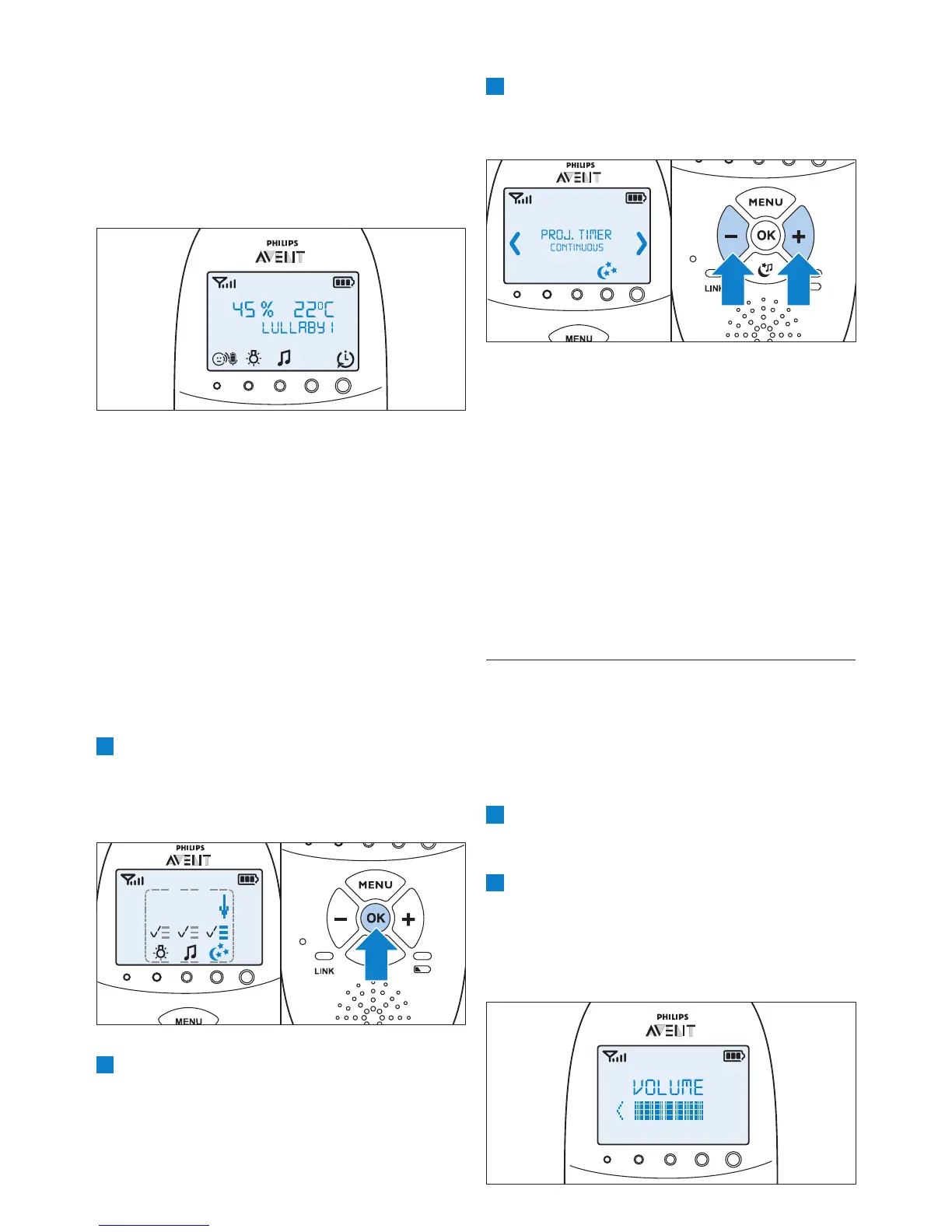
3 You can set the projector timer for 5 to
20 minutes or you can switch the projector
on continuously. Press OK to conrm.
• If you switched on the projector, the
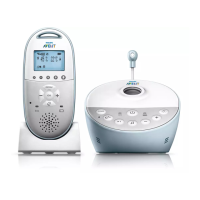
projector symbol is visible on the parent unit
display when you leave the soothing screen
by pressing the soothing button.
• If you set the projector timer, the projector
switches off automatically and the projector
symbol disappears from the parent unit
display after the time set.
• If you switch on the projector continuously, you
have to switch off the projector in the soothing
screen. This makes the projector symbol
disappear from the parent unit display.
6.2 Volume
The volume can be set if the menu is not active.
There are seven volume levels and a ‘volume off’
setting.
6.2.1 Setting the volume level
1 Press the + button or the - button once.
• The current volume level appears on the
display.
2 Press the + button to increase the volume or
press the - button to decrease the volume.
• The parent unit beeps at every volume step
• At maximum volume, the parent unit gives
two beeps.
• If you selected lullaby playing, the lullaby
symbol is visible on the parent unit display
when you press the soothing button to leave
the soothing screen. The lullaby played is
shown on the second line of the message
eld for 2 seconds.
• If you set the lullaby timer, the lullaby
function switches off and the lullaby symbol
disappears from the parent unit display
after the time set.
• If you choose to play lullabies continuously,
switch off lullaby playing in the soothing
screen or by pressing the lullaby play/stop
button K on the baby unit.
6.1.3 Projector
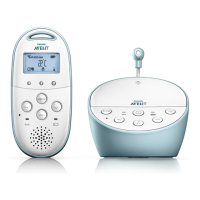
This soothing feature allows you to switch on
the projector on the baby unit and program the
duration of projection.
1 To select the projector feature, use the + and
- buttons to move the arrow to above the
projector symbol and press OK to switch the
projector on or off.
2 To open the menu with projector options,
point the arrow at the options eld and press
OK to conrm.


 To Next Page
 Loading...